Allow Vendor to Publish Product
The Allow Vendor to Publish Product feature enables vendor products to be published directly to the eCommerce store without requiring admin approval.
This streamlines the product onboarding process, allowing products to go live instantly after the vendor adds them.
Navigation Path
The configuration can be accessed using the following path:
Back Office → Features → Vendor → Allow Vendor to Publish Product
Configuration Steps
Open Features
- From the Back Office dashboard, select Features in the left-hand menu.
Select Vendor Settings
- In the Features list, select Vendor to access Allow Vendor to Publish Product.
Enable Allow Vendor to Publish Product
- Locate the Allow Vendor to Publish Product toggle.
- Switch it ON to allow vendors to publish products without admin approval.
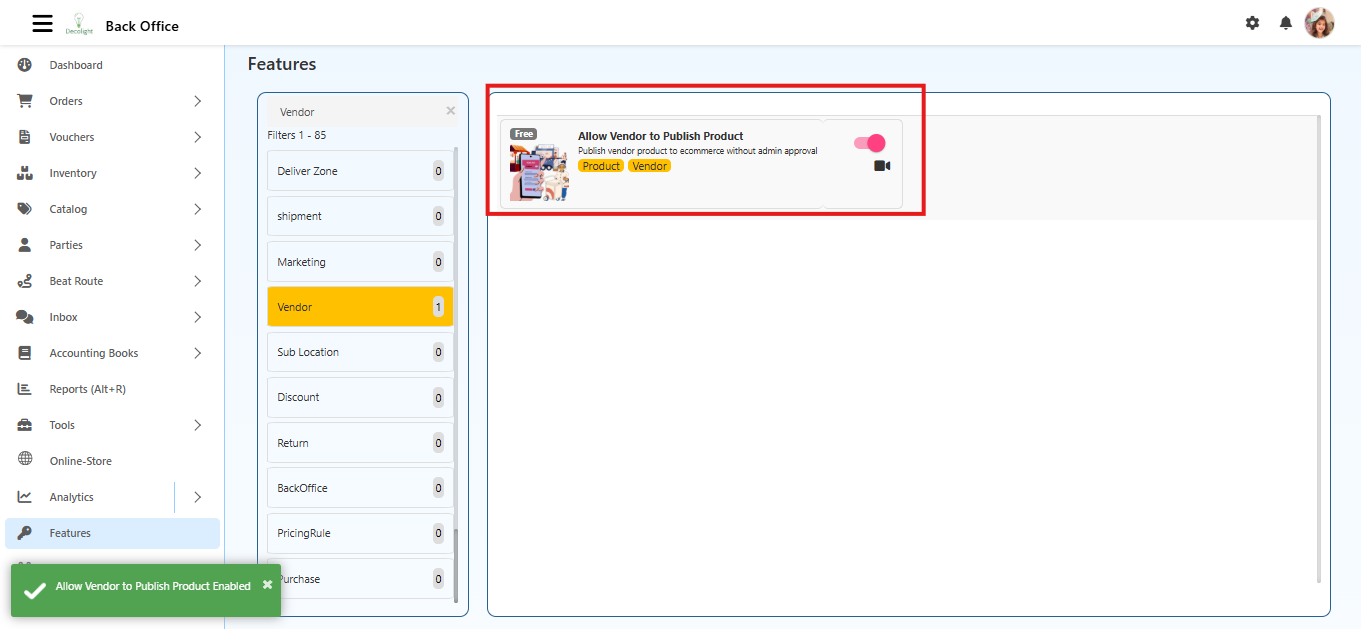
Save Changes
- Click the Save button at the bottom-right corner.
- The setting is now active and ready to use.
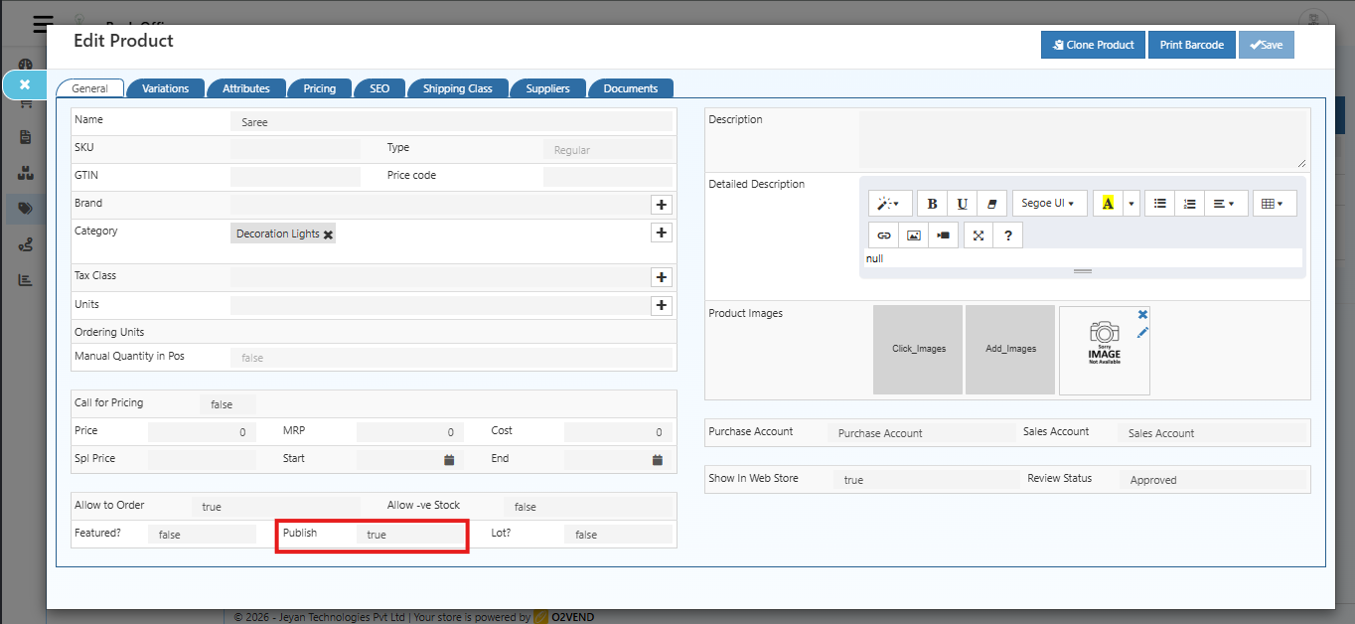
When Enabled
- Vendor products are published immediately upon creation.
- Admin approval is not required for product listing.
- Reduces delays in making products available on the store.
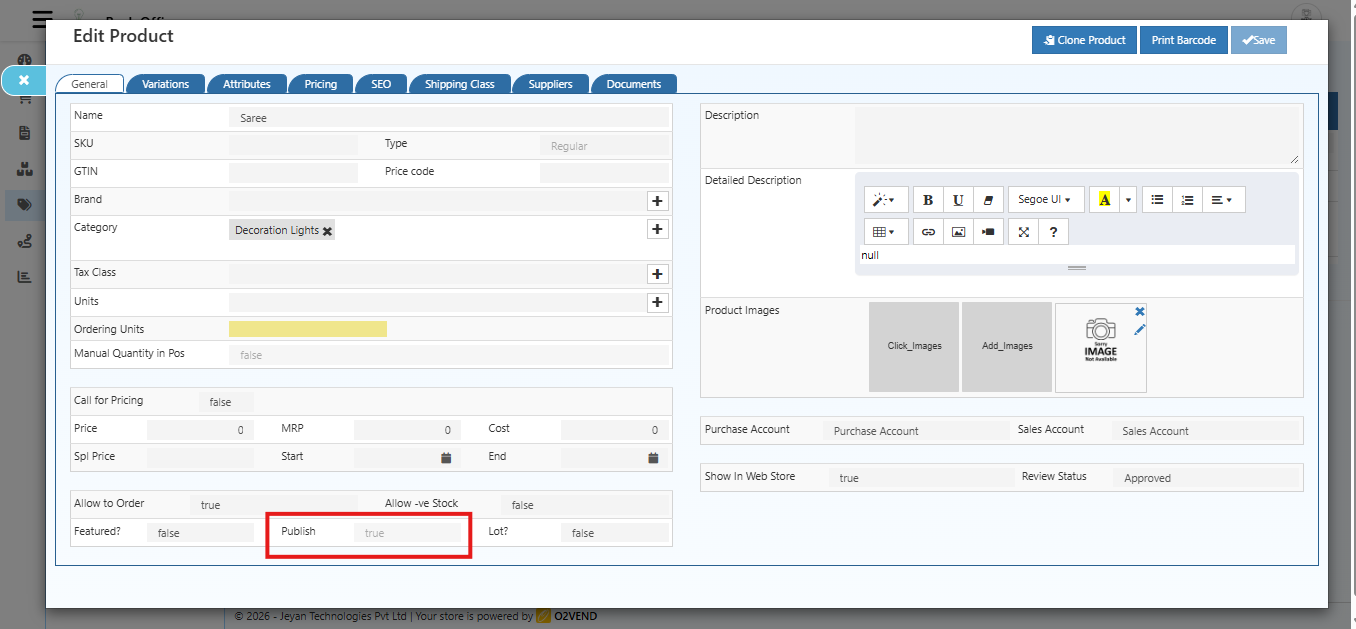
When Disabled
- All vendor products require admin approval before being published.
- Admin can review, edit, or reject products before they go live.
Notes
- Only enable this feature if vendors are trusted to add accurate product information.
- Product listings are immediately visible on the eCommerce store after publishing.
- Disabling this feature ensures all products are reviewed before going live.
Summary
Activating Allow Vendor to Publish Product provides:
- Faster product listing process
- Immediate product availability on the store
- Reduced admin workload for product approval