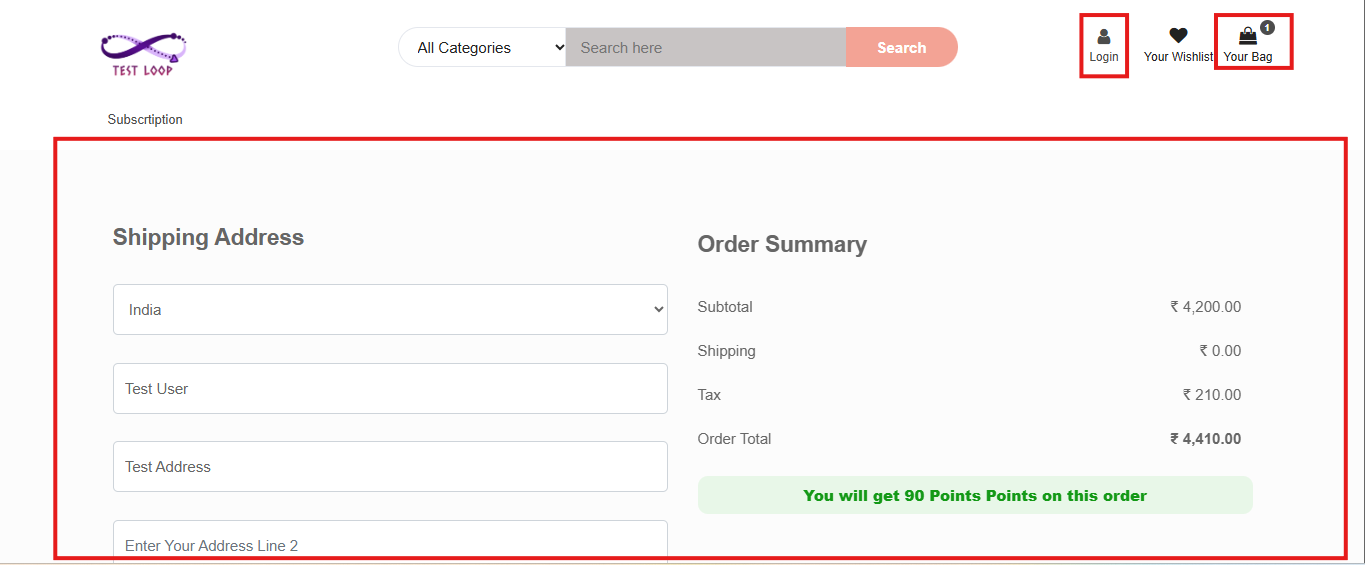
Guest Checkout Feature in O2VEND
This screen is used to control guest user behavior during shopping and checkout across different channels.
Navigation Path
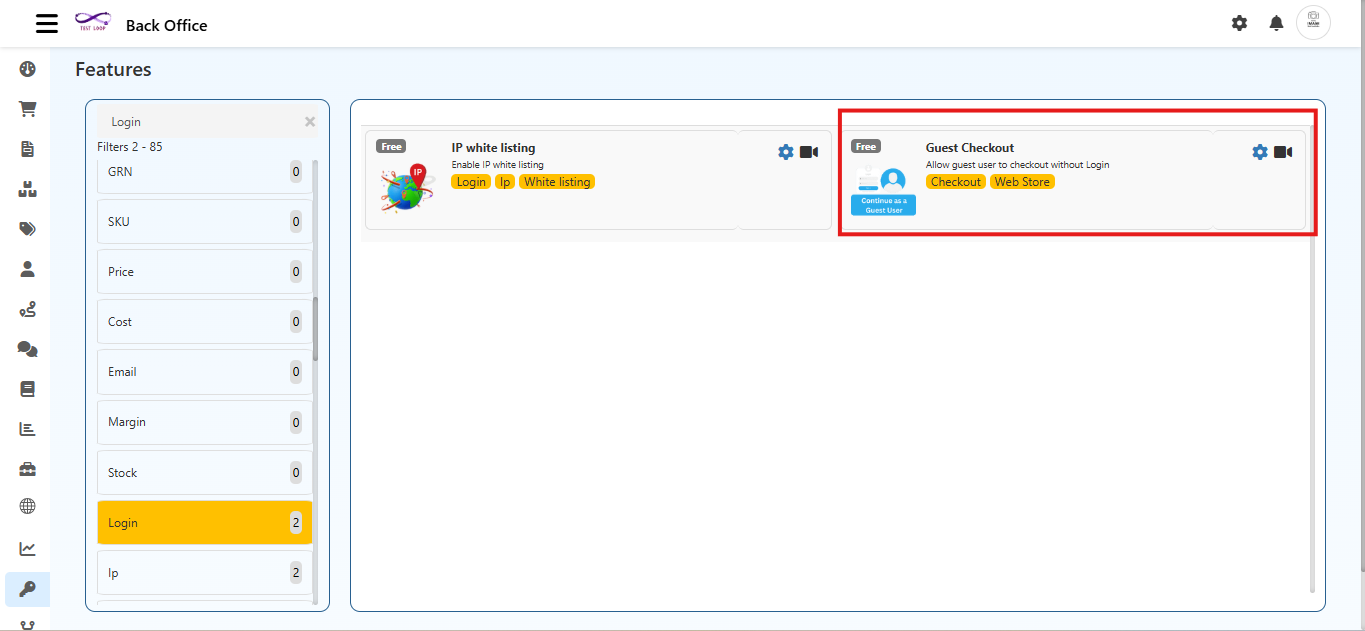
Back Office → Features → Login → Guest Checkout
Channel Selection
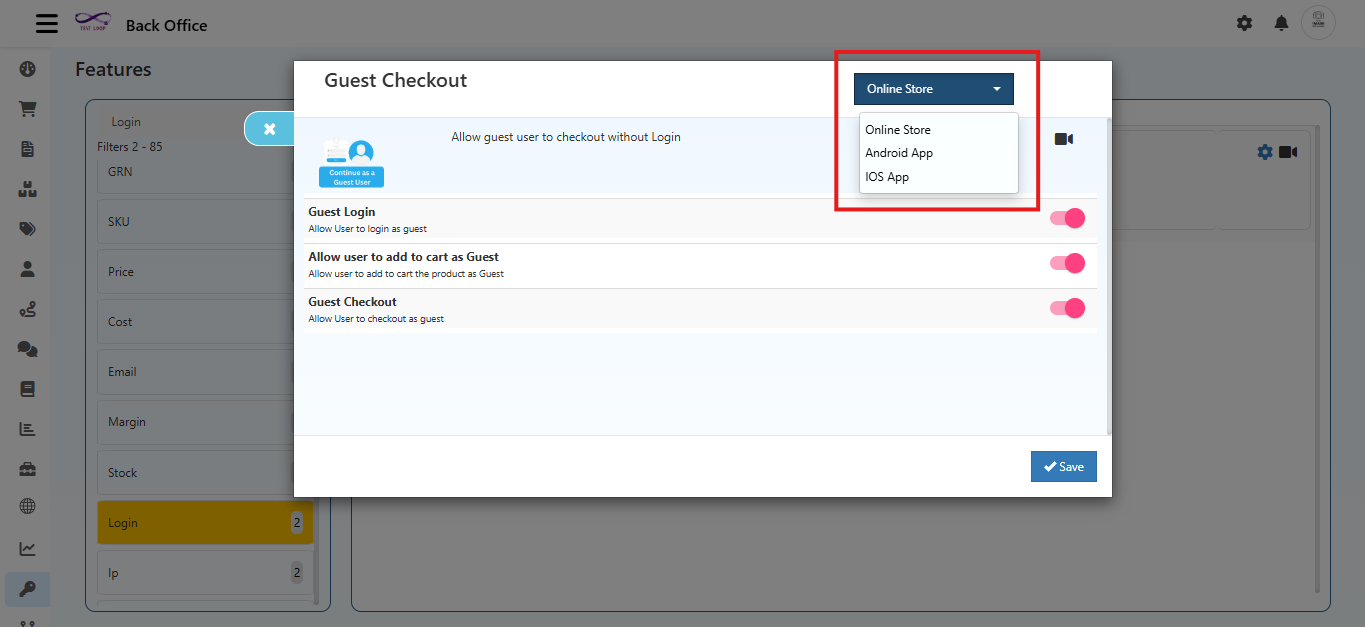
At the top-right, the channels selector allows choosing where the setting should apply:
- Online Store
- Android App
- IOS App
Each channels can have separate Guest Checkout rules.
Guest Checkout Settings
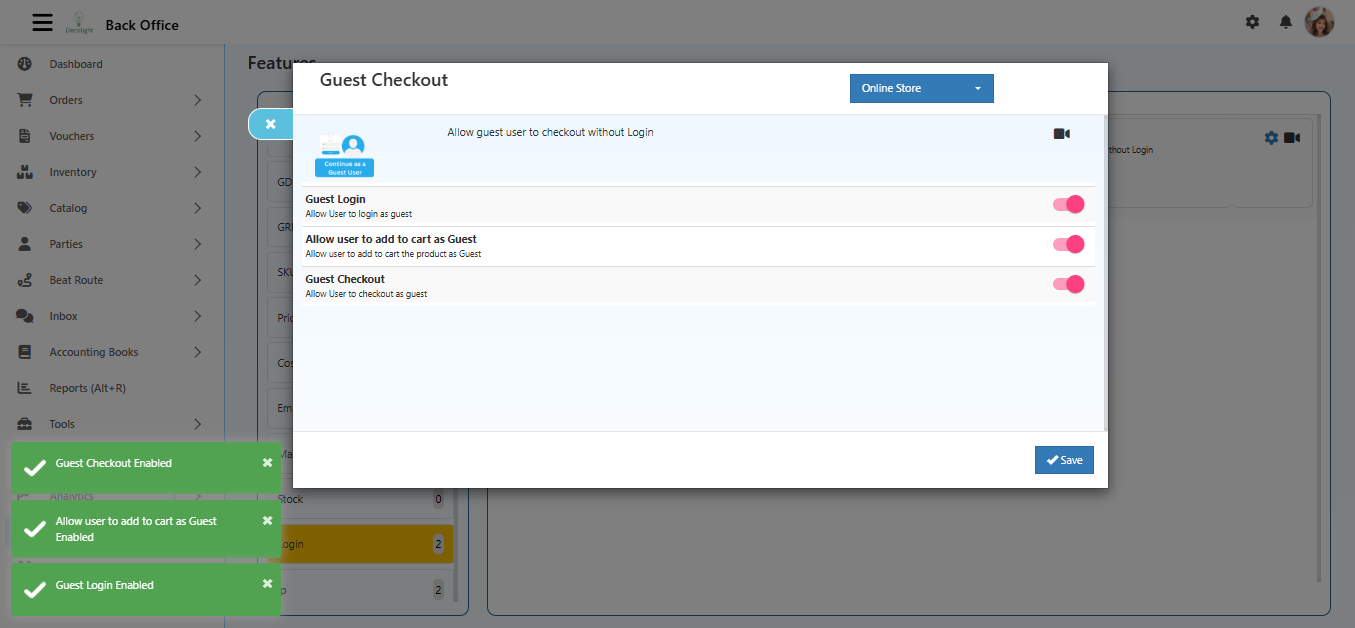
1. Guest Login
Description: Allow user to log in as a guest
- When enabled, users can proceed without creating or logging into an account.
- Useful for faster onboarding and reduced checkout flow.
2. Allow User to Add to Cart as Guest
Description: Allow user to add products to cart as Guest
- Enables browsing users to add items to cart without logging in.
- Login is not mandatory at the cart stage.
3. Guest Checkout
Description: Allow user to checkout as guest
- Allows order placement without account login.
- Customer details are collected only during checkout.
Save Configuration
After enabling or disabling required options:
- Click Save to apply changes.
- Settings are applied based on the selected channels (Online Store / App).