Notification Features in O2VEND
Overview
The Notification feature in O2VEND helps store owners stay informed about important activities in the store. Notifications can be received through:
- Email Notifications
- Push Notifications
- Web Notifications
- OTP (SMS / Email) Alerts
Each notification type can be enabled based on business needs. Notifications ensure that orders, logins, payments, and customer activities are tracked in real time.
Accessing Notification Settings
Notification settings are available in:
Back Office → Features → Notification
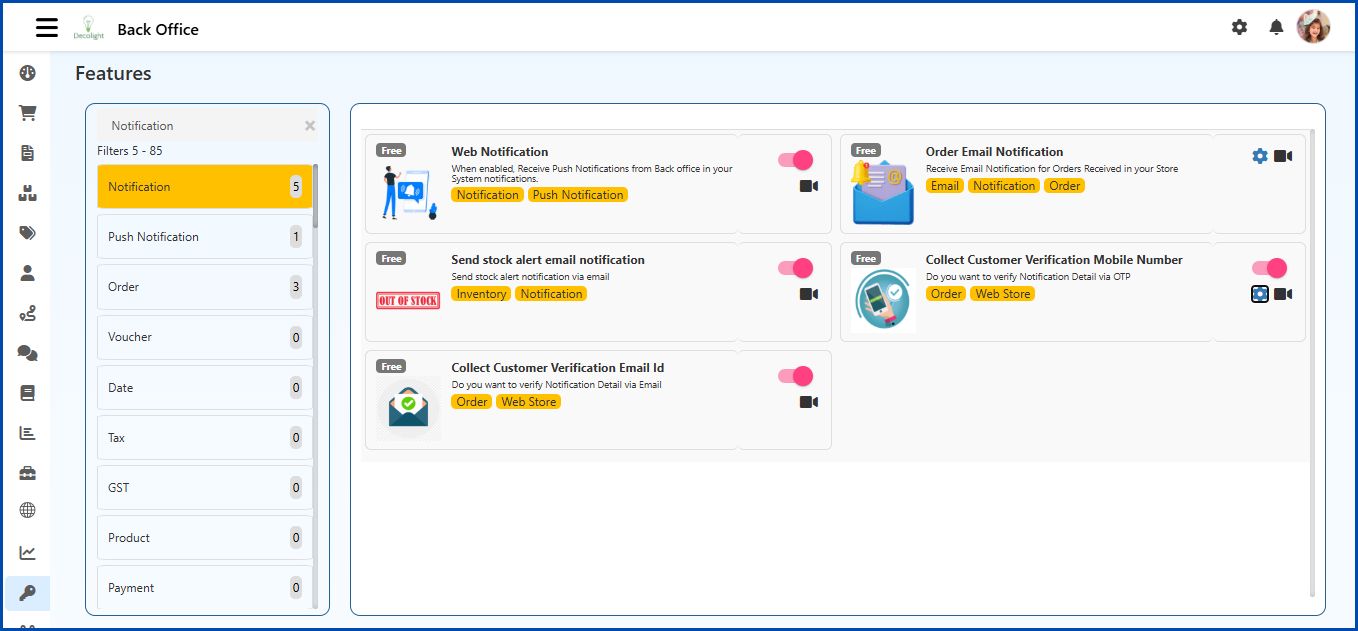
- Required notification options can be enabled or disabled here.
Web Notification
Using website push notifications for e-commerce businesses can bring benefits to business and help reach goals. This feature allows the eCommerce store owner to received automated push notifications on the browser.
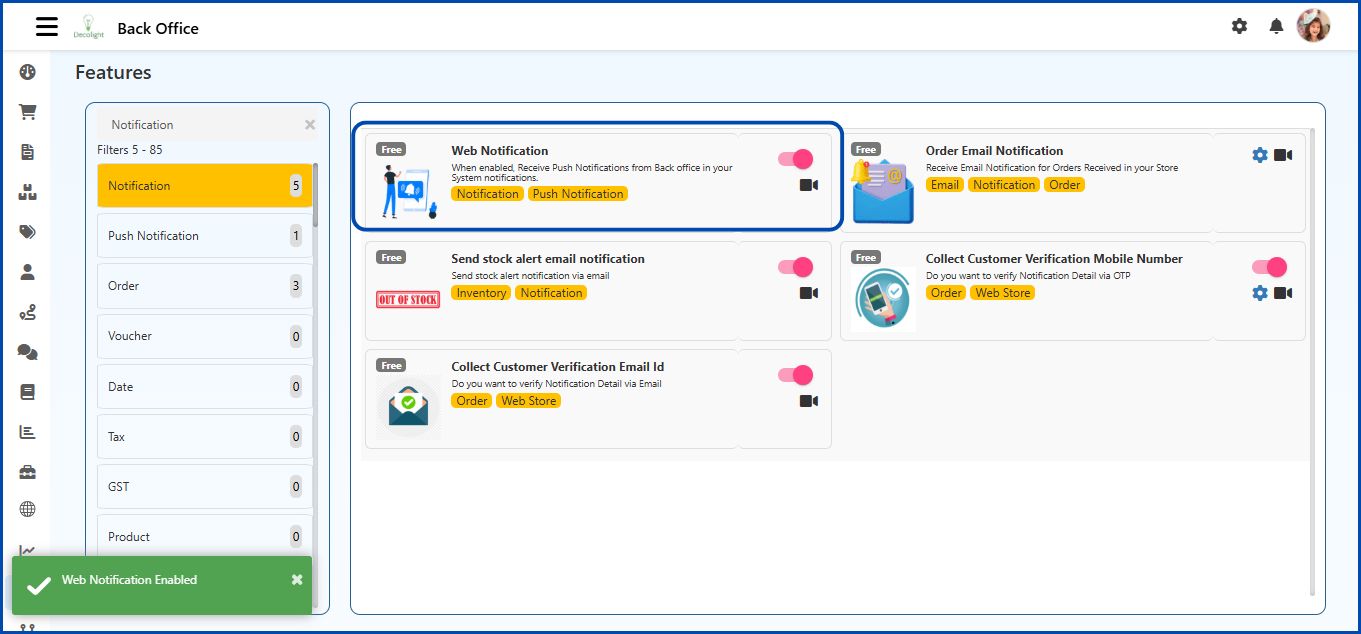
The push notification is only received when the order is coming from the eCommerce store.

Order Email Notification
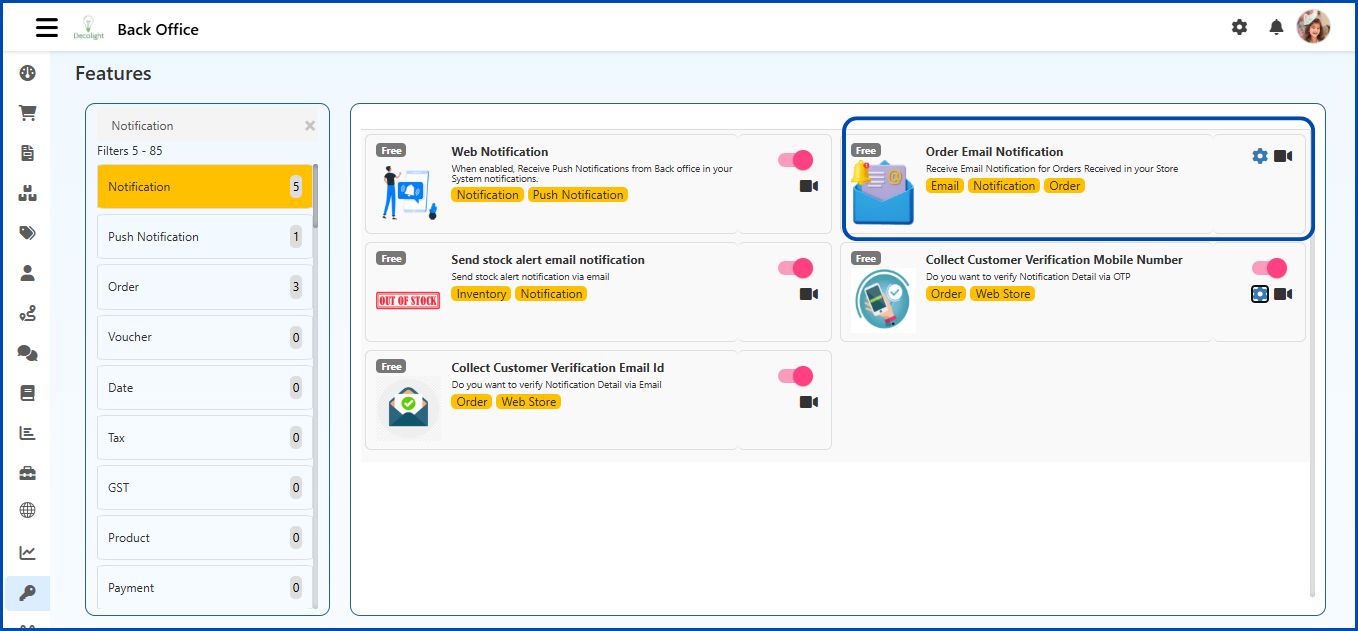
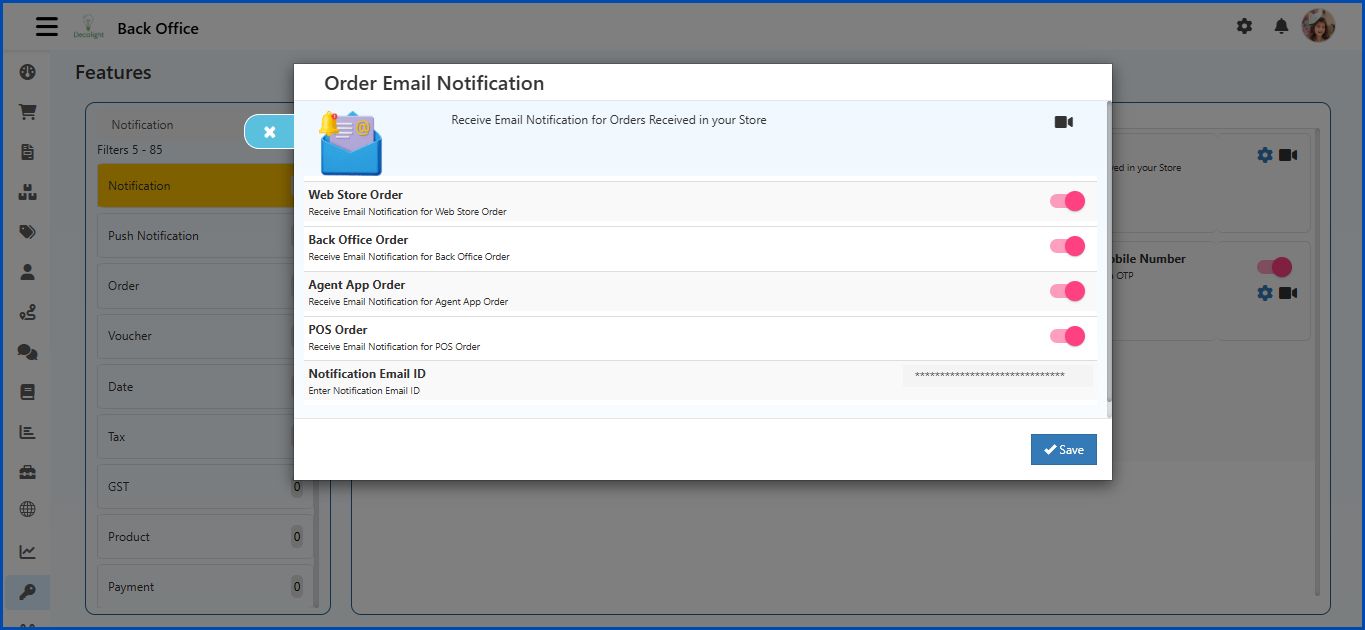
Allow to Send Email Notification for Web Order
The store owner gets notified by a email when a customer creates order from the eCommerce store.
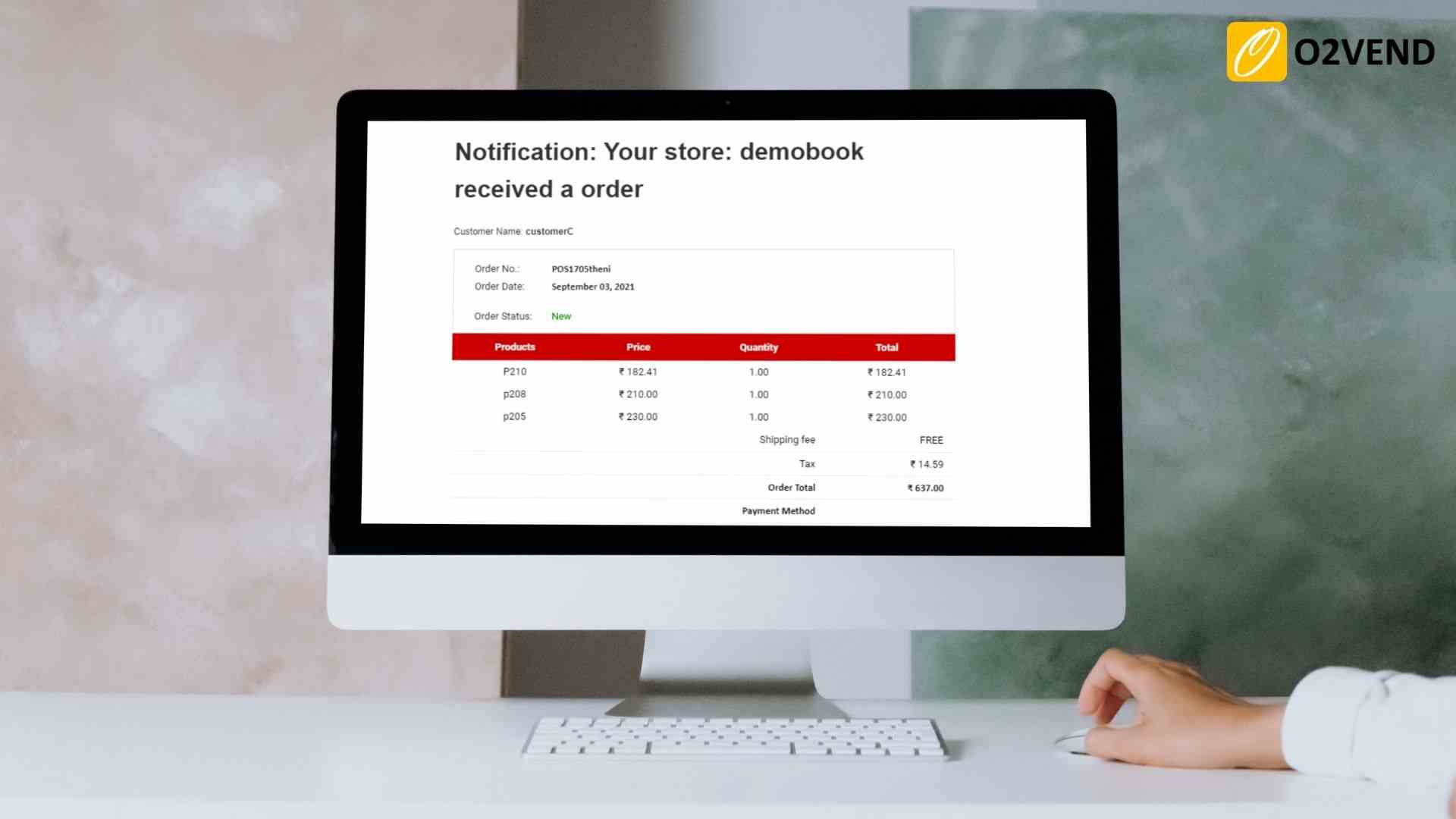
Allow to Send Email Notification for Admin Order
The store owner gets notified by the email when an order is created from the back office.
Allow to Send Email Notification for Agent Order
The store owner gets notified by the email when an order is created from the agent app.
Allow to Send Email Notification for POS Order
The store owner gets notified by the email whe an order is created from POS.
Notification Email ID
Enter the email address where order notifications should be delivered.
- All enabled notification alerts will be sent to this email.
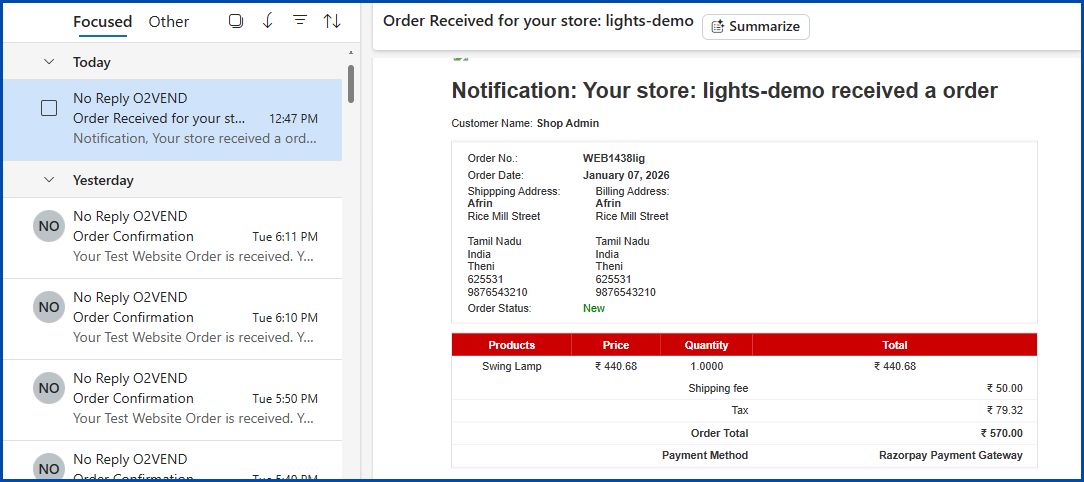
After configuring the options, select Save to apply the changes.
Send Stock Alert Email Notification
The Send Stock Alert Email Notification feature alerts the store owner by email when a product becomes out of stock.
This helps the store owner monitor inventory levels and reorder stock on time.
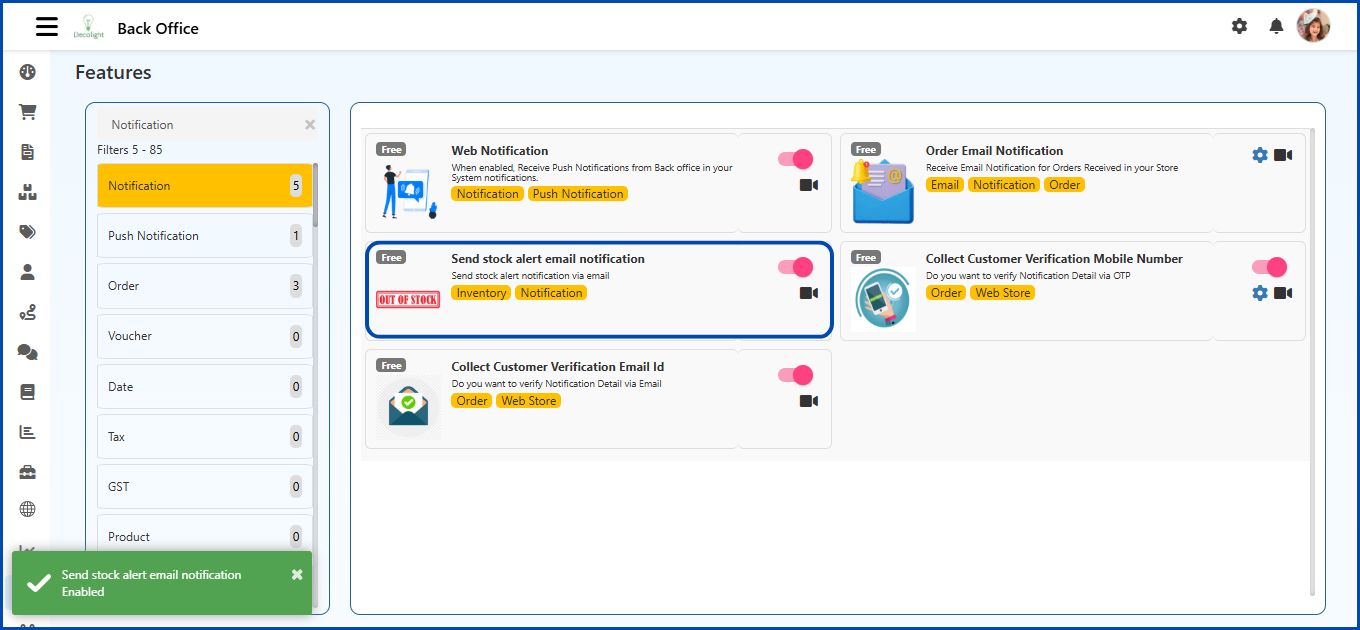
Once enabled, the system automatically sends alerts whenever an item reaches zero stock.
Collect Customer Verification Mobile Number
The Collect Customer Verification Mobile Number feature enables OTP-based verification for customer mobile numbers in the Web Store.
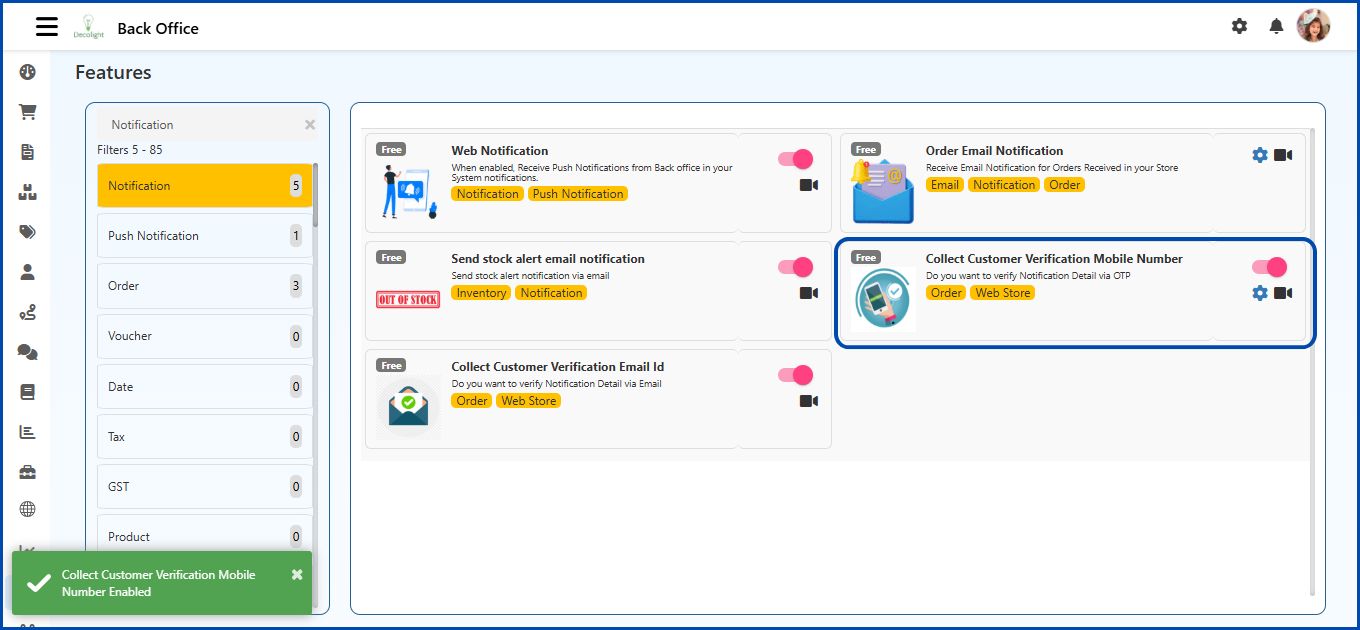
Verify Notification Number By OTP
When this option is enabled, the system sends a One-Time Password (OTP) to the customers mobile number. The customer must enter the OTP to complete verification.
This ensures that:
- the entered mobile number is valid
- incorrect entries are avoided
- notification messages reach the correct recipient
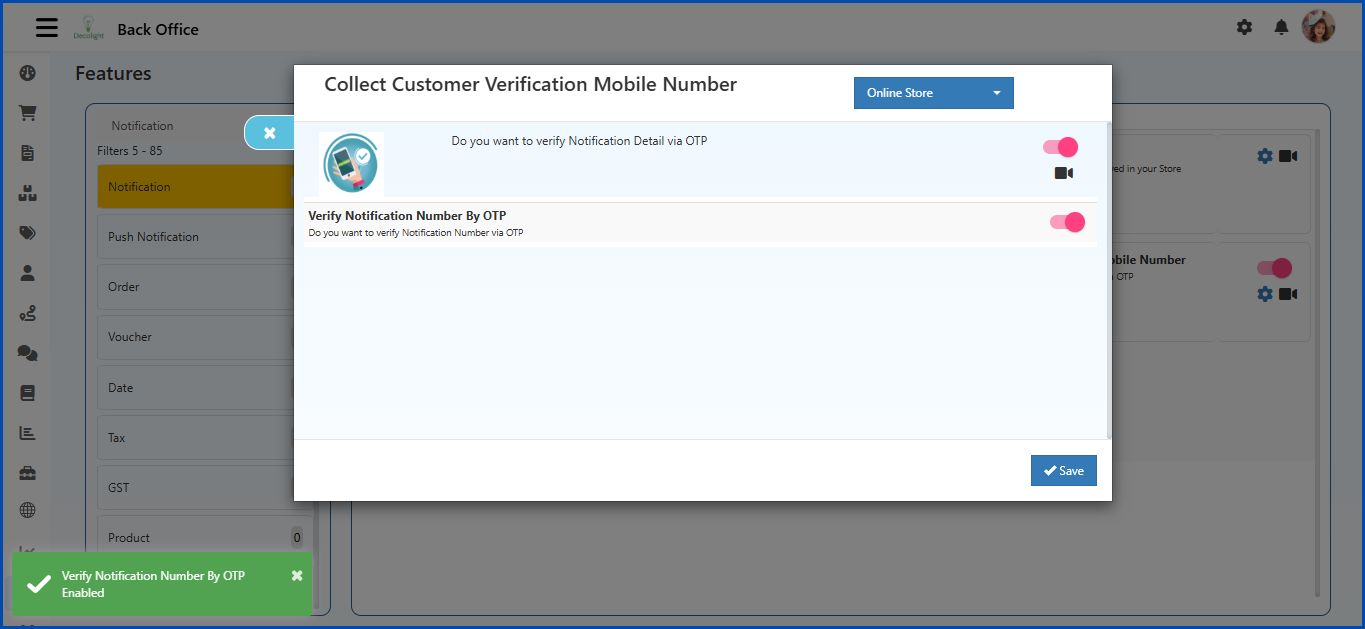
Select Save after enabling the option.
Collect Customer Verification Email ID
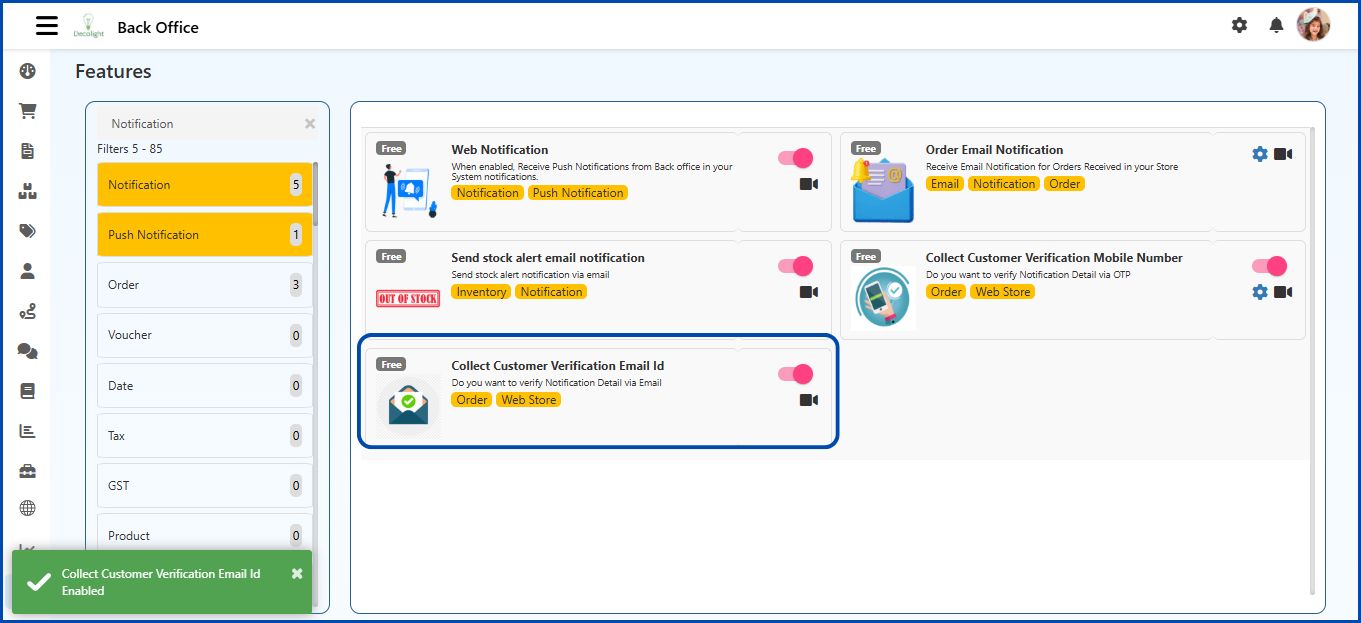
This feature verifies a customers email address before it is used for notifications.
When enabled, a verification email is sent to the customer. The customer must verify the email address to complete the process.
This helps maintain accurate customer contact information and prevents invalid email entries.