Sales Management System in O2VEND
The Sales feature group in O2VEND helps control invoice alerts, POS permissions, pricing behavior, employee mapping, and credit-sales handling.
Sales Features Covered
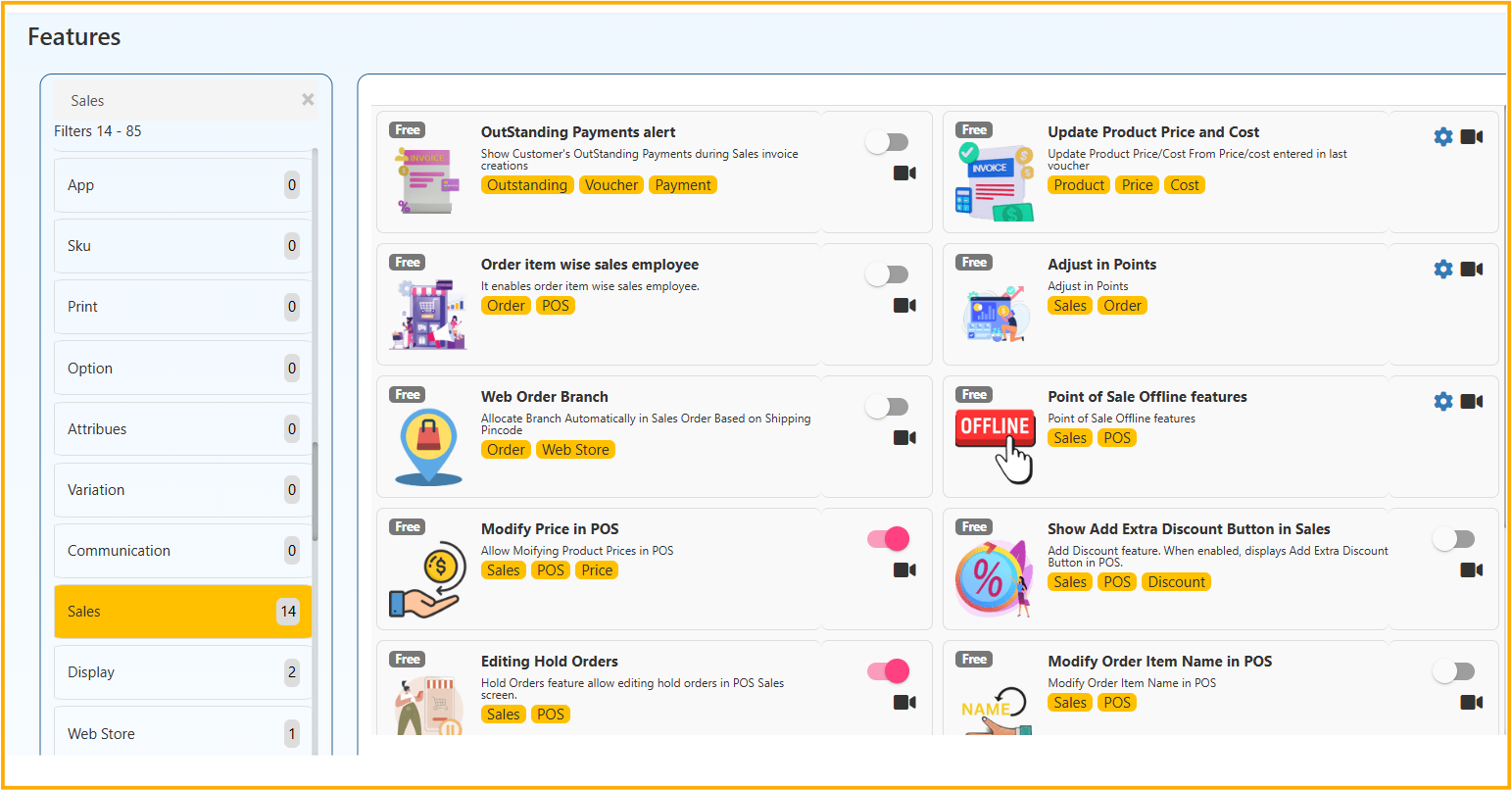
- OutStanding Payments alert
- Update Product Price and Cost
- Order item wise sales employee
- Adjust in Points
- Web Order Branch
- Point of Sale Offline features
- Modify Price in POS
- Show Add Extra Discount Button in Sales
- Editing Hold Orders
- Modify Order Item Name in POS
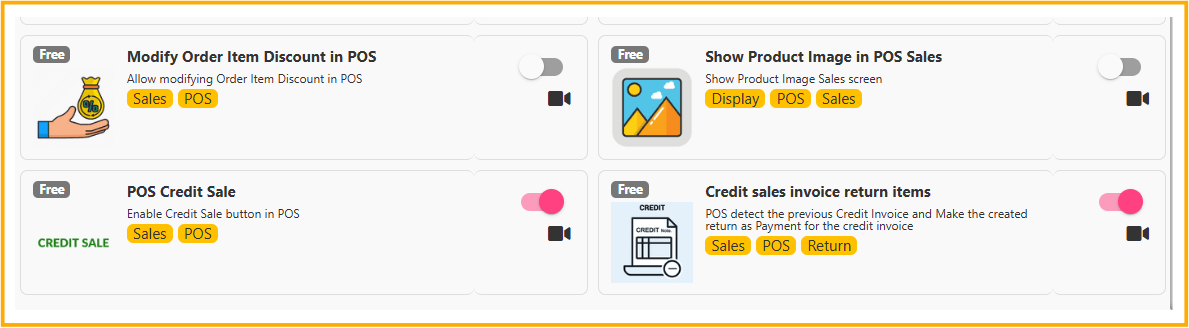
- Modify Order Item Discount in POS
- Show Product Image in POS Sales
- POS Credit Sale
- Credit sales invoice return items
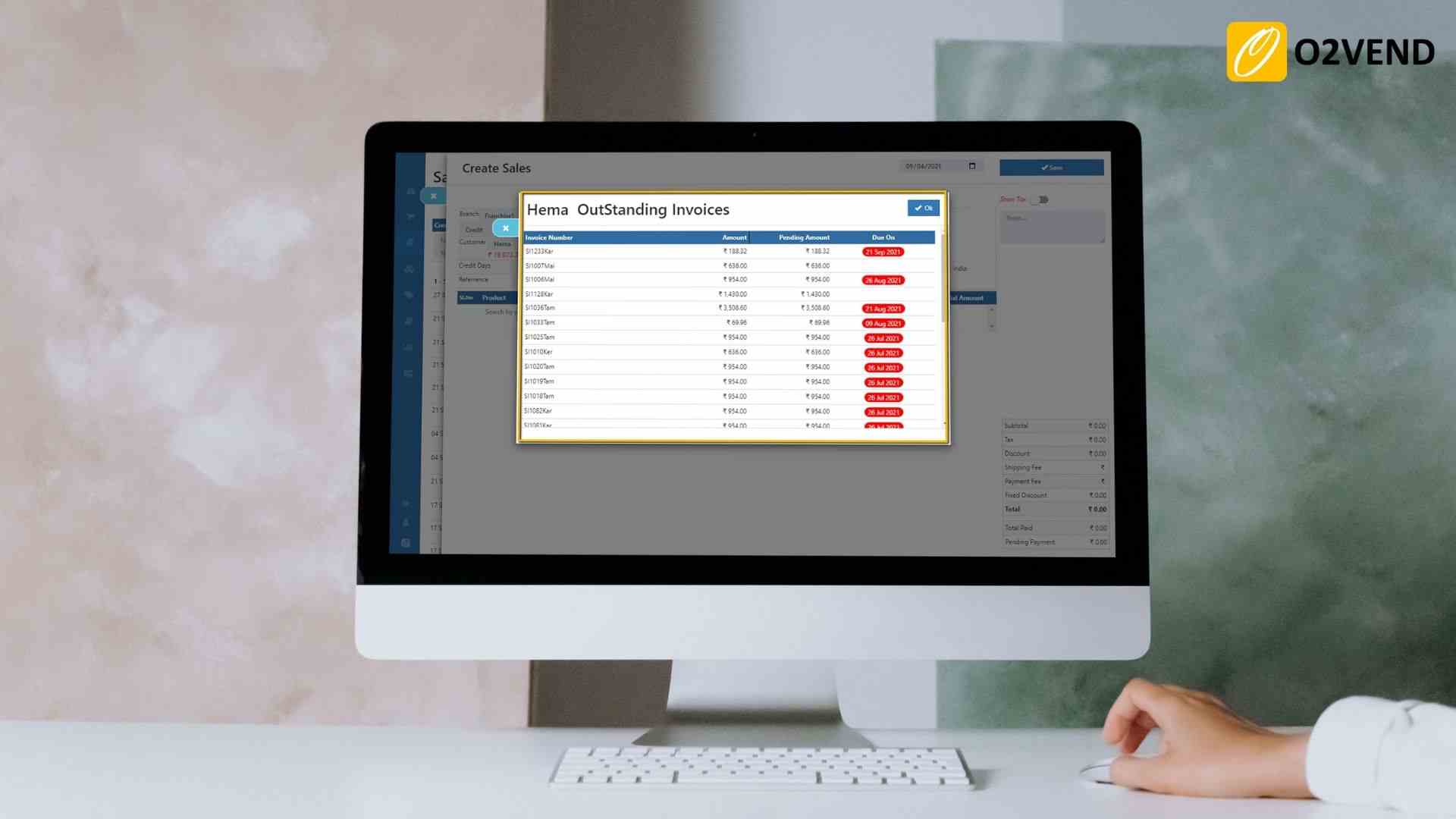
1) OutStanding Payments alert
Shows customer outstanding invoices while creating sales invoice/order, helping faster collection follow-up.
Navigation: Back Office → Features → Sales → OutStanding Payments alert
Tags: Outstanding, Voucher, Payment
2) Update Product Price and Cost
Automatically updates product price/cost from latest vouchers to maintain accurate selling and purchase values.
Navigation: Back Office → Features → Sales → Update Product Price and Cost
Tags: Product, Price, Cost
Typical options:
- Update Product Price From Last Sales Voucher
- Product Price Do Not Include Discounts
- Update Product Cost From Last PO/PI/RC
- Product Cost Do Not Include Discounts
- Update Product Tax Class From Last PO/PI/RC
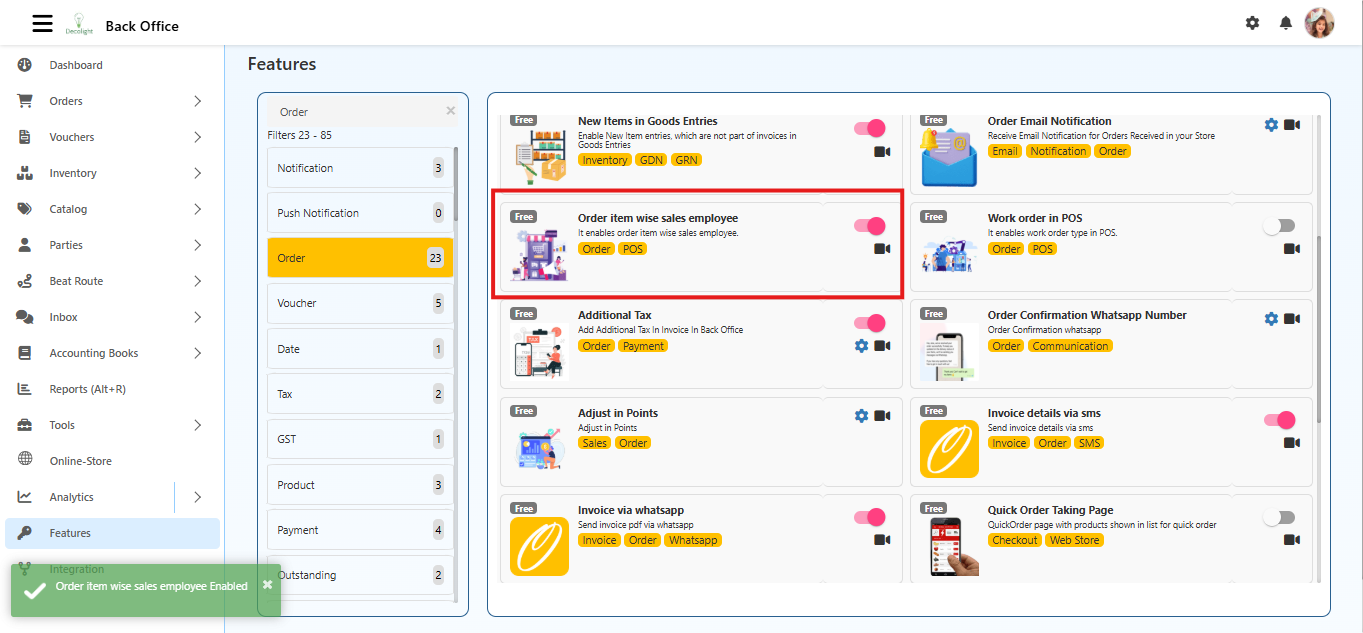
3) Order item wise sales employee
Assigns sales employee at item level in orders/POS billing for commission and performance tracking.
Navigation: Back Office → Features → Sales → Order item wise sales employee
Tags: Order, POS
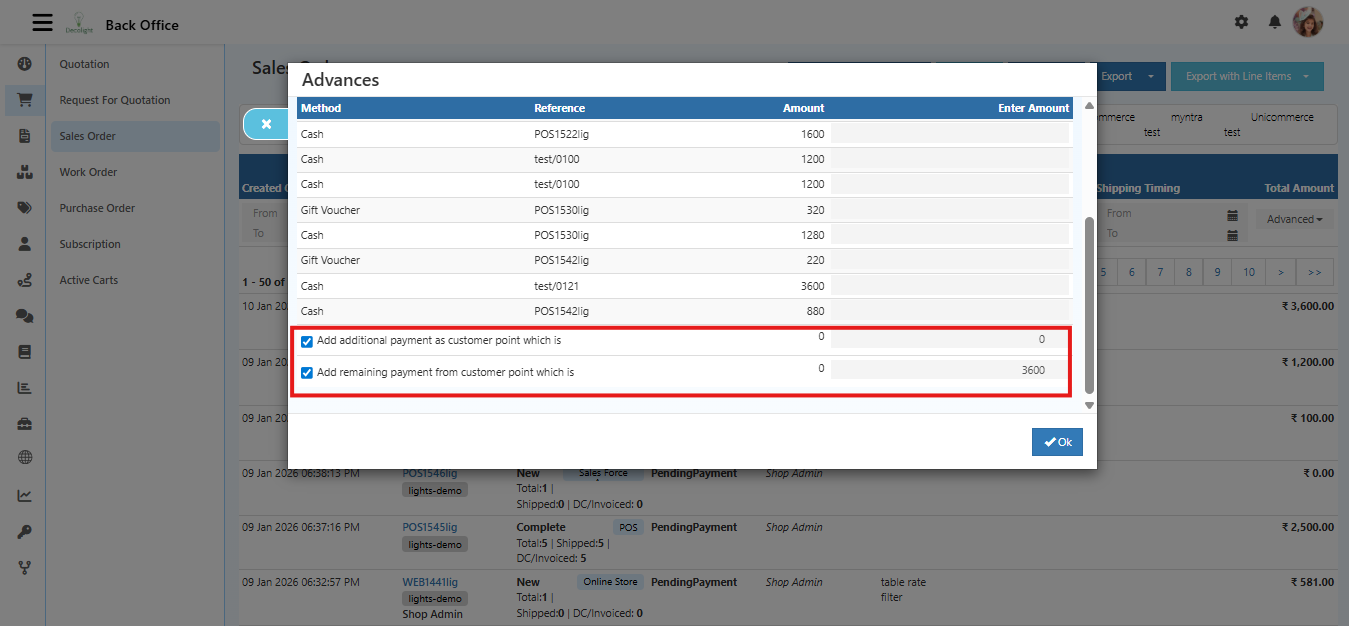
4) Adjust in Points
Allows converting payment amount to loyalty points or redeeming points as payment during order flows.
Navigation: Back Office → Features → Sales → Adjust in Points
Tags: Sales, Order
5) Web Order Branch
Automatically allocates web orders to the right branch using shipping pincode mapping.
Navigation: Back Office → Features → Sales → Web Order Branch
Tags: Order, Web Store
6) Point of Sale Offline features
Lets POS continue billing when internet is unavailable and syncs data after connection is restored.
Navigation: Back Office → Features → Sales → Point of Sale Offline features
Tags: Sales, POS
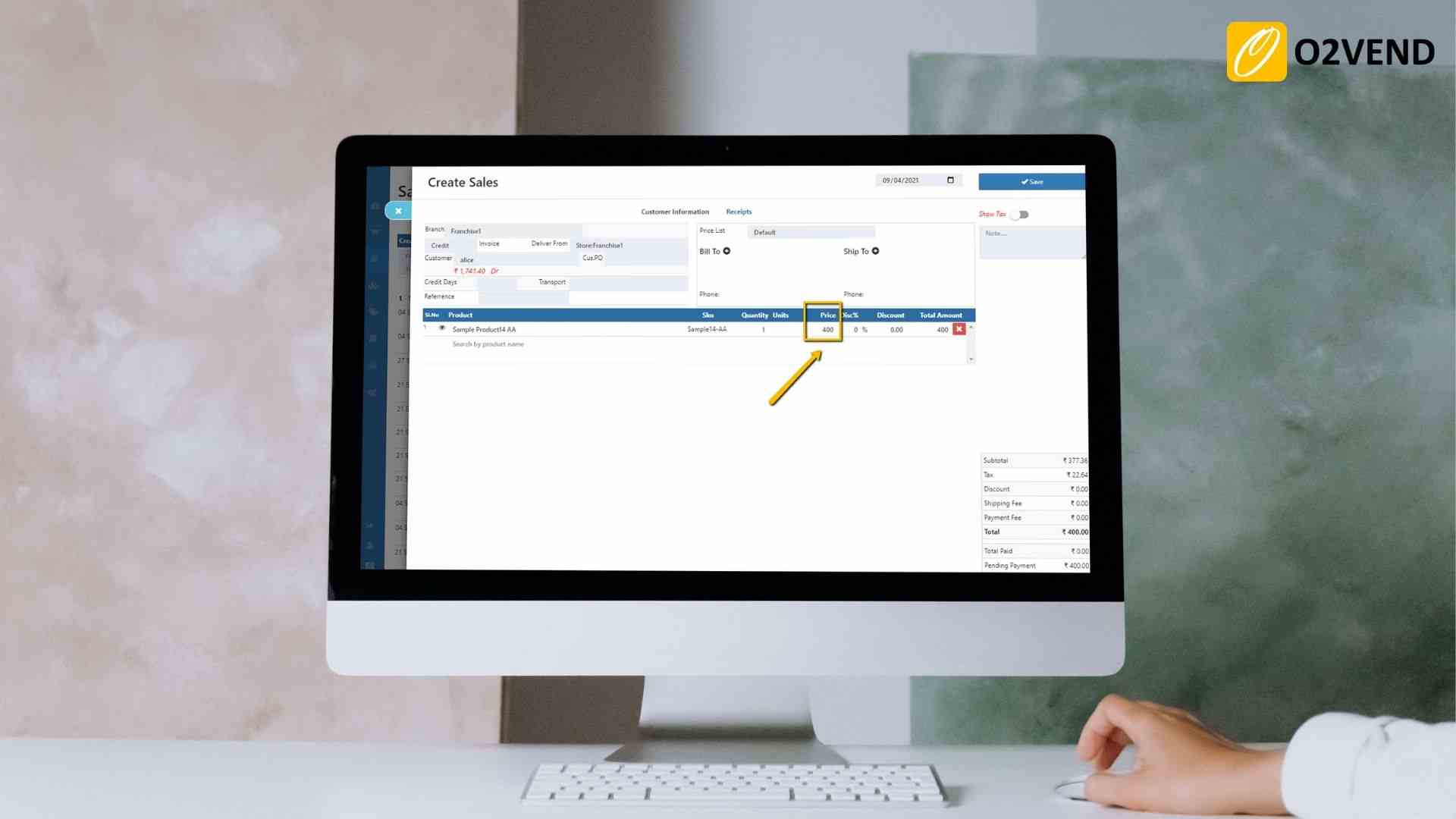
7) Modify Price in POS
Allows authorized staff to change item price directly in POS billing.
Navigation: Back Office → Features → Sales → Modify Price in POS
Tags: Sales, POS, Price
8) Show Add Extra Discount Button in Sales
Displays an additional discount option on POS sales screen for special discounts.
Navigation: Back Office → Features → Sales → Show Add Extra Discount Button in Sales
Tags: Sales, POS, Discount
9) Editing Hold Orders
Enables editing of hold orders in POS before final billing.
Navigation: Back Office → Features → Sales → Editing Hold Orders
Tags: Sales, POS
10) Modify Order Item Name in POS
Allows editing line-item name in POS, useful for customization and quick correction.
Navigation: Back Office → Features → Sales → Modify Order Item Name in POS
Tags: Sales, POS
11) Modify Order Item Discount in POS
Allows editing discount at item level during POS billing.
Navigation: Back Office → Features → Sales → Modify Order Item Discount in POS
Tags: Sales, POS
12) Show Product Image in POS Sales
Shows product image inside POS sales screen for faster visual identification.
Navigation: Back Office → Features → Sales → Show Product Image in POS Sales
Tags: Display, POS, Sales
13) POS Credit Sale
Enables credit-sale mode in POS for approved customers and account-based billing.
Navigation: Back Office → Features → Sales → POS Credit Sale
Tags: Sales, POS
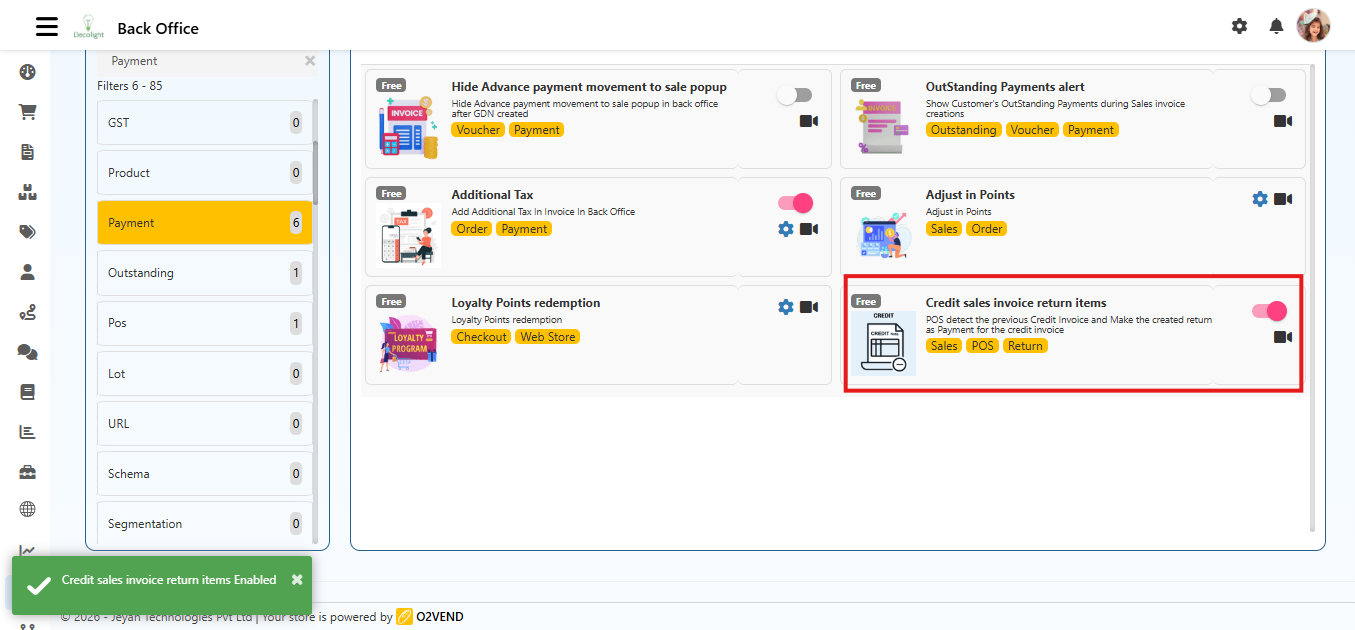
14) Credit sales invoice return items
When return is created for a previous credit invoice, POS applies return amount against outstanding credit.
Navigation: Back Office → Features → Sales → Credit sales invoice return items
Legacy path in some setups: Back Office → Features → Payment → Credit Sales Invoice Return Items
Tags: Sales, POS, Return
Recommended Controls
- Keep Modify Price/Discount permissions limited to authorized roles.
- Enable OutStanding Payments alert for better receivable tracking.
- Enable POS Offline only after offline sync testing in staging.
- Review Credit Sale limits and approval rules periodically.