Product Configuration Features
This guide explains the following product-related features:
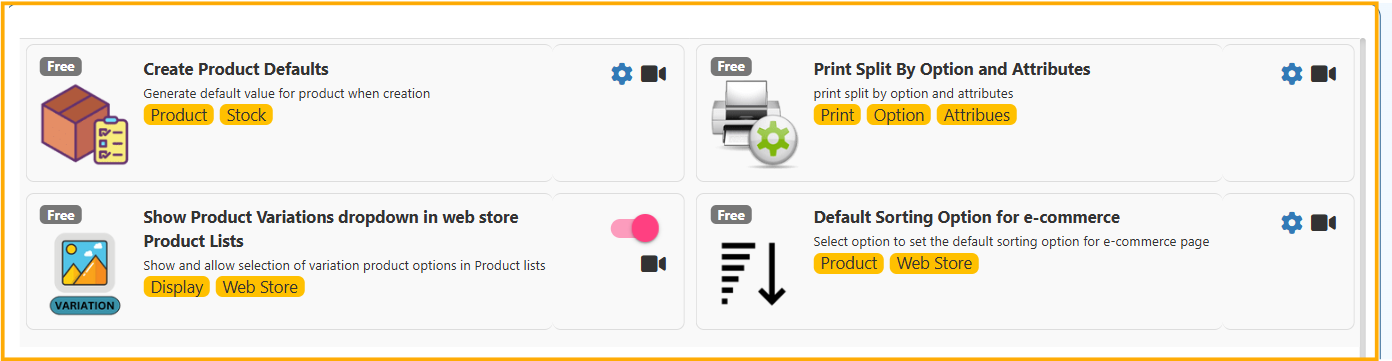
- Create Product Defaults
- Show Product Variations Dropdown in Web Store Product Lists
- Print Split by Option and Attributes
- Default Sorting Option for E-commerce
All features help improve product management, stock control, and web store experience.
🔹 1. Create Product Defaults
Location in Back Office
Navigation Path:
Back Office → Features → System & Security → Option Settings
The Create Product Defaults feature allows the system to automatically generate default values when creating a new product.
This reduces manual entry and ensures consistency.
Why Use Product Defaults?
- Standardize product creation
- Save time during product entry
- Avoid missing stock configuration
- Reduce human error
What Can Be Set as Default?
Examples:
- Default product type
- Default tax group
- Default brand/category
- Default selling price method
- Default unit of measure
🔹 2. Show Product Variations Dropdown in Web Store Product Lists
Location in Back Office
Navigation Path:
Back Office → Features → System & Security → Option Settings
This feature allows customers to:
- View variation options directly in product listing page
- Select variation (size, color, etc.) without opening product detail page
Use Case
Example:
- T-Shirt with Size: S, M, L
- Color: Red, Blue, Black
Instead of opening product page, customer can select:
Print Split By Option and Attributes
Prints product options and attributes as separate split lines in print output.
Default Sorting Option for e-commerce
Sets the default product sorting option for the e-commerce listing page.