Amazon SES Integration in O2VEND
Amazon SES integration allows O2VEND to send transactional emails (order updates, notifications, and communication emails) through your Amazon SES SMTP setup.
Location in Back Office
Navigation Path:
Back Office → Integration → Amazon SES
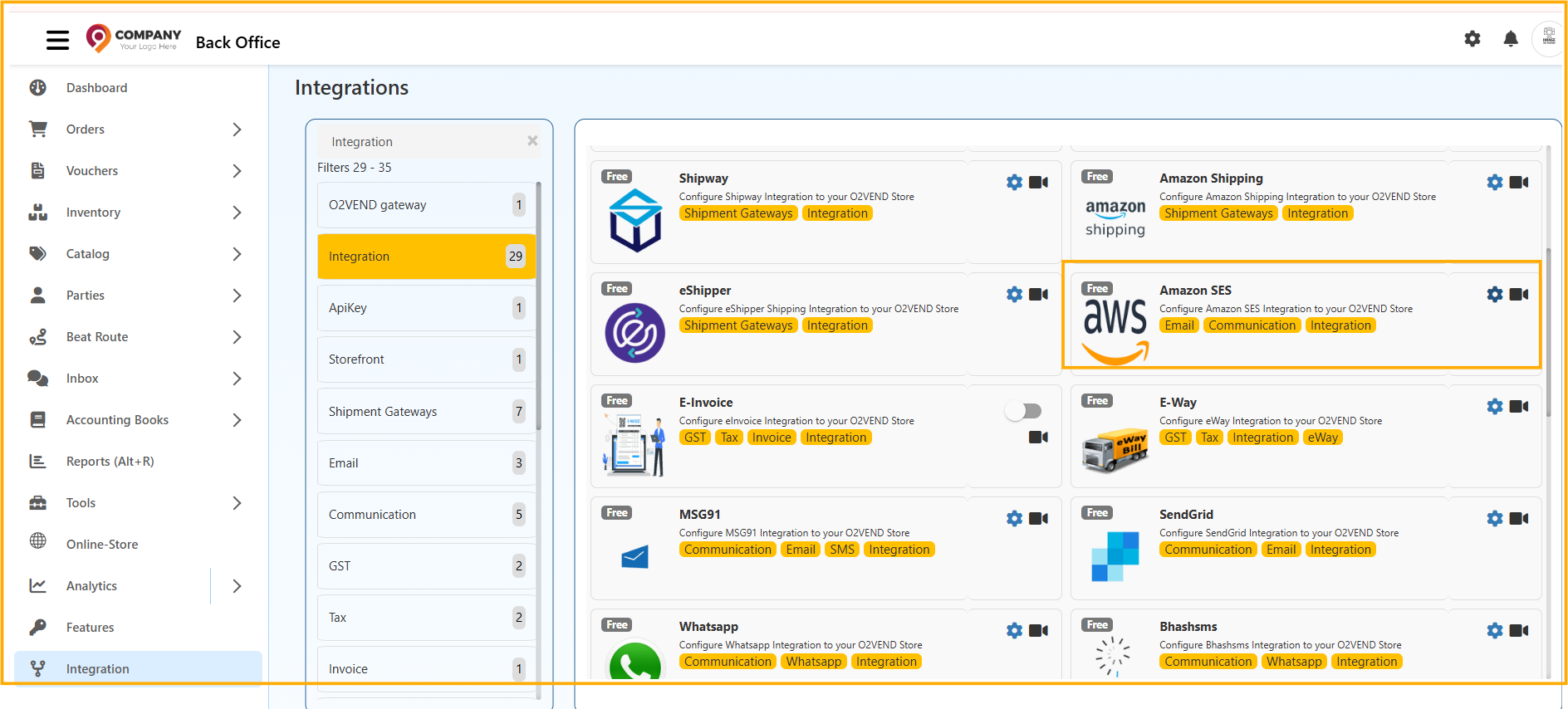
Amazon SES - Integration Overview
In the Integrations screen, select Amazon SES under Email/Communication integrations and open the configuration panel.
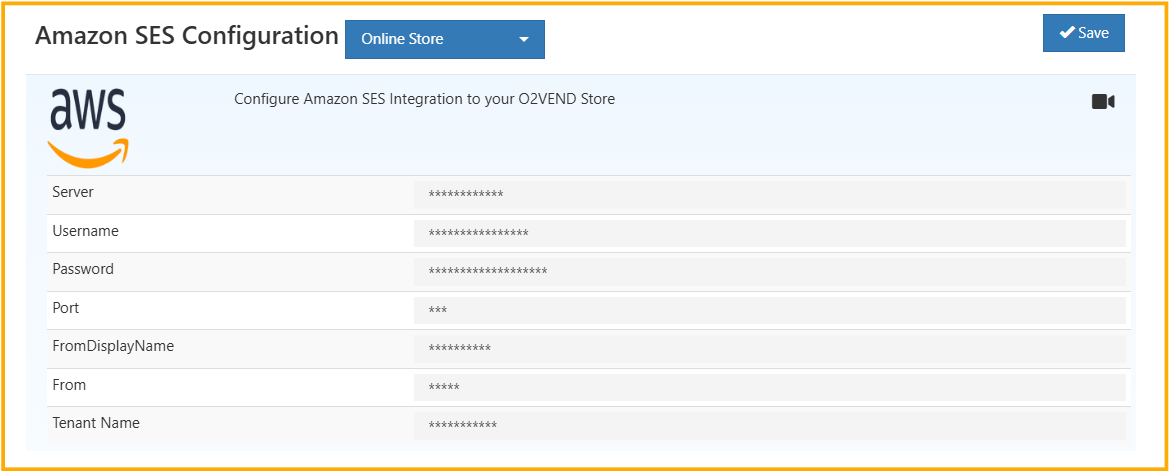
Configuration
Enter the following SMTP details from your Amazon SES account:
- Server - Amazon SES SMTP endpoint
- Username - SES SMTP username
- Password - SES SMTP pas)sword
- Port - SMTP port (usually 25 / 465 / 587)
- FromDisplayName - Sender display name
- From - Verified sender email address
- Tenant Name - Tenant/store identifier
Select the required channel (for example, Online Store) and click Save.
Outcome
After saving valid credentials, O2VEND uses Amazon SES to send configured system emails from the specified sender account.