Payment Features in O2VEND
Location in Back Office
Navigation Path:
Back Office → Features → Payment
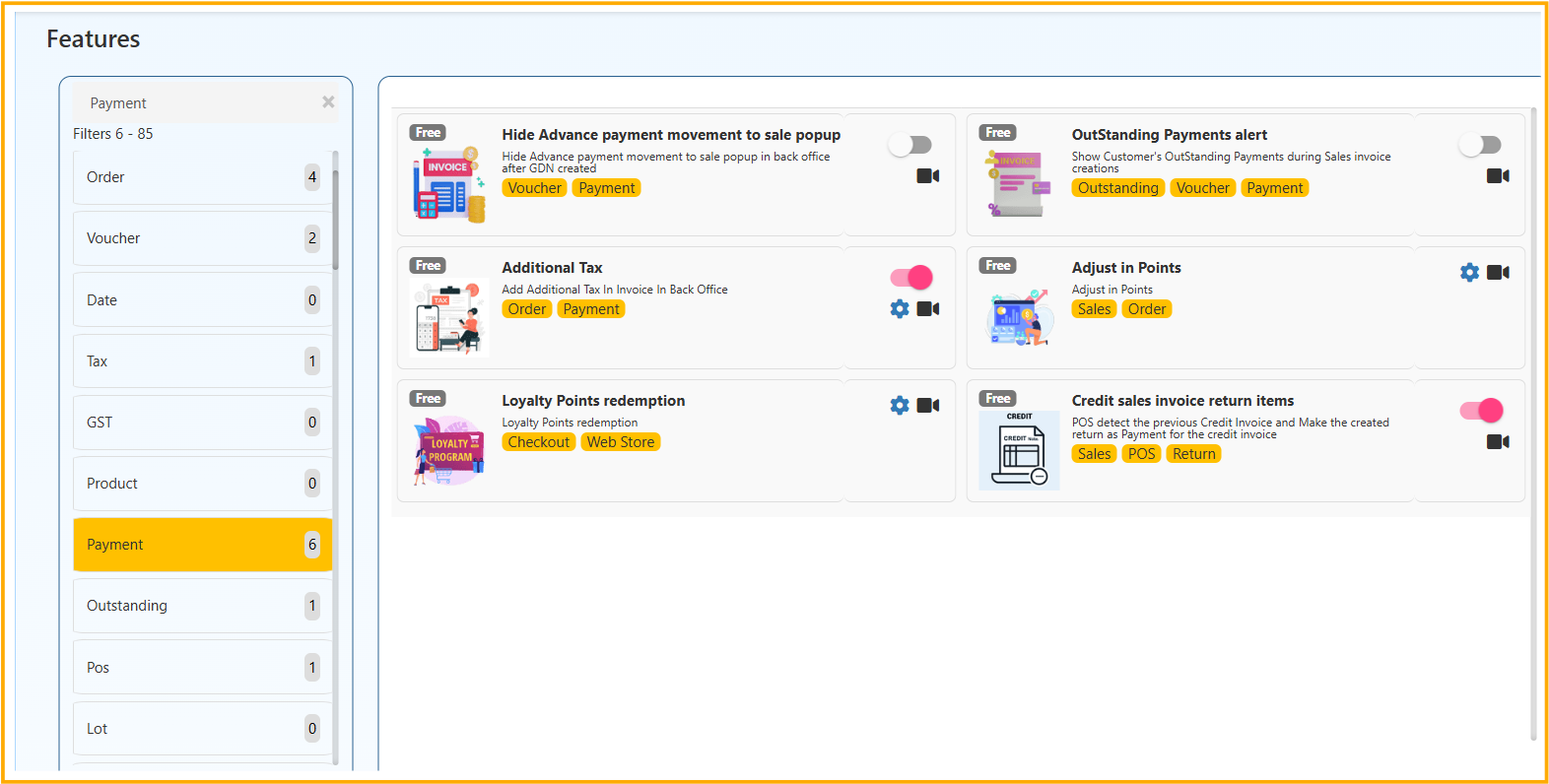
Hide Advance Payment Movement to Sale Popup
This feature hides the advance payment movement popup while creating a sale after GDN. It makes the billing flow faster and reduces unnecessary interruptions for the user.
Outstanding Payments Alert
This feature shows the customer’s pending outstanding amount during sales invoice creation. It helps to collect dues on time before completing the invoice.
Additional Tax
This feature allows you to apply an extra tax component in invoice billing when required. It ensures additional charges are calculated and reflected clearly in the final total.
Adjust in Points
This feature lets users adjust loyalty points as part of payment in sales orders. It gives customers more flexibility during checkout and improves payment convenience.
Loyalty Points Redemption
This feature enables customers to redeem their available loyalty points during checkout. It improves customer engagement by rewarding repeat purchases.
Credit Sales Invoice Return Items
POS automatically detects the previous credit invoice and applies the created return amount as payment toward that invoice.