Canonical Pages & Base URL for Canonical Tags – SEO Configuration Guide
This guide explains:
- Canonical Pages
- Base URL for Canonical Tags
These settings are essential to prevent duplicate content issues and improve SEO ranking.
🔹 1. What Are Canonical Pages?
Search engines treat the following as separate URLs:
Even though both load the same website, search engines may consider them duplicate pages.
This can cause:
- SEO ranking dilution
- Duplicate content issues
- Split page authority
📌 What Is a Canonical Tag?
A canonical tag tells search engines:
This is the preferred version of this page.
Example:
<link rel="canonical" href="https://www.yourstore.com/product/shirt" />
id="ztb9c6"
This ensures search engines index only one version.
🔹 2. Why Canonical Tags Are Important 🎯 Benefits
Prevent duplicate content penalties
Consolidate SEO ranking signals
Improve crawl efficiency
Ensure correct domain indexing
Avoid www / non-www confusion
🔹 3. WWW vs Non-WWW Example
Without Canonical:
https://yourstore.com/product/shirt
https://www.yourstore.com/product/shirt id="8yv9qk"
Search engines may treat these as two separate pages.
With Canonical:
Both versions point to:
https://www.yourstore.com/product/shirt
Now search engines understand the preferred version.
🔹 4. Base URL for Canonical Tags
📌 What Is Base URL?
The Base URL is the main domain that will be appended to all canonical tags automatically.
Example:
If Base URL is set as:
Then product canonical becomes:
https://www.yourstore.com/category/product-name
🔹 5. How to Configure Canonical Settings
⚙️ Steps
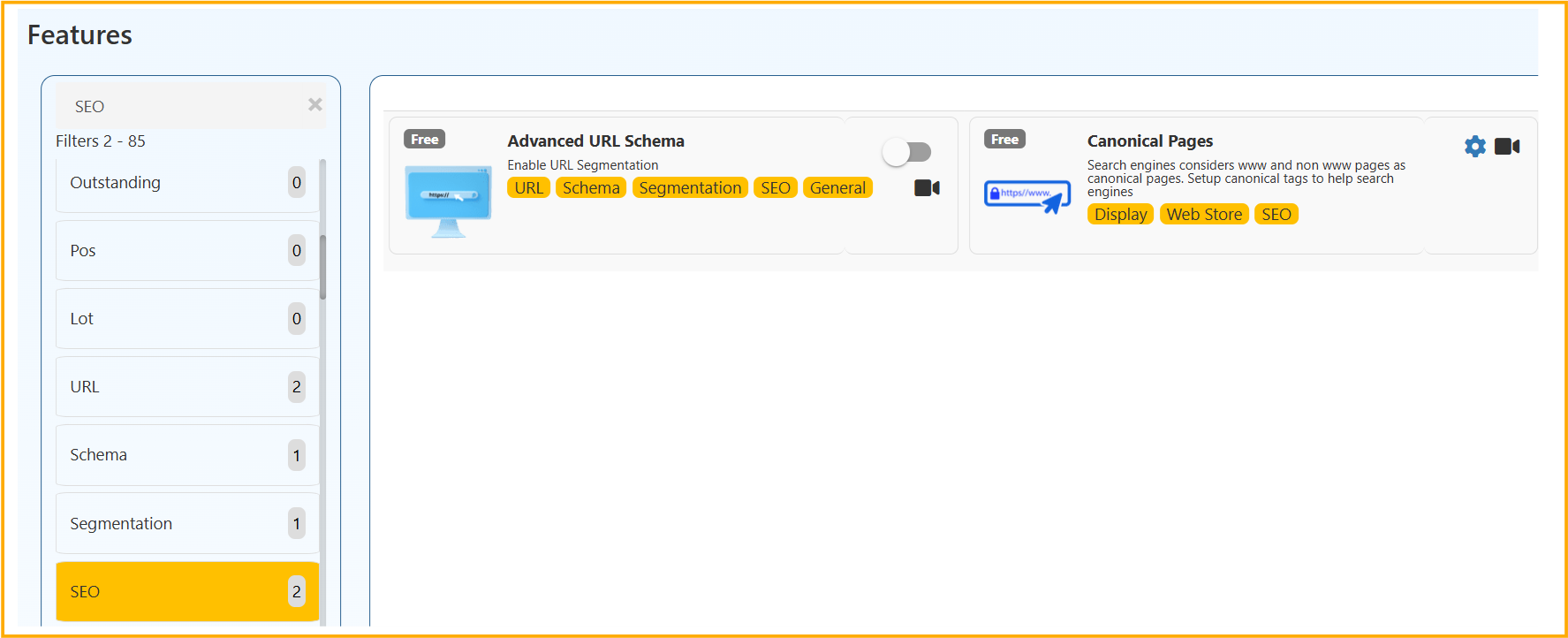
- Go to Feature
- Navigate to SEO
- Open Canonical Configuration
- Set:
Enable Canonical Tags Base URL for Canonical Tags
- Enter your preferred domain:
- Either www version
- Or non-www version
- Save settings
🔹 6. Best Practice for Base URL
✔ Choose only ONE version (www or non-www)
✔ Ensure SSL (https) is used
✔ Redirect other versions to canonical version
✔ Keep domain consistent across sitemap
Recommended format:
OR
But not both.
🔹 7. Additional SEO Recommendations
After configuring canonical:
- Regenerate sitemap
- Submit sitemap in Google Search Console
- Set preferred domain in Search Console
- Configure 301 redirects for non-canonical version
🔹 Common Mistakes to Avoid
❌ Setting both www and non-www as base
❌ Using http instead of https
❌ Changing canonical frequently
❌ Not redirecting duplicate URLs
Proper canonical configuration ensures:
- Clean domain authority
- No duplicate content issues
- Better search engine ranking
- Stronger SEO performance
Always maintain one consistent domain as your canonical base URL.