SendGrid Integration in O2VEND
SendGrid integration enables O2VEND to send transactional and communication emails through your SendGrid account.
Location in Back Office
Navigation Path:
Back Office → Integration → SendGrid
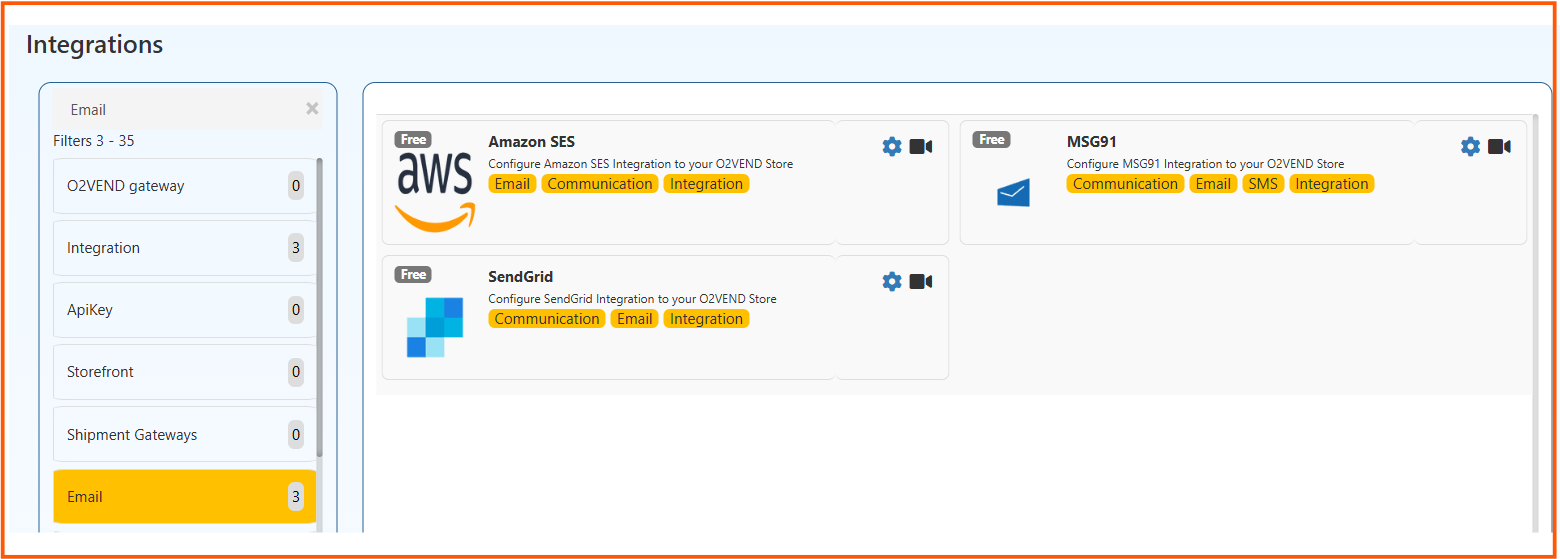
Integration Listing
In the Integrations page, select SendGrid under Email/Communication integrations and open the configuration screen.
Configuration
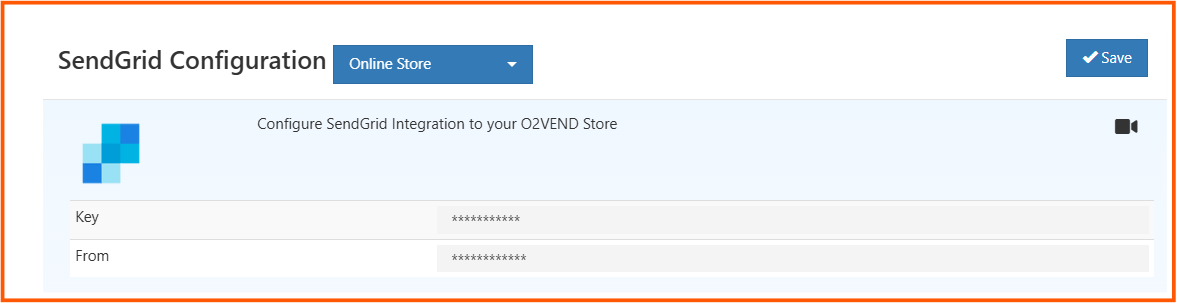
Choose the required channel (for example, Online Store) and enter:
- Key - SendGrid API key
- From - verified sender email address
Click Save to apply configuration.
After saving valid credentials, O2VEND sends configured system emails through SendGrid.