Invoice Settings in O2VEND CMS: Product Tax, Invoice Matching Type, SMS and WhatsApp
Configure O2VEND CMS invoice features including product tax include/exclude, 3-way invoice matching, outstanding alerts, additional tax, SMS invoice updates, and WhatsApp invoice sharing.
The Invoice section in O2VEND CMS controls tax behavior, invoice communication, matching, and payment-related validations. Proper configuration improves billing accuracy, customer communication, and finance visibility.
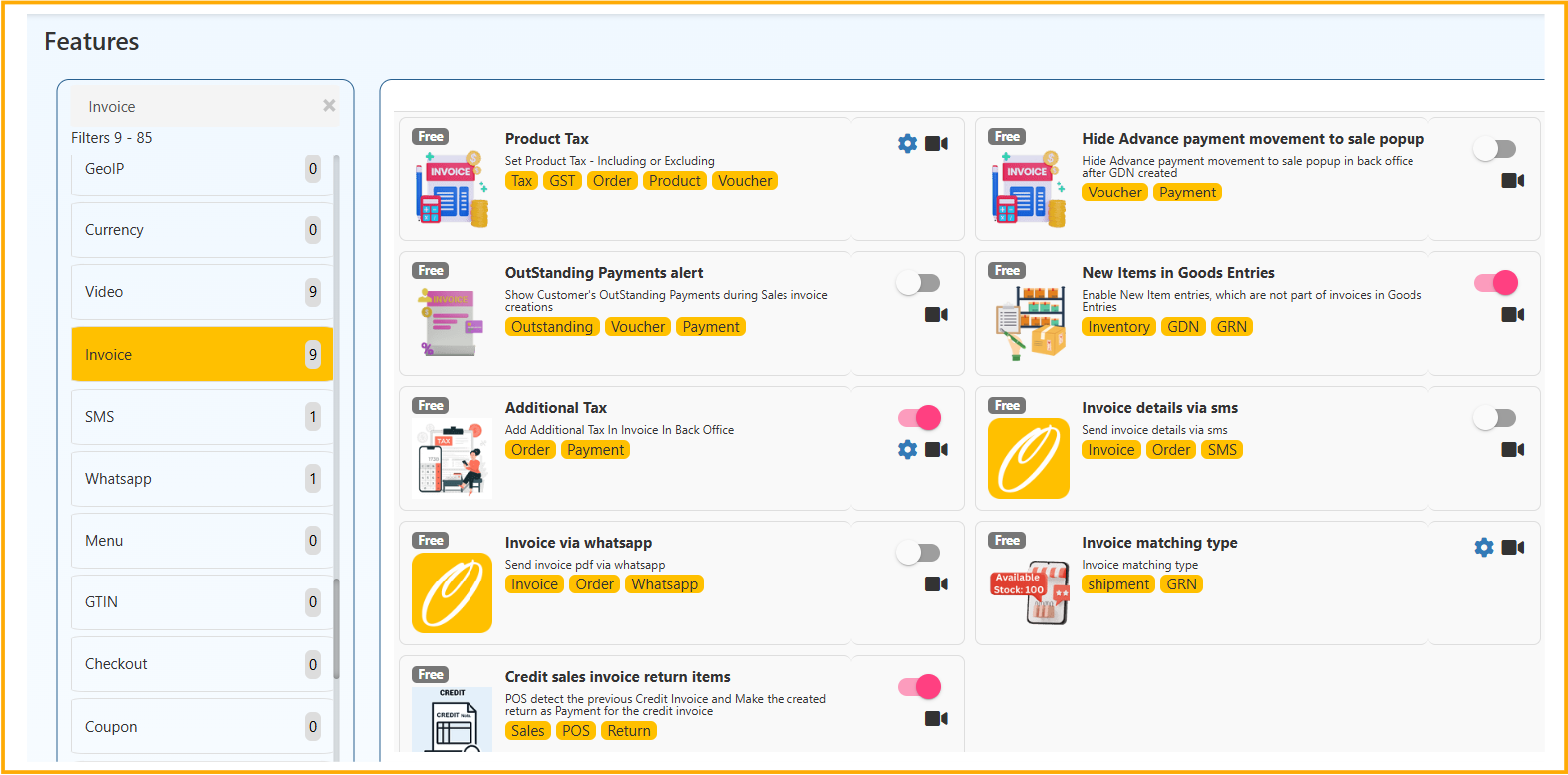
Invoice Features Covered
This guide explains all invoice-related cards shown under Features → Invoice:
- Product Tax
- Hide Advance Payment Movement to Sale Popup
- OutStanding Payments Alert
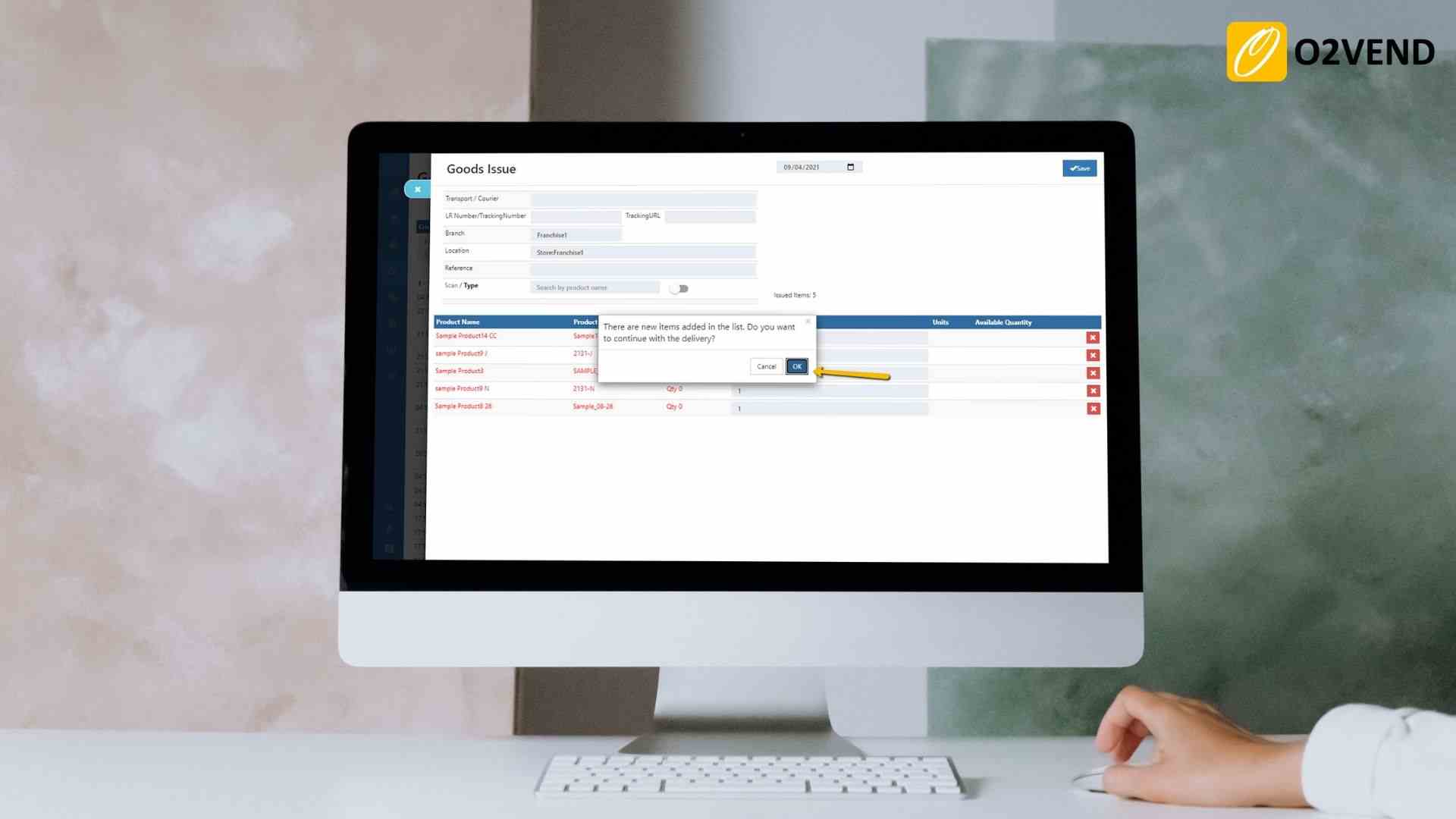
- New Items in Goods Entries
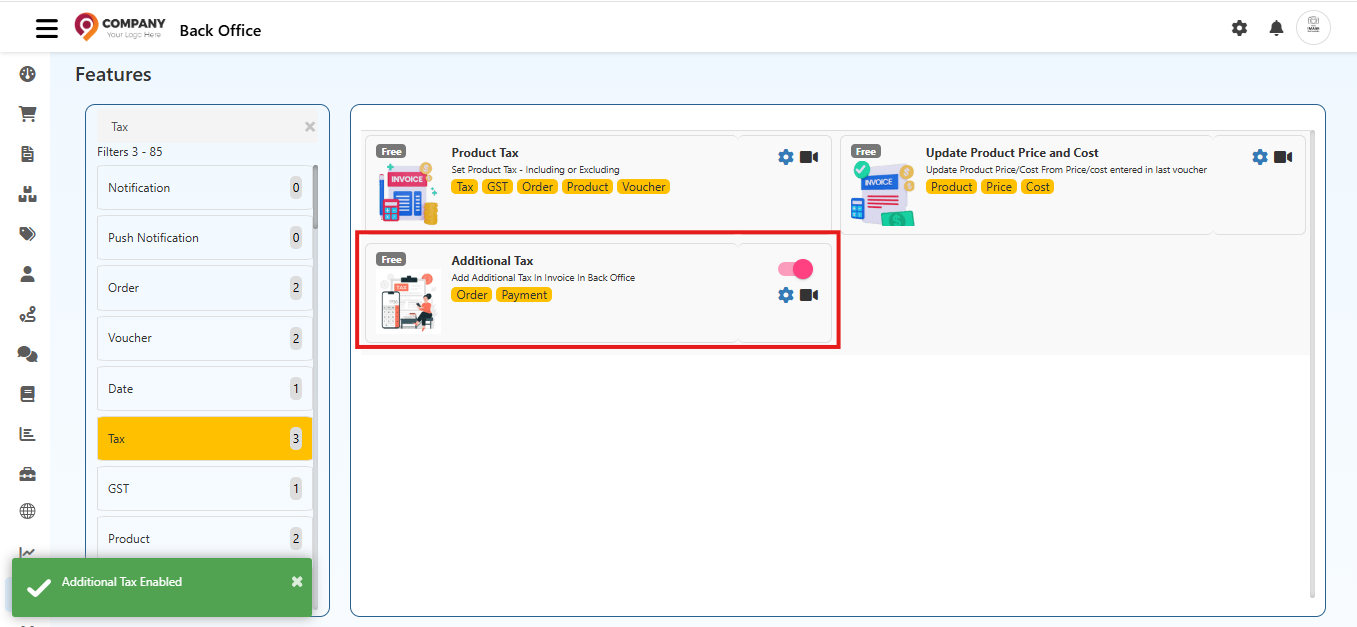
- Additional Tax
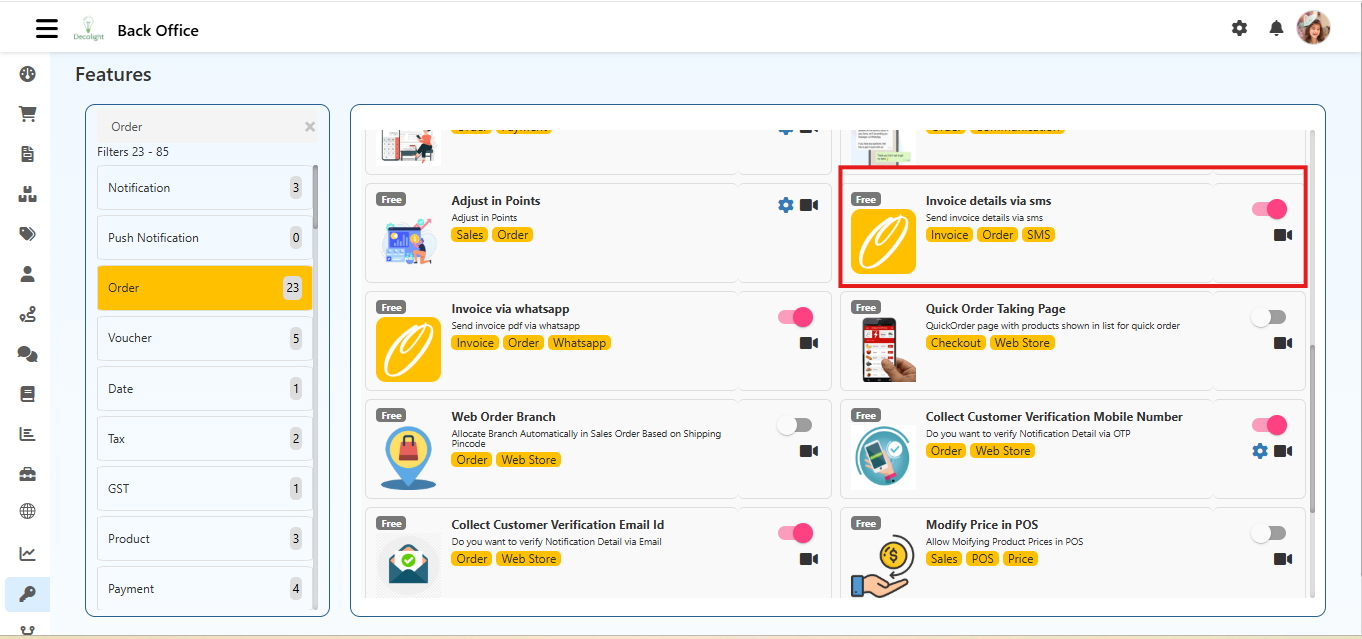
- Invoice Details via SMS
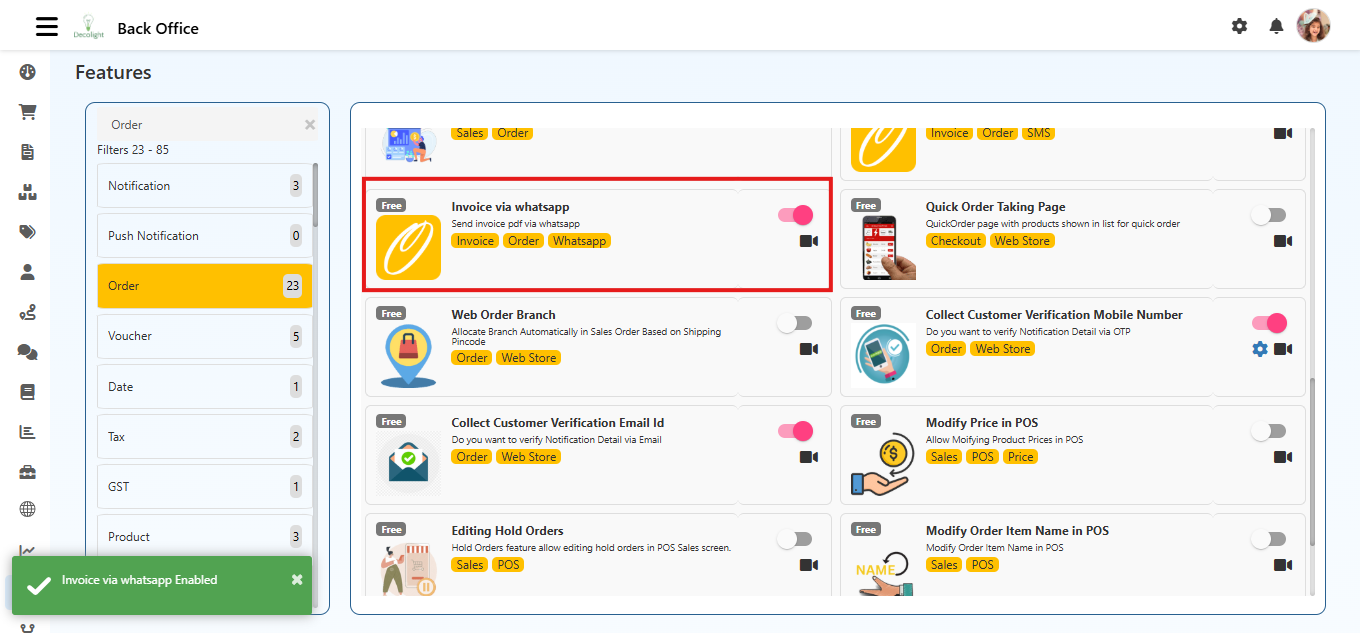
- Invoice via WhatsApp
- Invoice Matching Type
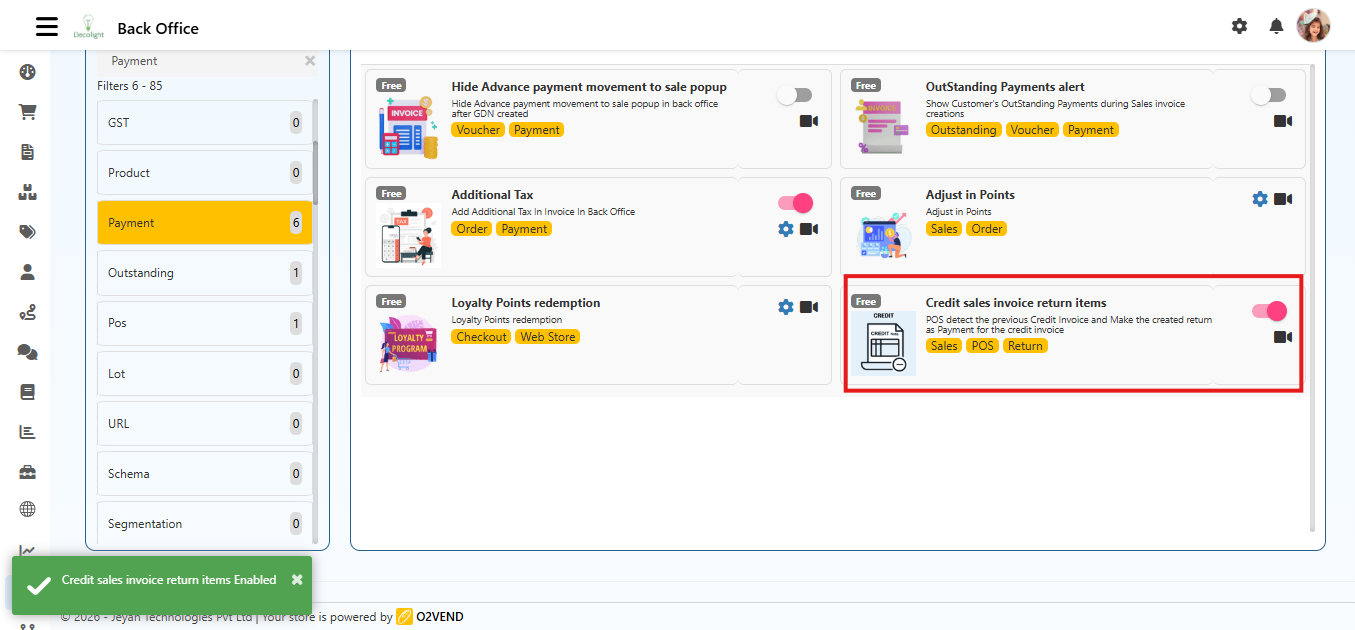
- Credit Sales Invoice Return Items
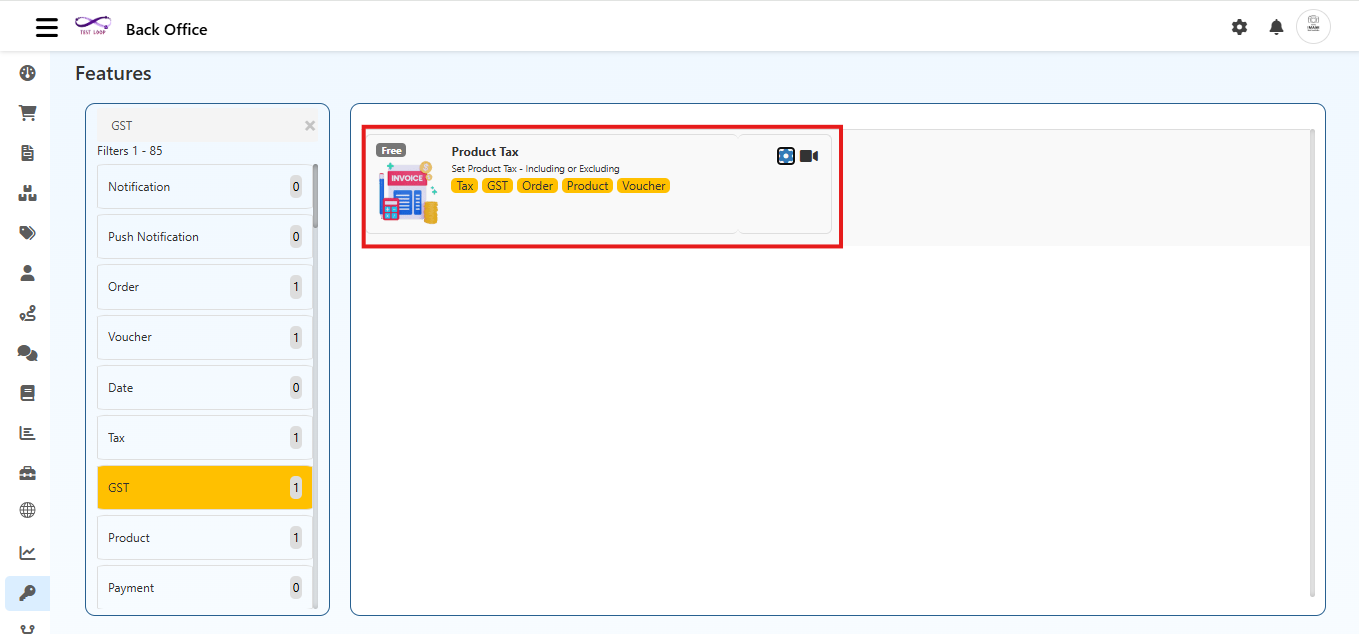
1) Product Tax
What it does
Controls whether tax is treated as included or excluded in:
- Product Price
- Product Cost
Navigation
Back Office → Features → Invoice → Product Tax
Configuration Steps
- Open Product Tax.
- Set In Product Price:
- Include: tax is already part of product price.
- Exclude: tax is added during billing.
- Set In Product Cost:
- Include: tax is part of purchase cost.
- Exclude: tax is calculated separately.
- Click Save.
When to use
- Use Include when catalog prices are tax-inclusive for customers.
- Use Exclude when base price and tax must be shown separately.
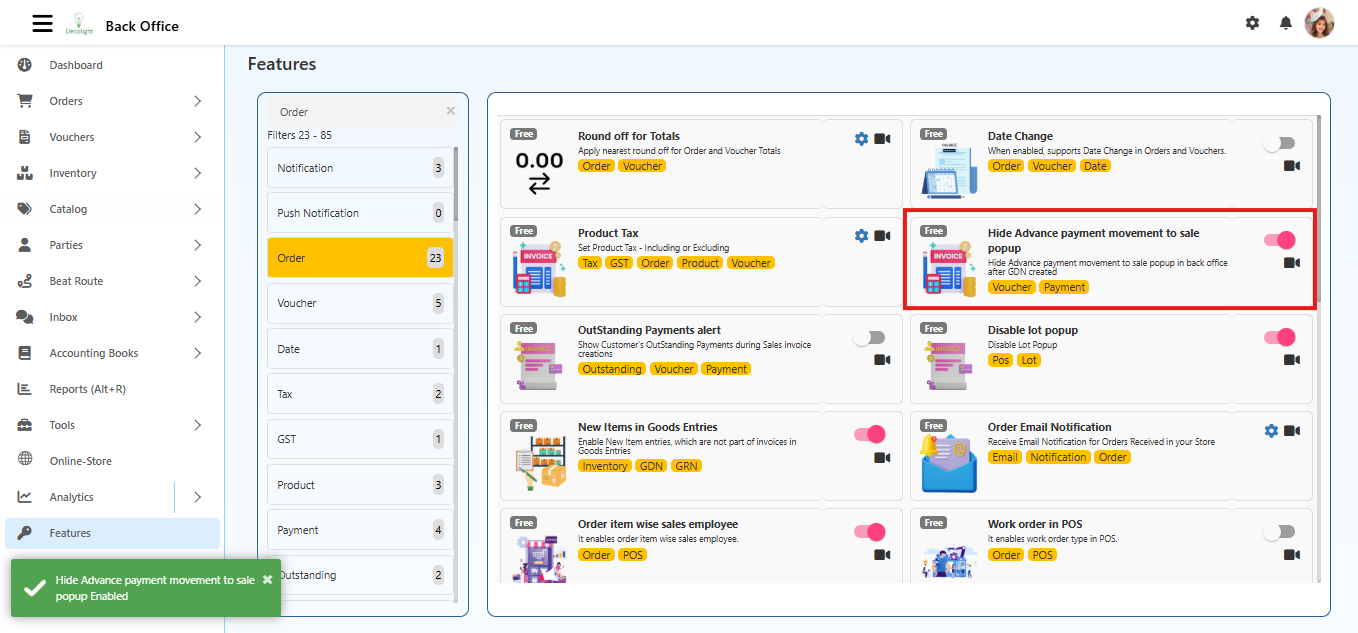
2) Hide Advance Payment Movement to Sale Popup
What it does
Hides the advance payment movement popup after GDN creation, reducing interruption during sales processing.
Navigation
Back Office → Features → Invoice → Hide Advance Payment Movement to Sale Popup
Steps
- Open the feature.
- Enable the toggle.
- Click Save.
3) OutStanding Payments Alert
What it does
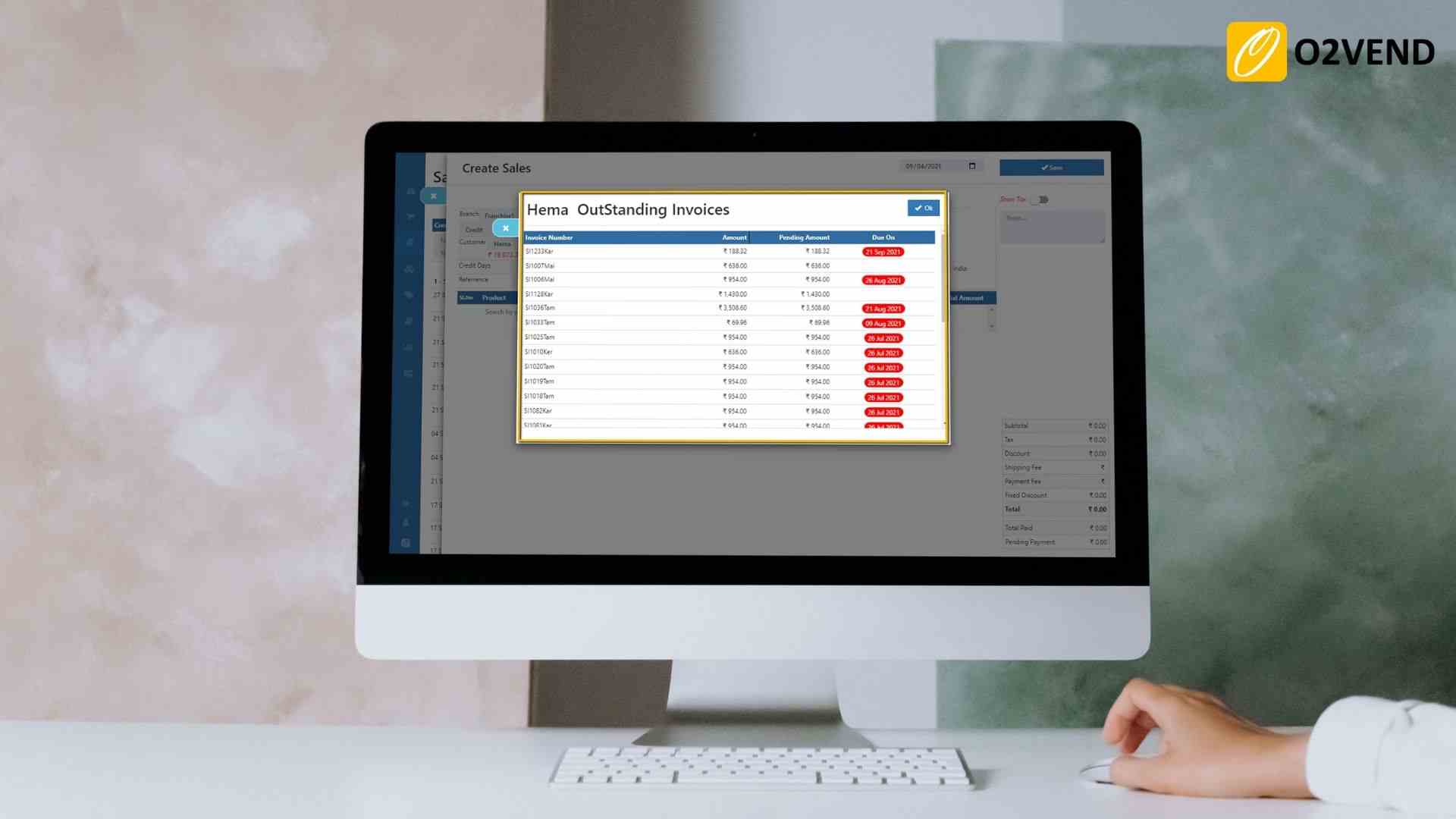
Shows the customer's pending outstanding invoices during sales invoice creation, so collections are visible before final billing.
Navigation
Back Office → Features → Invoice → OutStanding Payments Alert
Benefit
- Improves payment follow-up.
- Helps reduce overdue receivables.
4) New Items in Goods Entries
What it does
Allows adding new items in GRN/GDN even if those items are not present in the original invoice.
Navigation
Back Office → Features → Invoice → New Items in Goods Entries
Benefit
- Useful for real-world dispatch/receipt mismatches.
- Reduces rework in goods entry workflows.
5) Additional Tax
What it does
Adds extra tax (for example service charge or handling fee) in addition to normal GST/tax rules.
Navigation
Back Office → Features → Invoice → Additional Tax
Configuration
- Additional Tax Name: label shown in invoice
- Additional Tax Percentage: numeric tax percentage
- Additional Tax Account: ledger account for posting
6) Invoice Details via SMS
What it does
Sends invoice summary details via SMS when invoice is created.
Navigation
Back Office → Features → Invoice → Invoice Details via SMS
Typical SMS includes
- Invoice Number
- Order Total
- Payment Status
- Store Name
Template
Configure SMS template in Inbox → Configuration → SMS Templates.
7) Invoice via WhatsApp
What it does
Sends invoice PDF or invoice link to customer WhatsApp for faster sharing.
Navigation
Back Office → Features → Invoice → Invoice via WhatsApp
Template
Configure template in Inbox → Configuration → WhatsApp Templates.
8) Invoice Matching Type
What it does
Defines how invoice validation happens against related documents.
Navigation
Back Office → Features → Invoice → Invoice Matching Type
Option shown
- **2way, 3 way, 4way matching
3-way matching meaning
- Compares purchase flow across:
- Purchase Order
- Goods Receipt Note (GRN)
- Invoice
Benefit
- Better control over mismatch in quantity, price, or receipt status.
- Stronger audit and approval process.
9) Credit Sales Invoice Return Items
What it does
When return is created for a credit sale, return amount is adjusted against the original credit invoice as payment.
Navigation
Back Office → Features → Invoice → Credit Sales Invoice Return Items
Example
- Credit invoice: 10,000
- Return amount: 2,000
- Outstanding after adjustment: 8,000
FAQ (helps impressions and clicks)
What is Product Tax include or exclude in invoice settings?
It controls whether tax is already part of product price/cost or added separately during invoicing.
What is 3-way invoice matching?
It validates Purchase Order, GRN, and Invoice together to reduce mismatches and improve control.
Can O2VEND send invoices on SMS and WhatsApp?
Yes. SMS sends invoice details and WhatsApp can send invoice PDF/link through configured templates.