Discount Section – Complete Feature Tutorial Guide
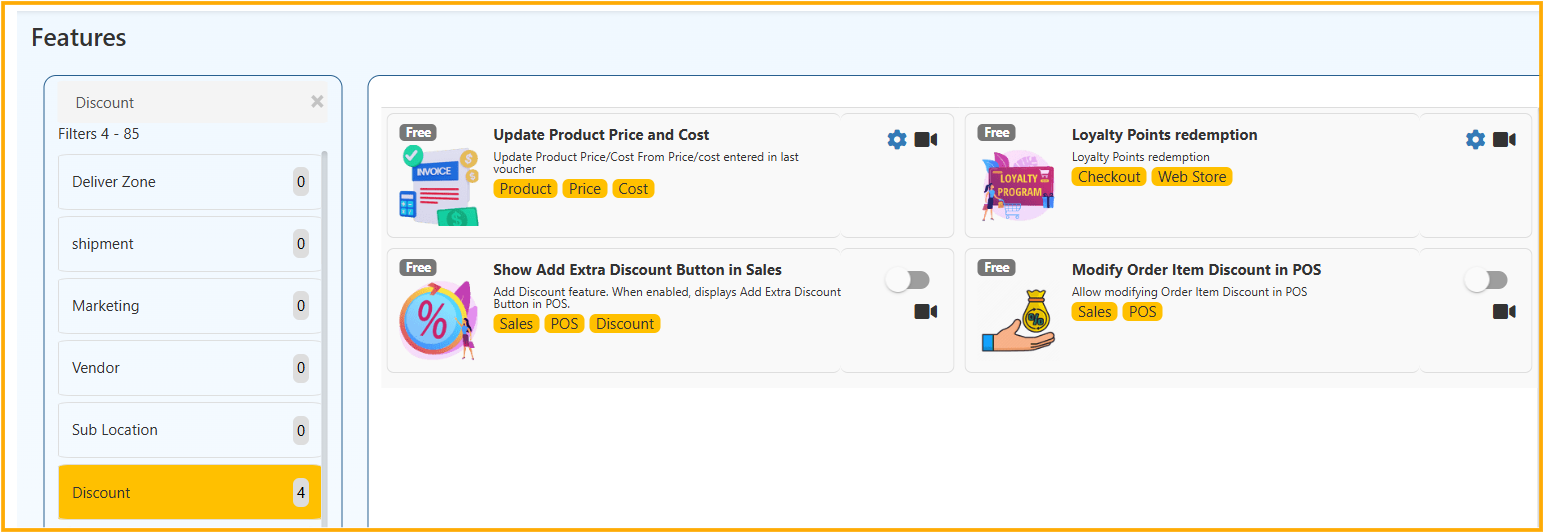
The Discount Section in O2VEND allows you to manage product price updates, sales discounts, loyalty redemption rules, and POS discount controls. This section helps maintain pricing accuracy and control how discounts are applied across Sales, POS, and Web Store.
🔹 1. Update Product Price and Cost
Overview
This feature automatically updates product price, cost, or tax class based on the last voucher used in Sales or Purchase entries.
Navigation
Settings → Features → Discount → Update Product Price and Cost
🔸 Available Options
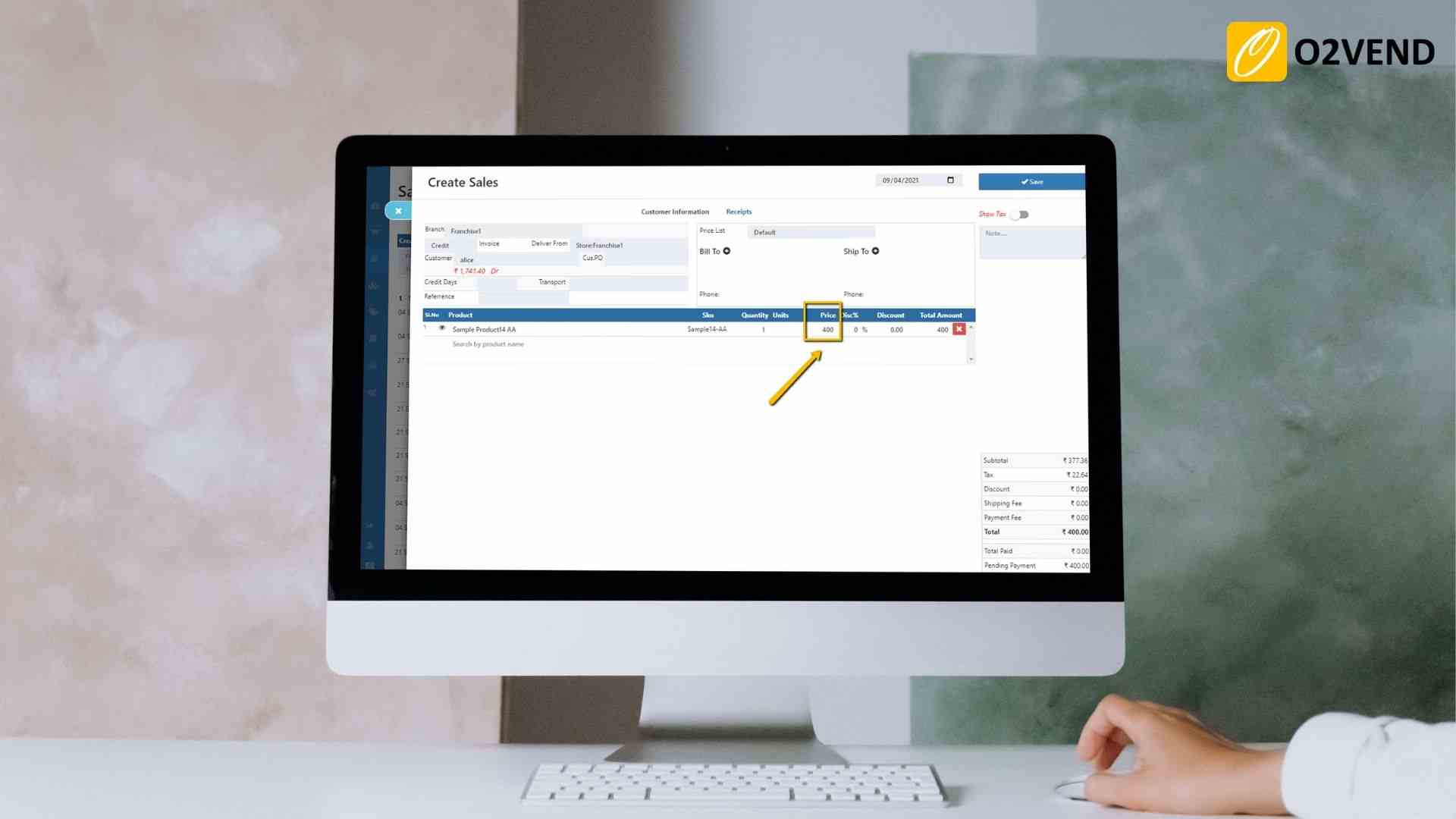
1️⃣ Update Product Price From Last Sales Voucher
- Updates product selling price based on last Sales invoice entry.
- Useful when prices frequently change.
✅ Best for dynamic pricing businesses.
2️⃣ Product Price Do Not Include Discounts
- Updates only the unit price.
- Ignores discount values applied in the voucher.
✅ Prevents incorrect price updates due to promotional discounts.
3️⃣ Update Product Cost From Last PO/PI/RC
- Updates product purchase cost from:
- PO (Purchase Order)
- PI (Purchase Invoice)
- RC (Receipt)
✅ Keeps cost price aligned with latest vendor pricing.
4️⃣ Product Cost Do Not Include Discounts
- Updates only base cost.
- Ignores supplier discount.
✅ Maintains actual cost accuracy.
5️⃣ Update Product Tax Class From Last PO/PI/RC
- Updates tax class based on latest purchase entry.
✅ Ensures tax consistency.
🔹 2. Loyalty Points Redemption (Checkout – Web Store)
Overview
Allow customers to redeem loyalty points during checkout.
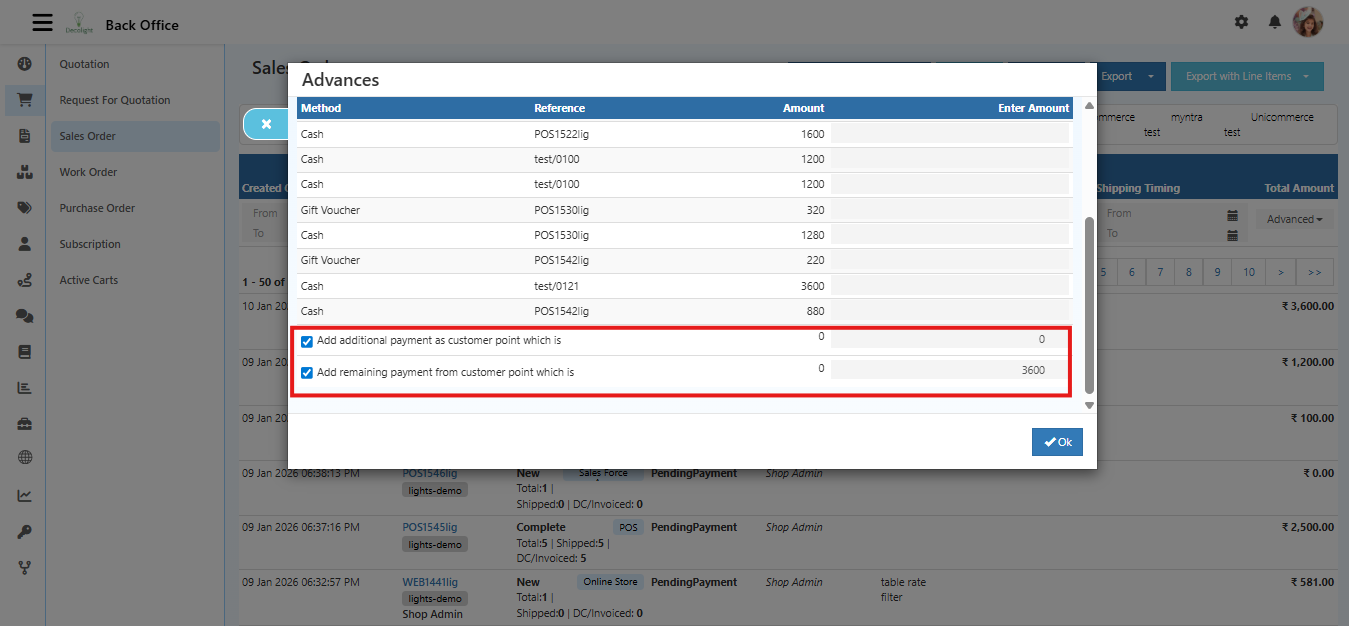
Navigation
Features → Discount → Loyalty Points Redemption
🔸 Sub Options
1️⃣ Store Credit OR Loyalty Points Redemption
- Customer can use either store credit OR loyalty points.
- Not both at the same time.
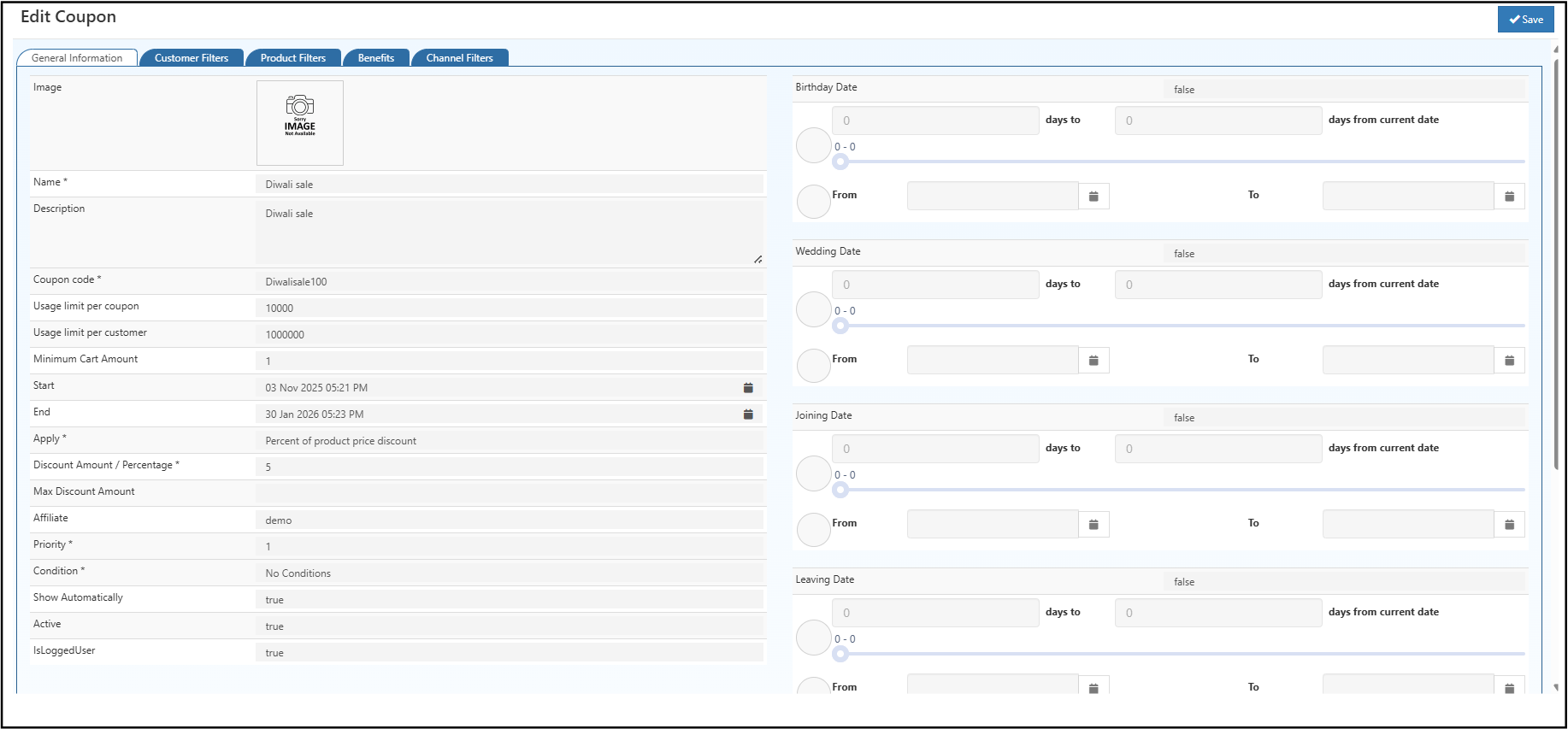
2️⃣ Disable Loyalty Points When Coupon Applied
- If coupon is applied → Loyalty redemption disabled.
3️⃣ Disable Loyalty Points When All Items Are Discounted
- If entire cart has discounts → Loyalty redemption disabled.
✅ Helps prevent double discounting.
🔹 3. Show Add Extra Discount Button in Sales (POS)
Overview
Displays “Add Extra Discount” button in POS Sales screen.
Navigation
Features → Discount → Show Add Extra Discount Button in Sales
When Enabled:
- Staff can apply additional manual discount.
- Visible during billing process.
✅ Ideal for store-level offers or negotiation discounts.
🔹 4. Modify Order Item Discount in POS
Overview
Allows editing individual item discount in POS.
Navigation
Features → Discount → Modify Order Item Discount in POS
When Enabled:
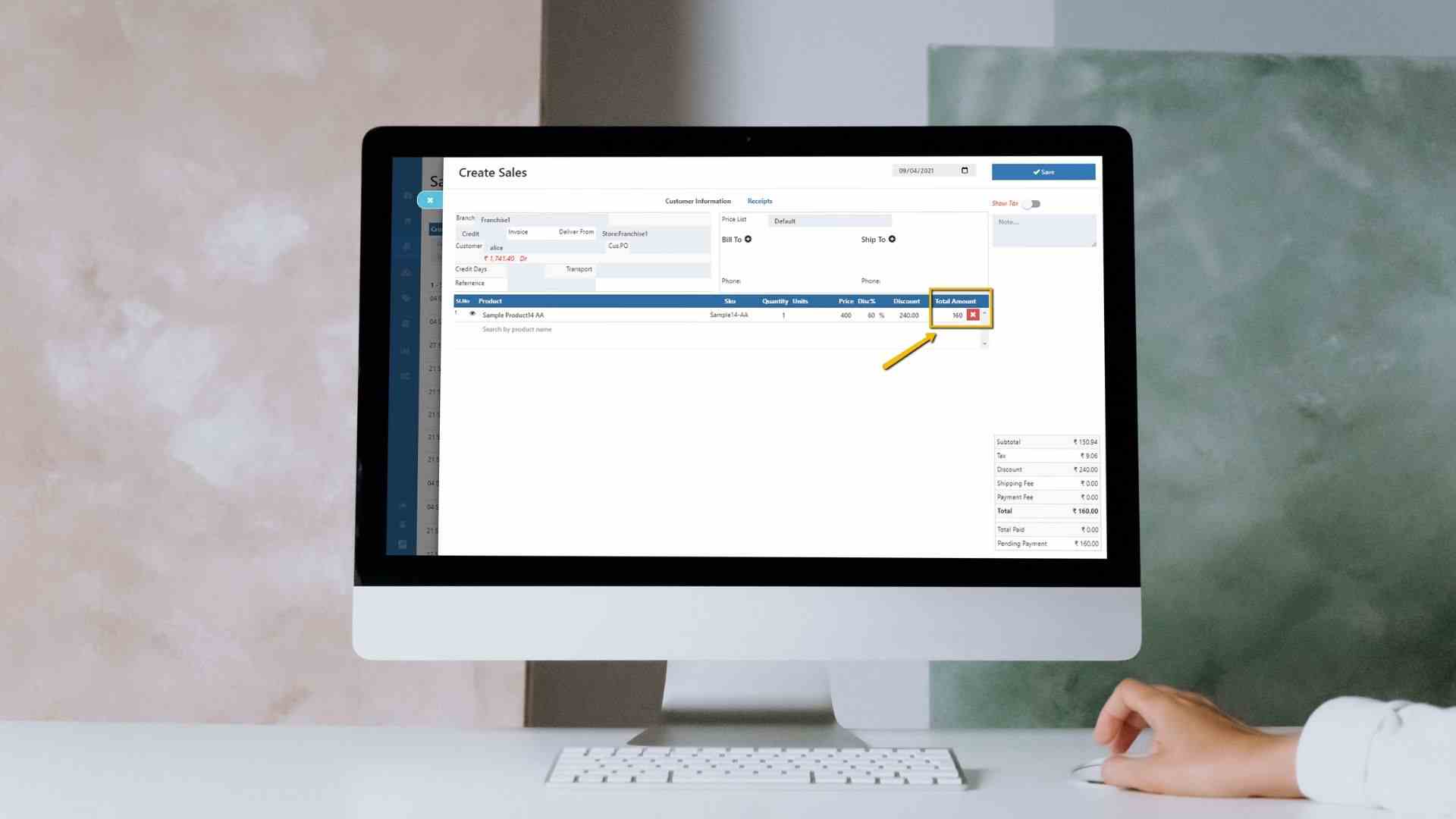
- Cashier can modify item-level discount.
- Helps apply special pricing.
🔹 Business Benefits
✔ Better price management
✔ Accurate cost updates
✔ Controlled discount rules
✔ Avoid double discounting
✔ Flexible POS discount control
✔ Improved profit monitoring
🔹 Recommended Setup
| Business Type | Suggested Settings |
|---|---|
| Retail Store | Enable POS Discount + Loyalty Control |
| Wholesale | Enable Cost Update From PO |
| E-commerce | Disable Loyalty When Coupon Applied |
| Multi Vendor | Enable Tax Class Update |