WhatsApp Integration in O2VEND
WhatsApp integration enables O2VEND to send and receive WhatsApp communication using your WhatsApp Business setup.
Location in Back Office
Navigation Path:
Back Office → Integration → WhatsApp
Integration Listing
In the Integrations page, select WhatsApp under Communication integrations and open the configuration screen.
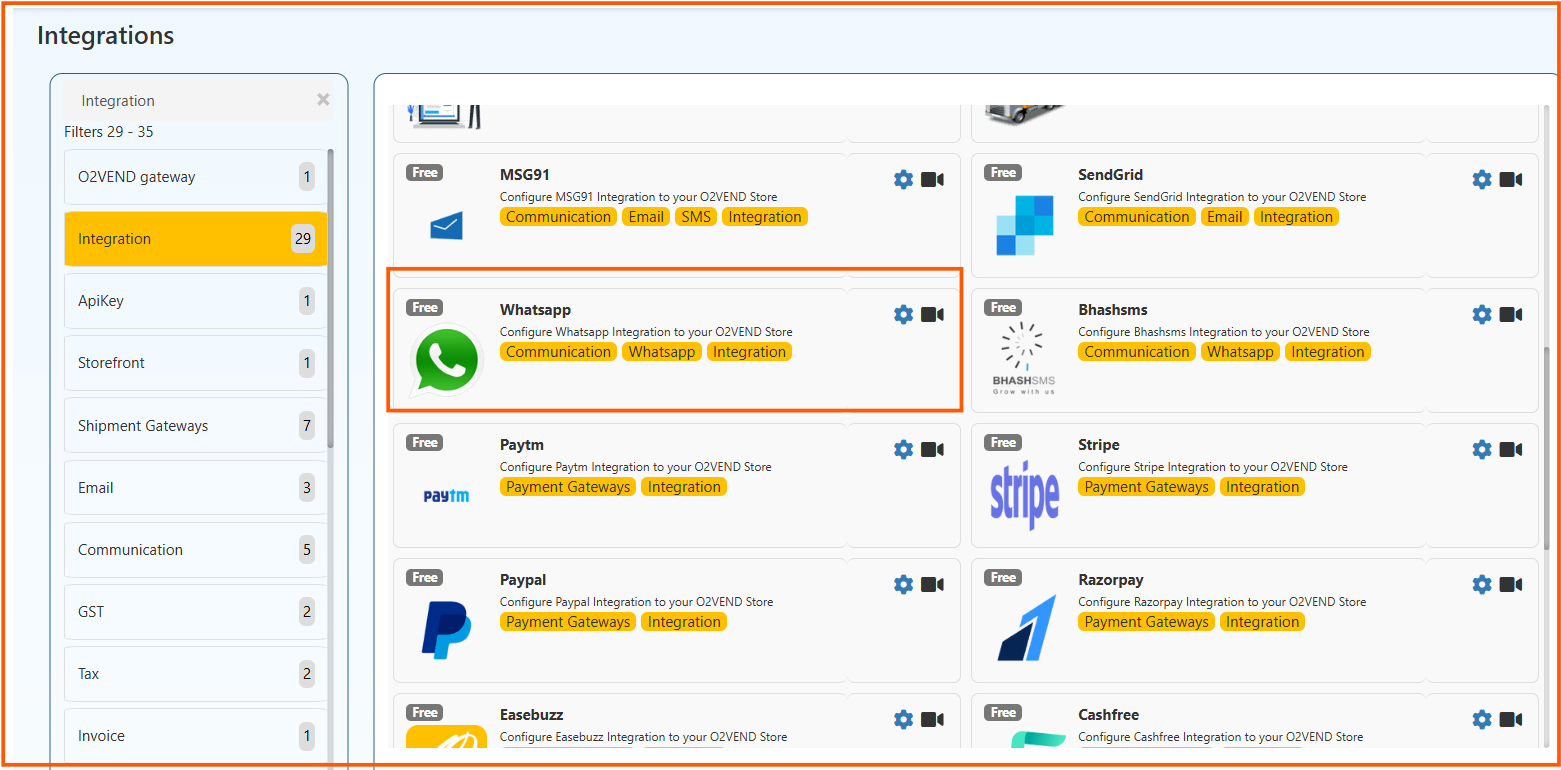
WhatsApp Configuration
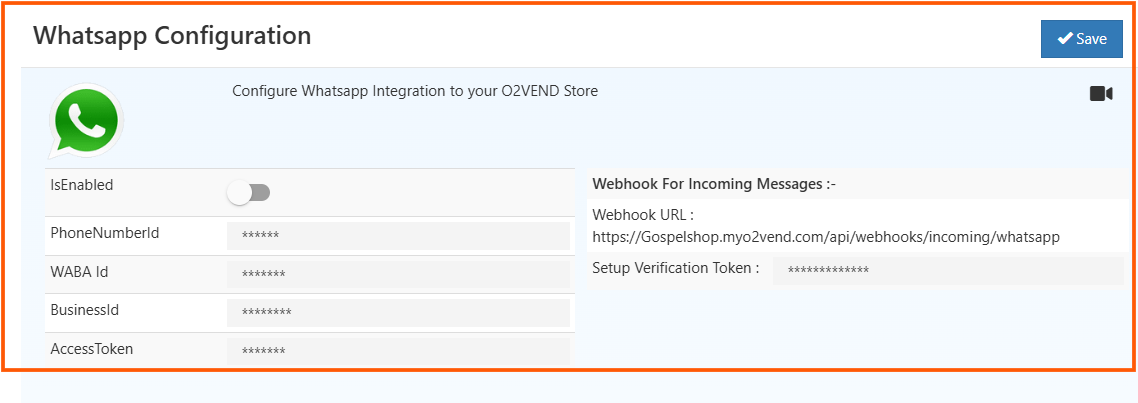
Enable the integration and provide the required details:
- IsEnabled - turn integration ON/OFF
- PhoneNumberId - WhatsApp phone number ID
- WABA Id - WhatsApp Business Account ID
- BusinessId - business ID from Meta
- AccessToken - API access token
Webhook details for incoming messages are also shown:
- Webhook URL
- Setup Verification Token
Click Save after entering all values.
Outcome
After successful configuration, O2VEND can process WhatsApp communication workflows and incoming message events.