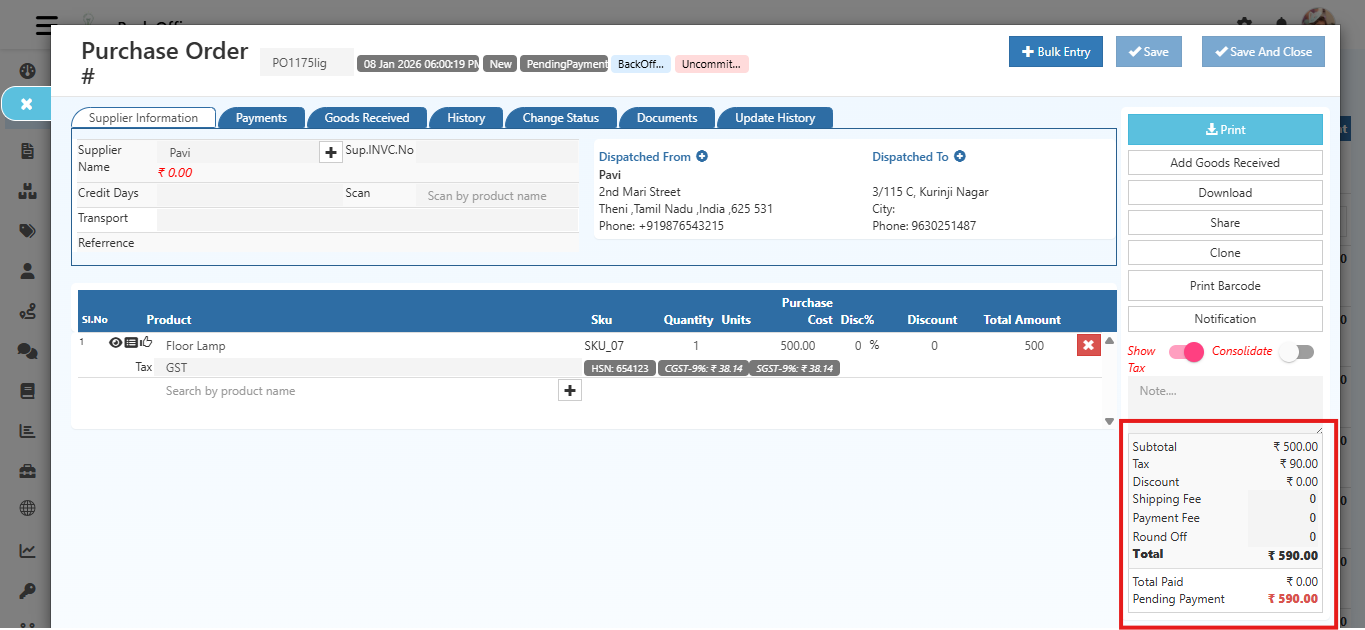
Product Tax in O2VEND
What is Product Tax?
The Product Tax feature allows setting whether product prices and costs include or exclude tax. This ensures accurate tax calculation for invoices and orders.
Location in Back Office -
Navigation Path: Back Office → Features → GST → Product Tax
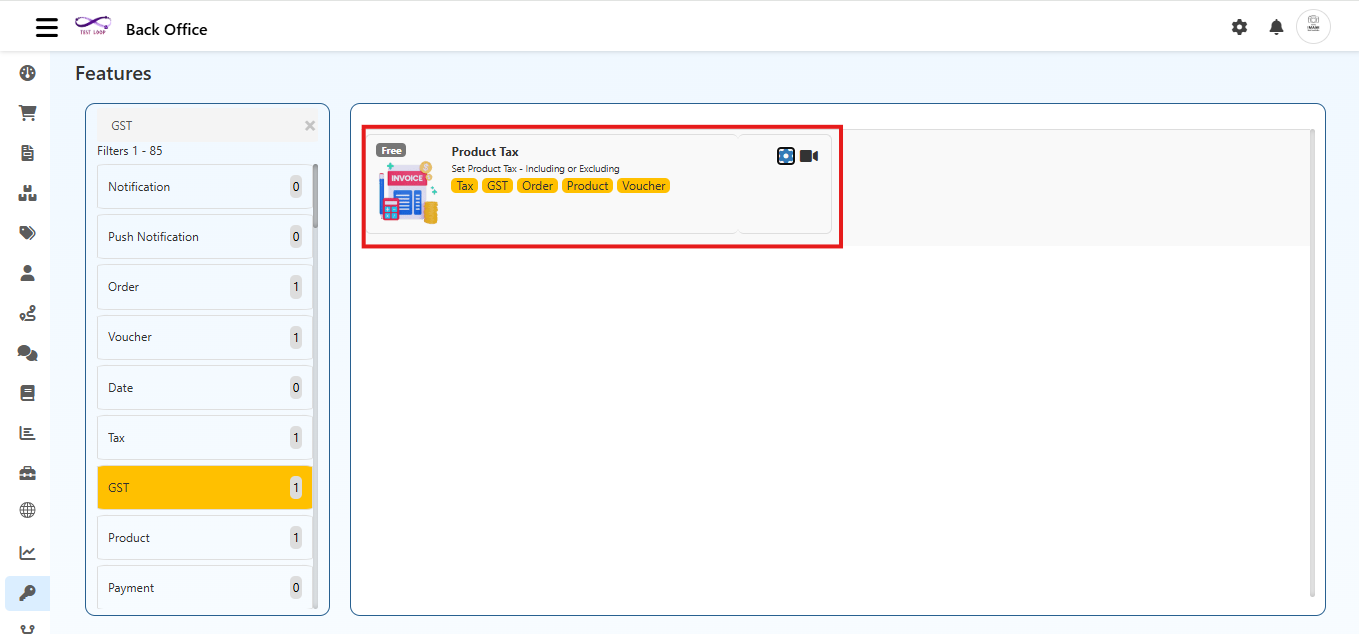
Configuration Options
In the popup, configure:
In Product Price:
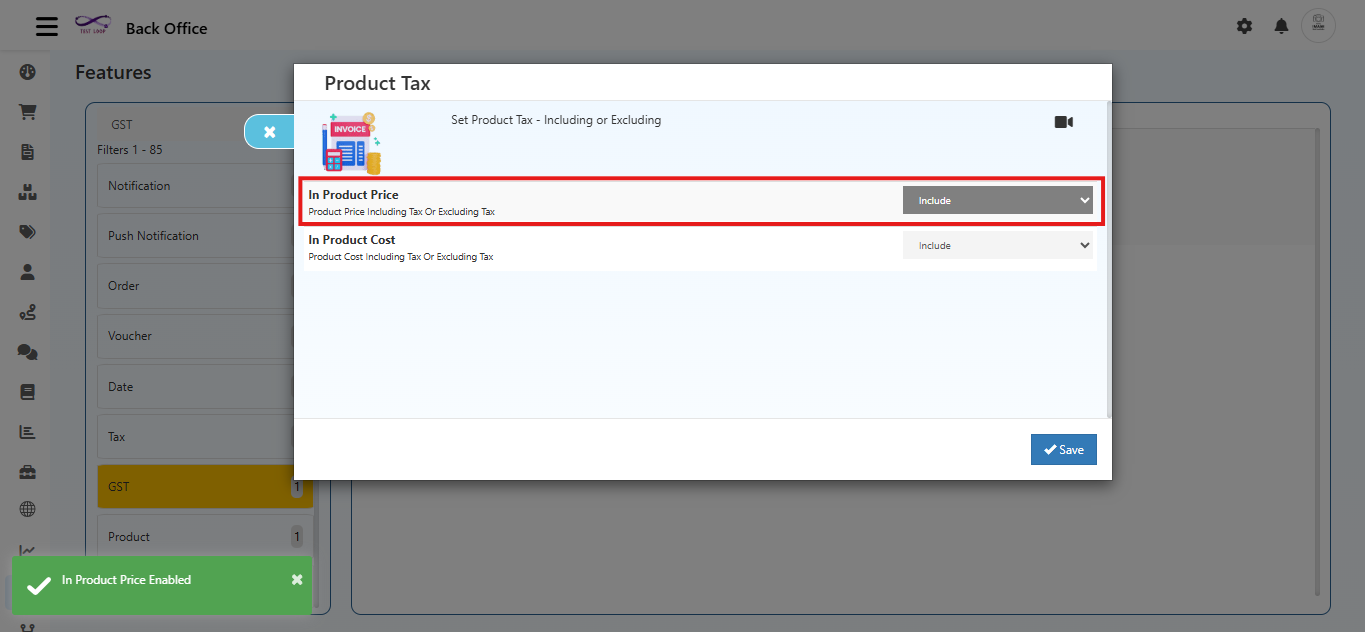
Choose whether product price includes or excludes tax.
- Include: Tax is included in the price.
- Exclude: Tax is added separately.
In Product Cost:
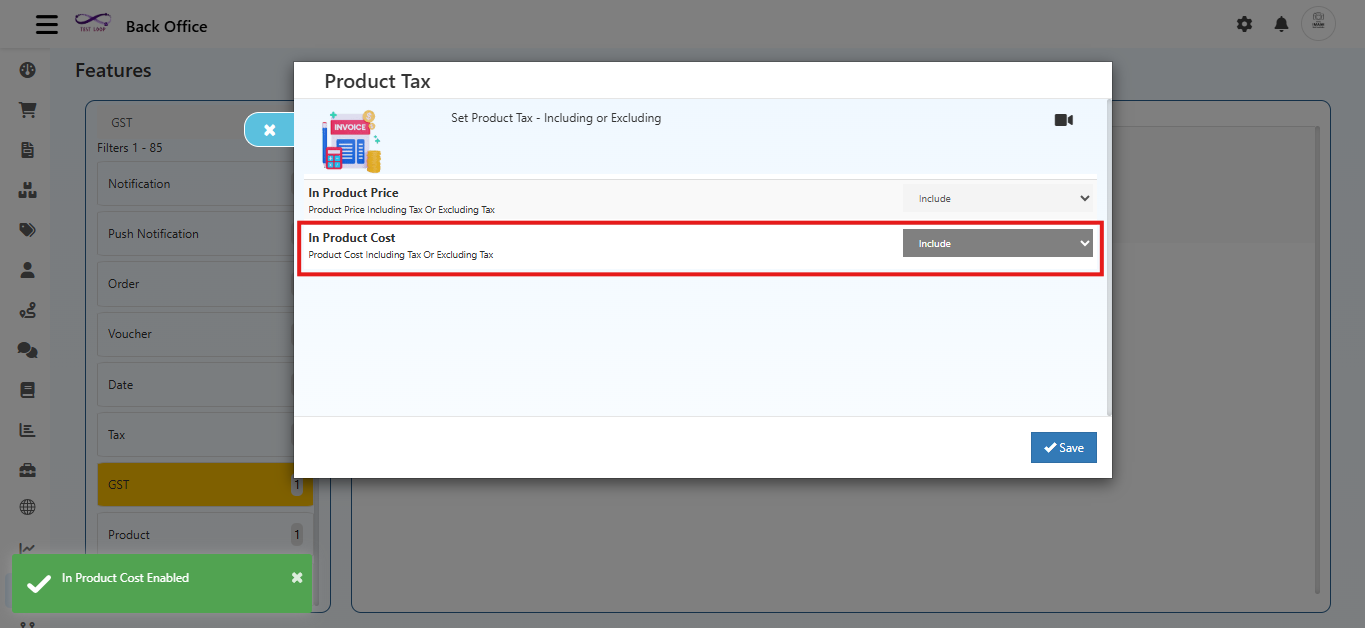
Choose whether product cost includes or excludes tax.
- Include: Tax is included in the cost.
- Exclude: Tax is calculated separately.
Click Save to apply changes.
Example
- Product price with tax included.
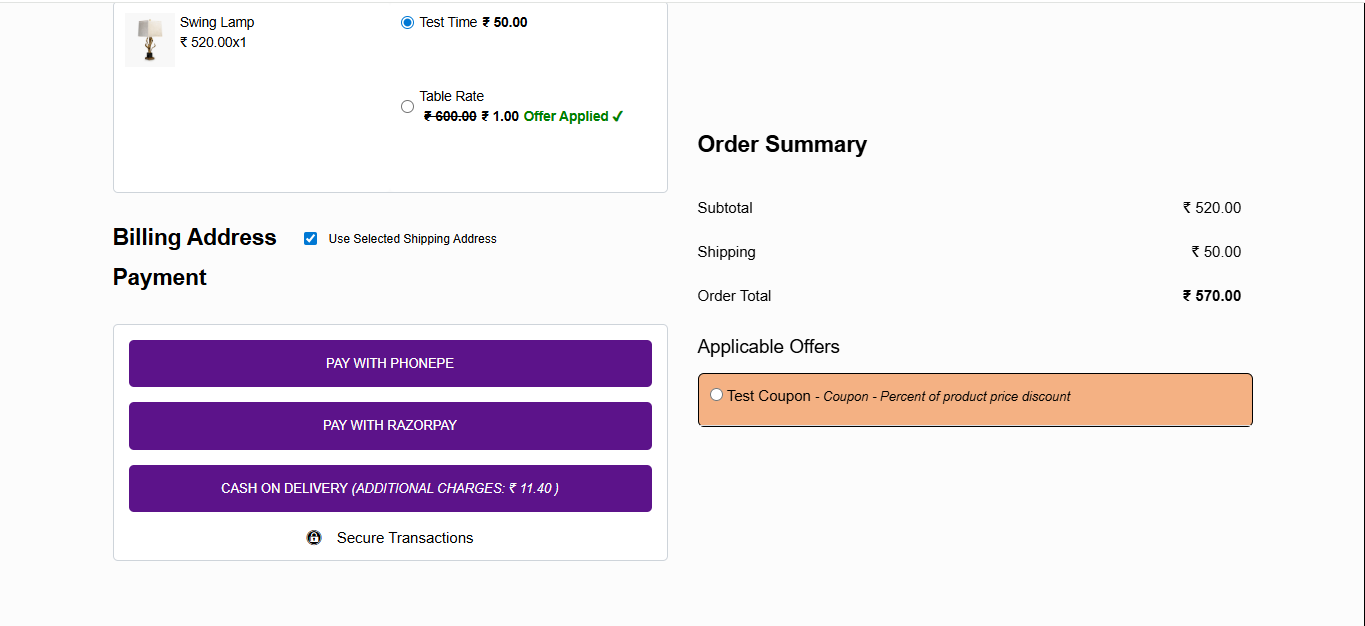
- Product price with tax Excluded.
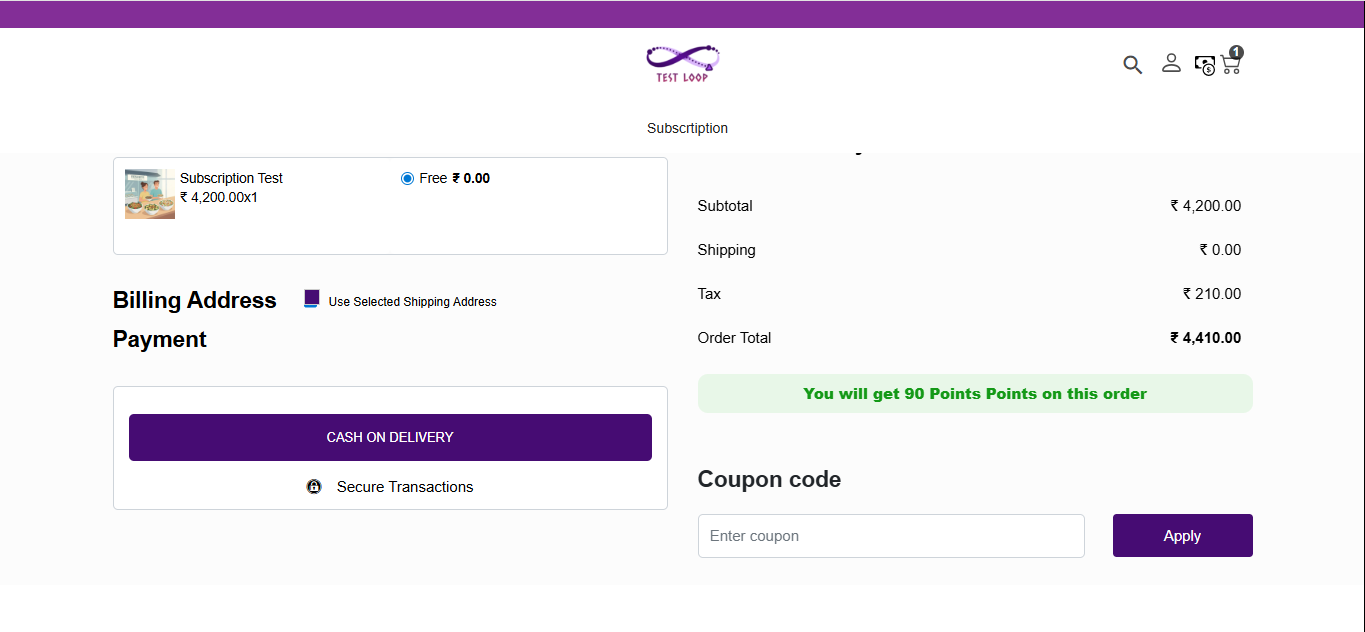
- Product Cost with tax included.
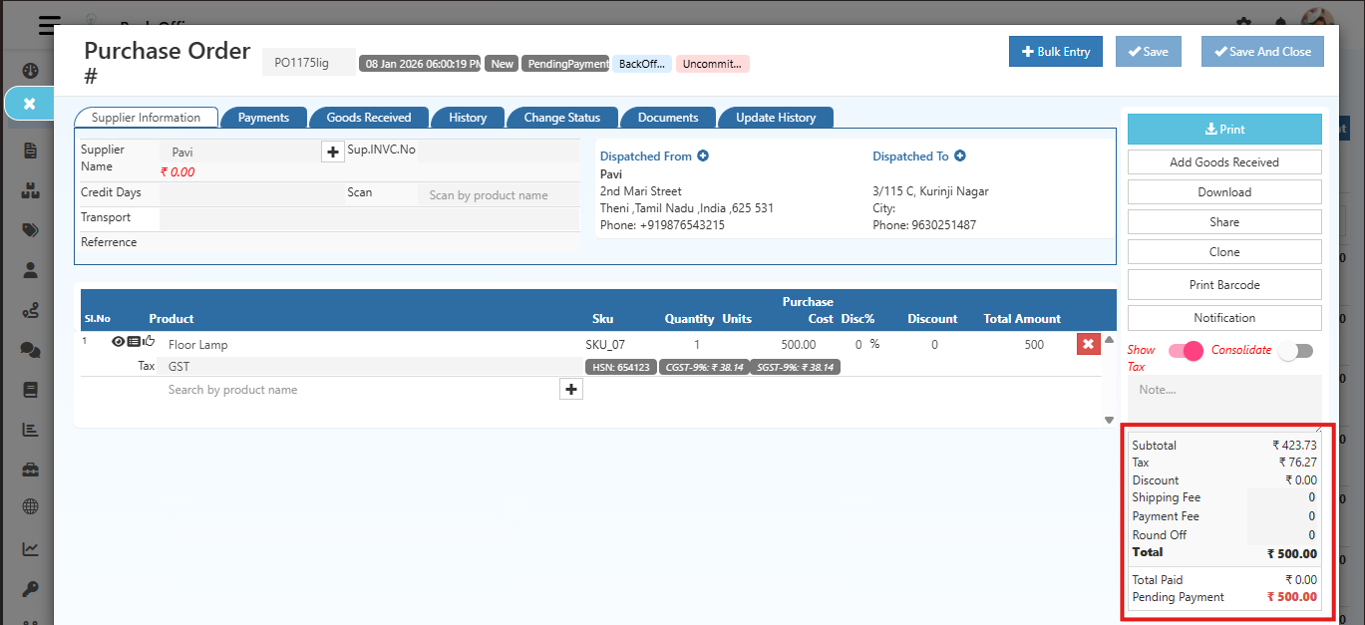
- Product Cost with tax Excluded.