🎟 Coupon Section – Complete Ecommerce Features Tutorial
The Coupon Section helps increase sales, improve customer retention, and boost average order value. Below is a detailed explanation of all features available under the Coupon & Checkout section.
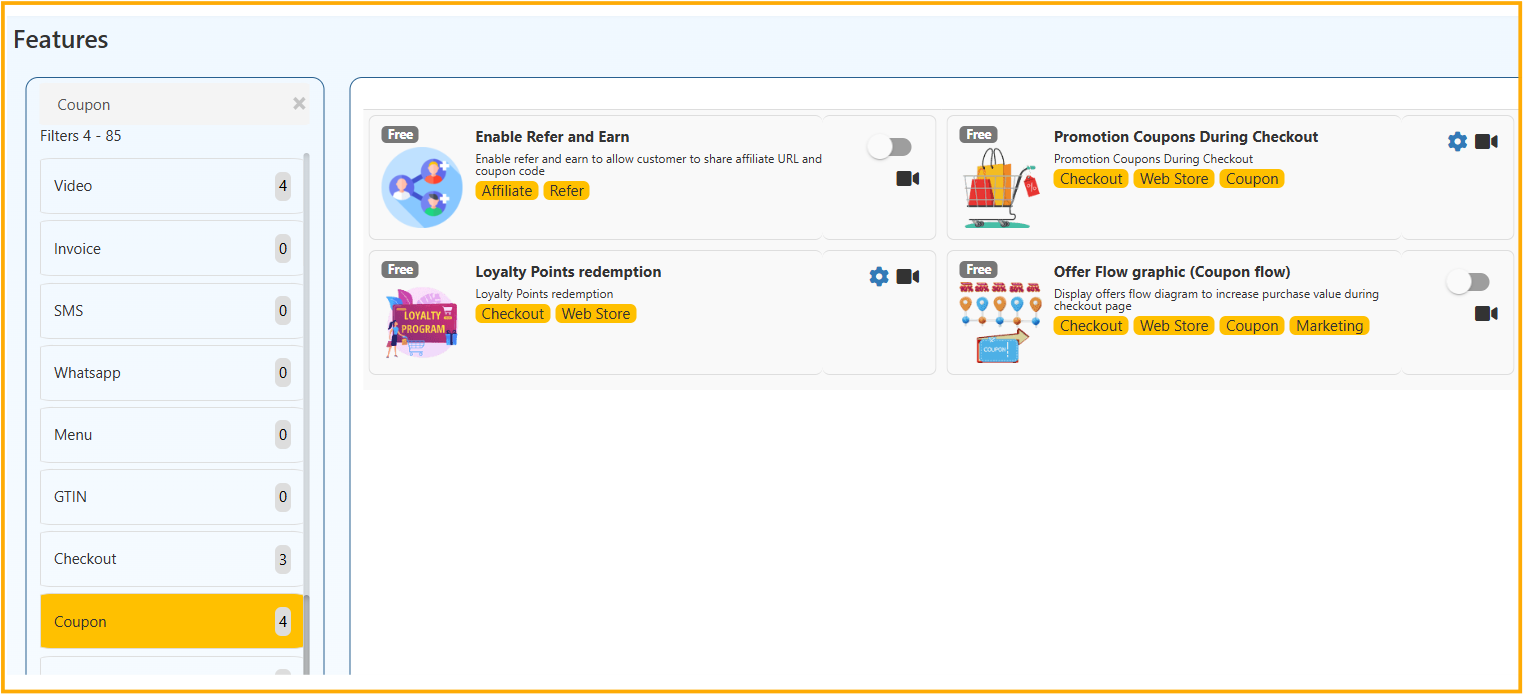
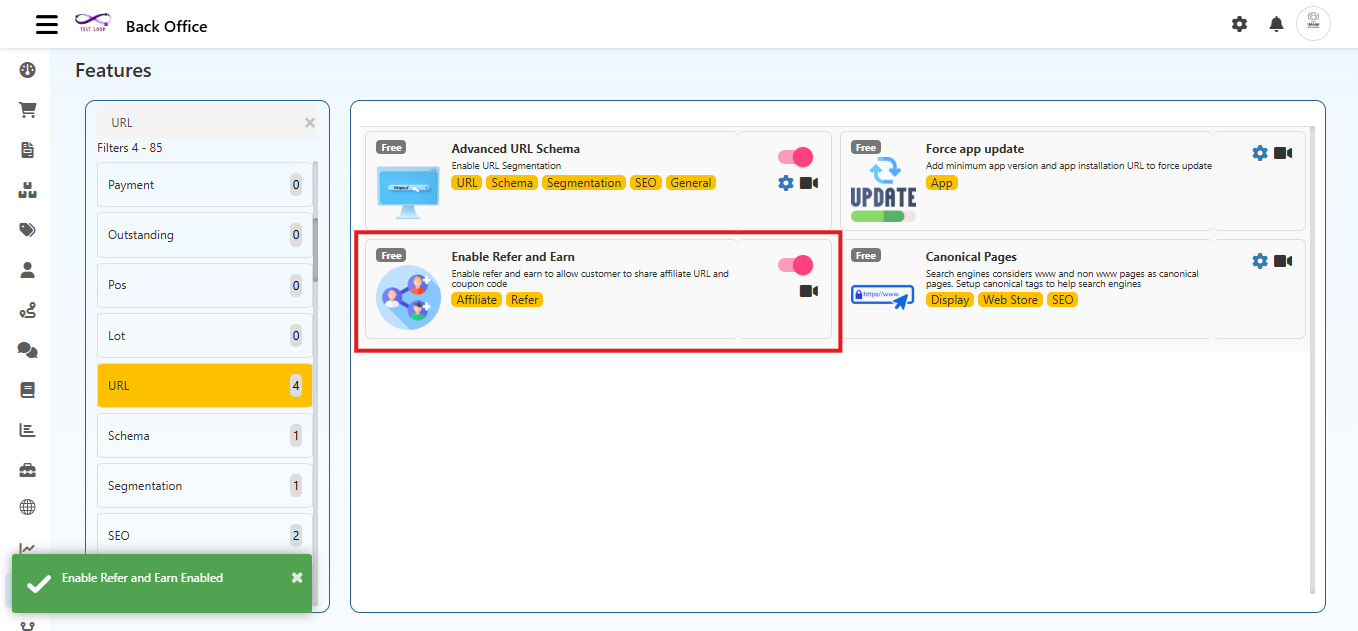
1️⃣ Enable Refer and Earn
What is it?
Allows customers to share their affiliate link or referral coupon code with others and earn rewards.
How to Enable
- Go to Admin Panel
- Navigate to Features
- Open Coupon / Checkout Section
- Enable Refer and Earn
Configuration Steps
- Set referral reward type (Flat / Percentage)
- Configure:
- Referrer reward
- New customer reward
- Minimum order value
- Expiry duration
- Generate auto referral codes
How It Works
- Customer shares referral link
- New user signs up using link
- New user places order
- Both receive reward
Benefits
✔ Increases new customer acquisition
✔ Encourages repeat purchases
✔ Free marketing through customers
2️⃣ Promotion Coupons During Checkout
What is it?
Allows customers to apply coupon codes during checkout.
How to Enable
- Enable Promotion Coupons During Checkout
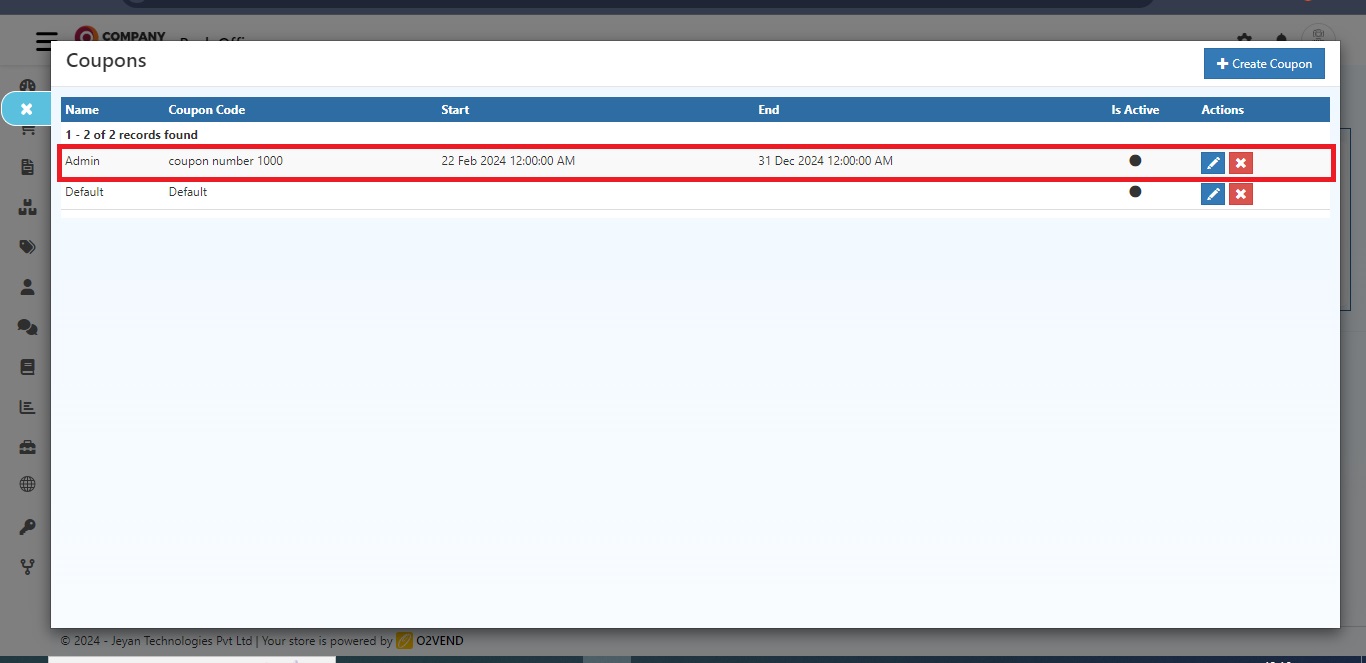
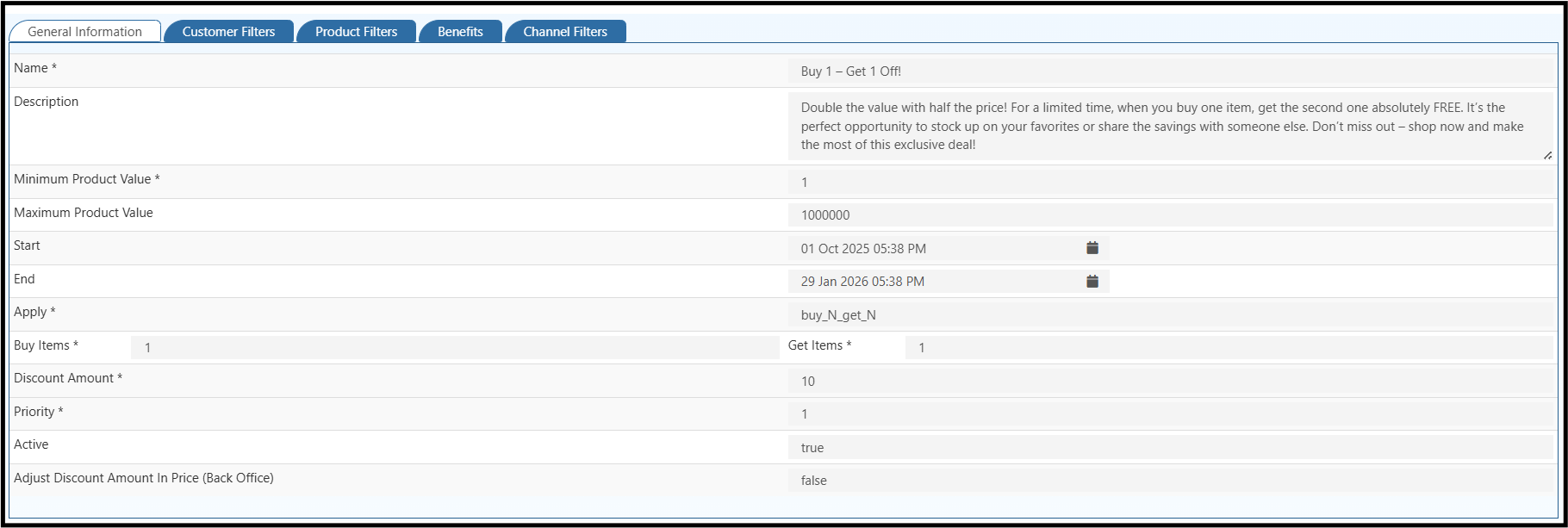
- Create coupon under Marketing → Coupons
Coupon Configuration Options
- Coupon Code
- Discount Type (Flat / %)
- Minimum Cart Value
- Usage Limit
- Validity Period
- Applicable Products / Categories
- First Order Only Option
Checkout Flow
Customer → Add products → Enter coupon code → Discount applied → Pay reduced amount
Benefits
✔ Boosts sales during campaigns
✔ Reduces cart abandonment
✔ Attracts price-sensitive customers
3️⃣ Loyalty Points Redemption
What is it?
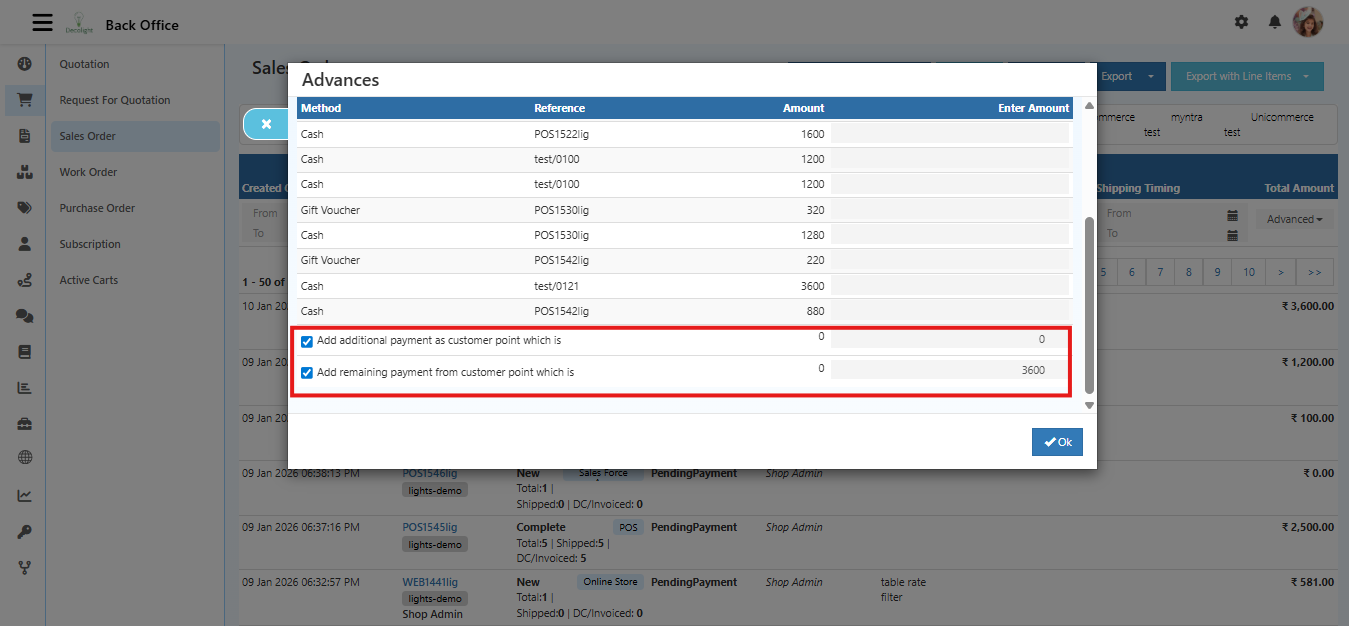
Allows customers to redeem accumulated loyalty points during checkout.
How to Enable
- Enable Loyalty Points Redemption
- Configure:
- Points earning ratio (Example: ₹100 = 10 points)
- Redemption value (Example: 1 point = ₹1)
- Minimum redeem points
- Maximum redeem limit per order
How It Works
- Customer earns points after purchase
- Points stored in account
- During next checkout, customer redeems points
- Final payable amount reduces
Benefits
✔ Improves customer retention
✔ Encourages repeat orders
✔ Builds brand loyalty
4️⃣ Offer Flow Graphic (Coupon Flow)
What is it?
Displays a progress bar or message encouraging customers to add more products to unlock offers.
Example Message: "Add ₹500 more to unlock 10% discount"
How to Enable
- Enable Offer Flow Graphic
- Configure:
- Target cart value
- Reward type
- Discount percentage or amount
- Display message
How It Works
- Customer adds product
- System calculates cart value
- Shows remaining amount needed for offer
- Encourages higher purchase
Benefits
✔ Increases Average Order Value (AOV)
✔ Smart upselling strategy
✔ Improves conversion rate
Business Impact
Enabling all Coupon features can:
- Increase revenue
- Improve customer retention
- Boost referrals
- Increase cart value
- Reduce bounce rate at checkout
Final Summary
The Coupon Section is a powerful marketing tool inside your Checkout system. When properly configured, it can significantly improve sales performance and customer engagement.