Back Order Items Report in O2VEND | Track Pending & Unfulfilled Items
Identify pending items, track stock shortages, and improve order fulfillment with the Back Order Items Report in O2VEND.
The Back Order Items Report helps you track items that are ordered but not yet fulfilled.
It gives a clear view of pending quantities, stock shortages, and restock timelines, so your team can act quickly and complete orders faster.
Quick Links
How to Access
- Open Back Office
- Go to Reports → Order Reports → Back Order Indent Report
- Select Date Range
- Apply filters (customer, status, category)
- Click View
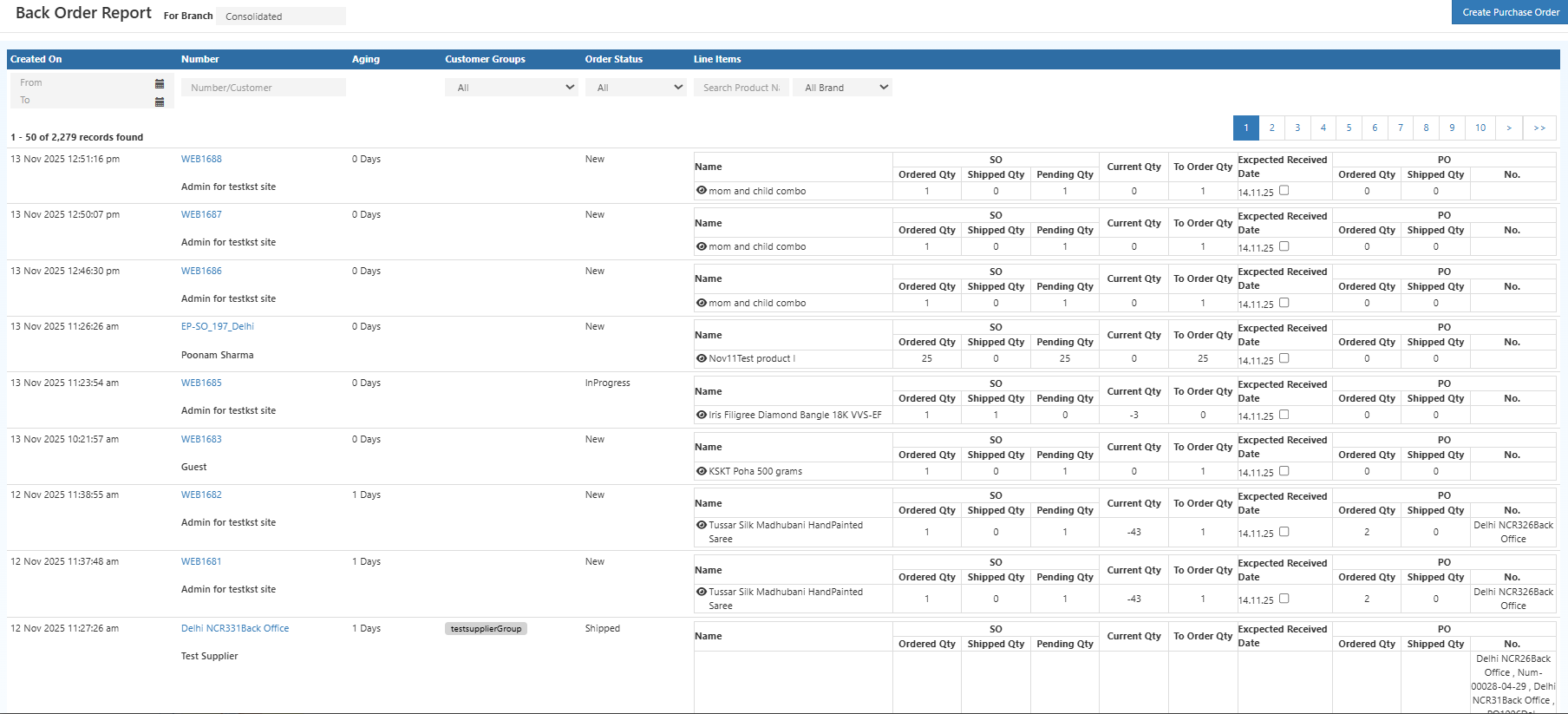
What This Report Shows
This report highlights all unfulfilled item-level demand across orders.
- Items with pending quantities
- Customer and order details
- Supplier and restock information
- Expected delivery timelines
Why It Matters
- Spot stock shortages early
- Plan purchases more accurately
- Prioritize pending orders
- Improve customer communication
- Track potential revenue in pending orders
Key Details Included
- Item Info – Product name, SKU
- Customer Info – Name and order reference
- Quantities – Ordered, delivered, pending
- Supplier Details – Vendor info
- Expected Date – Restock timeline
- Status – Current fulfillment stage
Schedule Report (Automation)
You can automate this report via email:
- Open Schedule Report
- Select Order Date
- Choose frequency (Daily / Weekly / Monthly)
- Set time and email details
- Save schedule
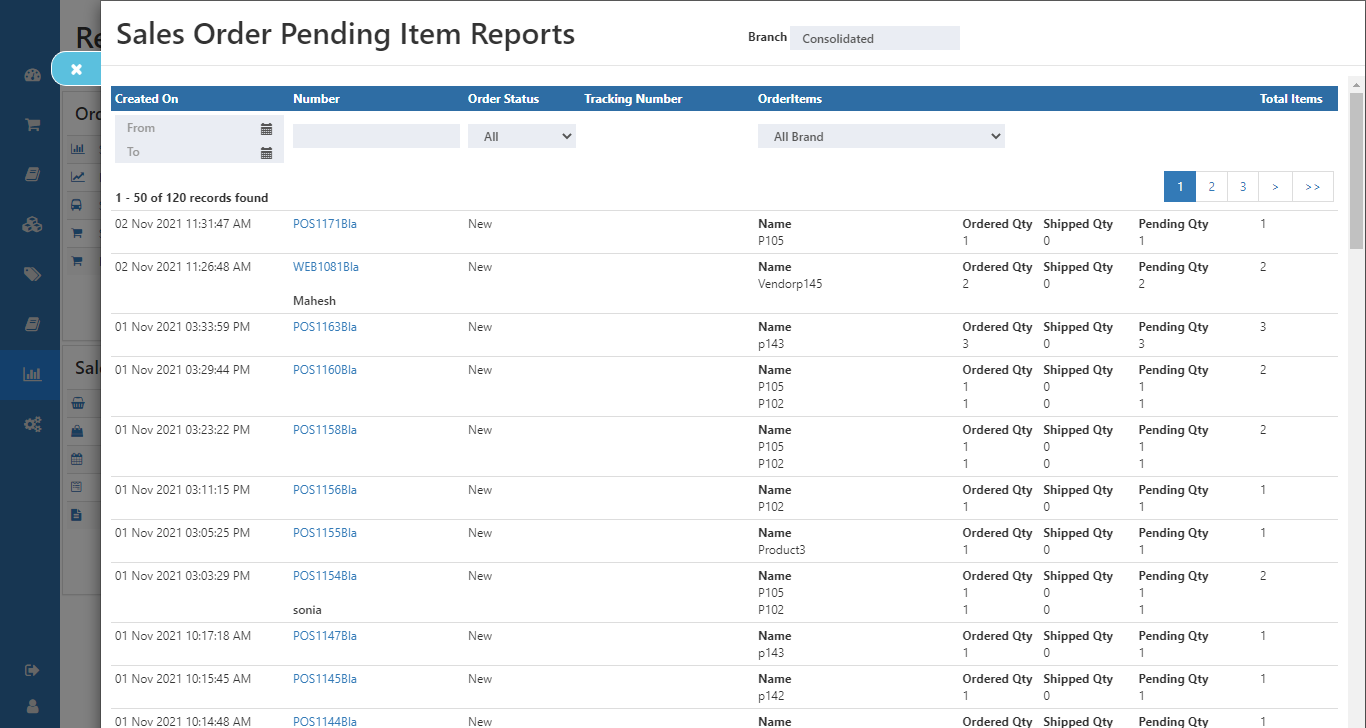
Export Options
- Export manually (CSV / PDF)
- Receive scheduled reports via email
Business Benefits
- Better stock planning
- Faster order fulfillment
- Reduced stockouts
- Improved coordination between teams
Pro Tip: Use this report daily to stay ahead of stock shortages and avoid delays in order fulfillment.