O2VEND Back Office Profile | Update Email, Phone, Password
Learn how to manage your O2VEND Back Office profile. Update name, email, phone, password, and review session details from the profile page
The O2VEND Back Office Profile page lets you manage your personal account settings in one place. Use this screen to update your contact details, change your password, and review session information.
What you can do on the Profile page
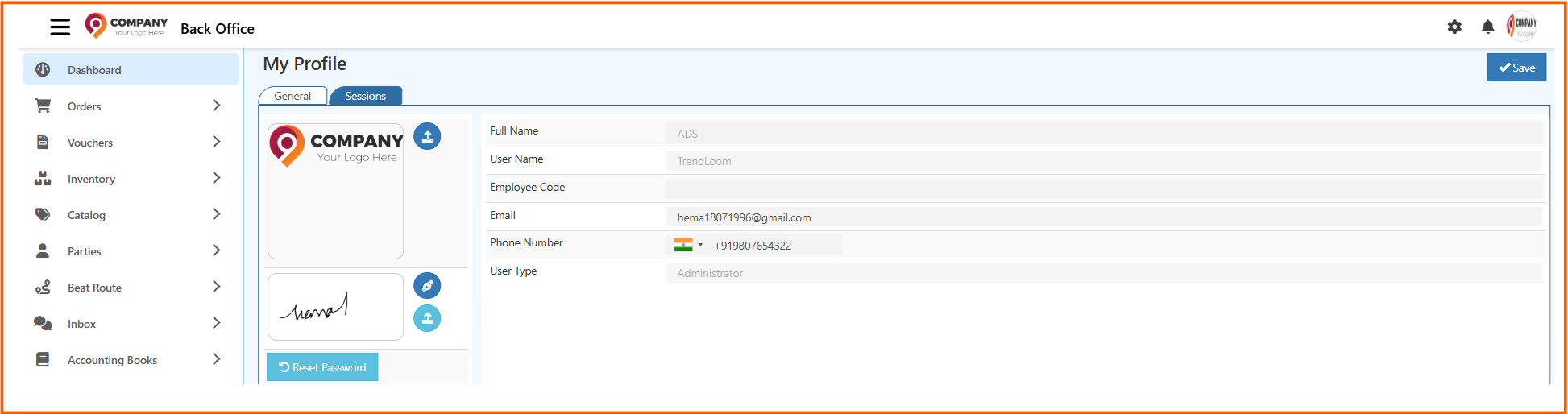
- View your full name, user name, and employee code.
- Update your email address and phone number.
- Confirm your user type and account details.
- Reset your password using the Reset Password button.
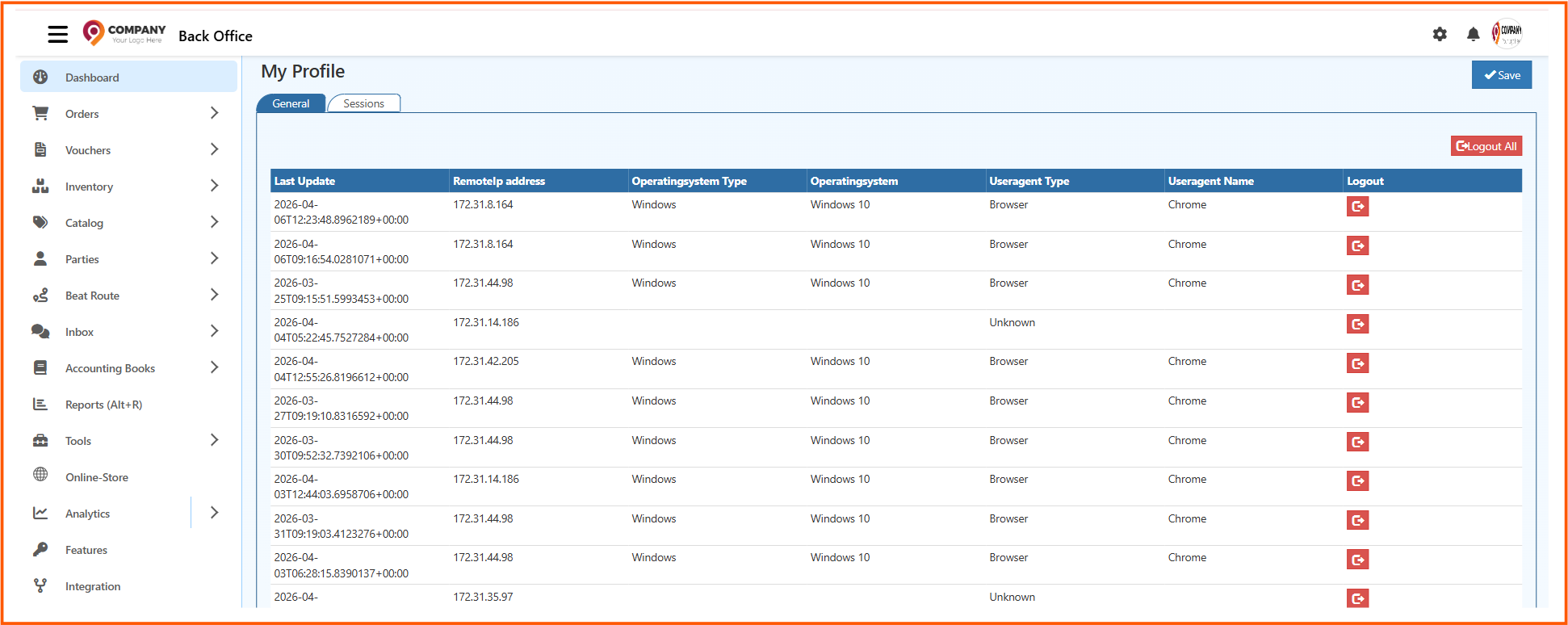
- Review session details from the Sessions tab.
How to open Profile
- Open Back Office.
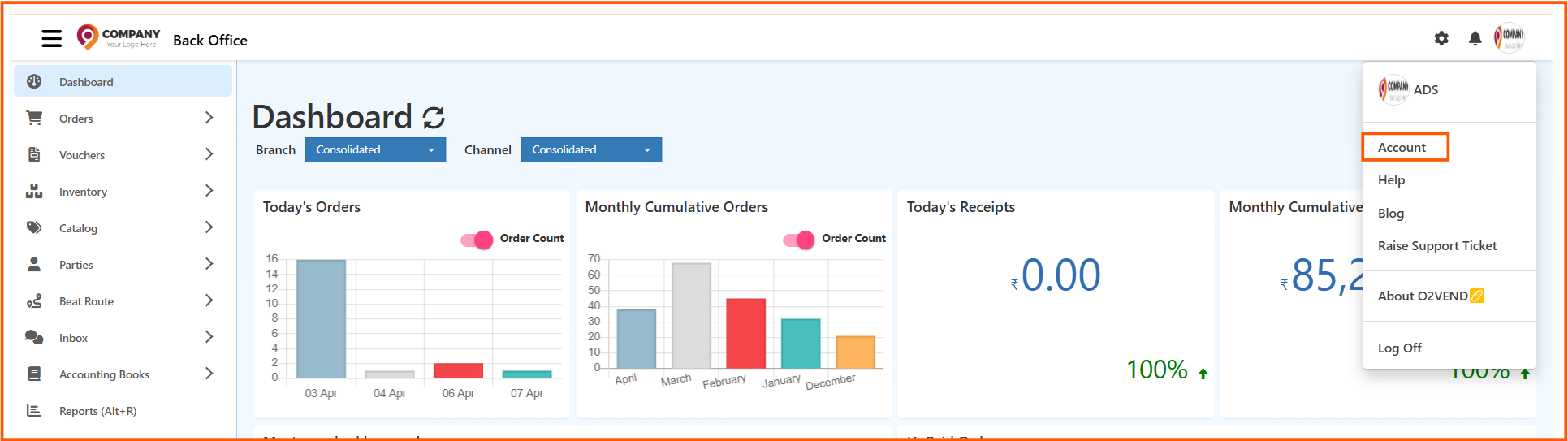
- Click the profile avatar or user icon in the top-right corner.
- Choose Account from the menu.
- Select the General tab to update profile fields, or choose Sessions to view active logins.
How to update your profile
- In the General tab, update your email and phone number fields.
- Verify that the displayed Full Name, User Name, and Employee Code are correct.
- Click the Save button in the top-right corner to save your changes.
How to change your password
- From the profile page, click the Reset Password button.
- Enter the new password details as prompted.
- Confirm the change and save the updated password settings.
Tips
- Use the Sessions tab to identify active or recent logins.
- If your phone number changes, update it immediately to keep account recovery details current.
- Save changes before navigating away to ensure your profile updates are applied.