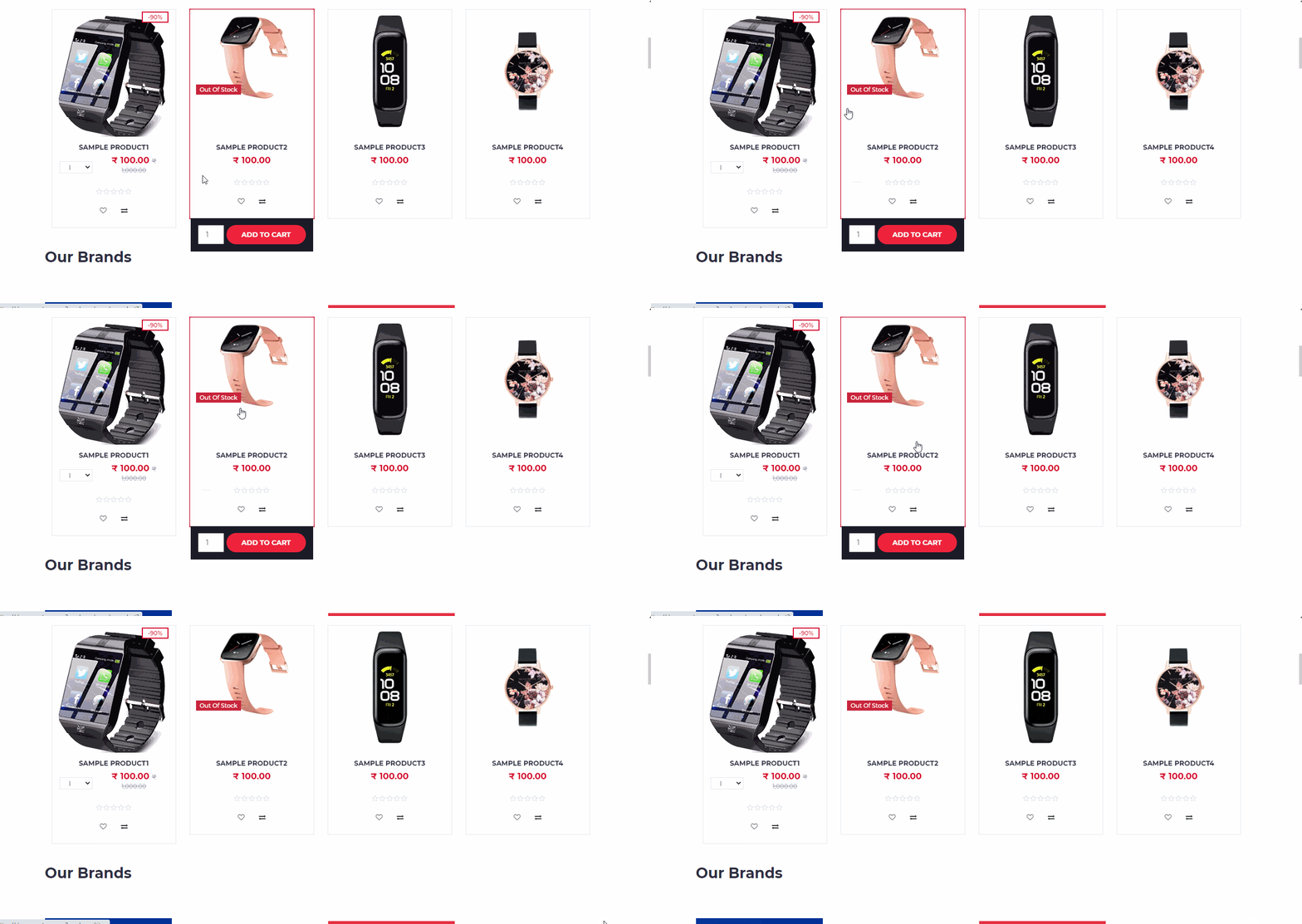
Features
This section guide how to enable/disable the key features for Back Office, pos and ecommerce.
How to set specific features
- Open Back Office.
- Go to Settings Menu.
- Go to the Store Settings section.
- It allows the admin can set any features as enable/disable.
There are 3 sections, general, web store and pos.
| General Features |
|---|
| Apply nearest round off for Order Total |
| Remember last date entered in voucher |
| Allow Date Change in Orders and Vouchers |
| Allow Product Price Including Tax |
| Allow Product Cost Including Tax |
| Show Customer OutStanding Invoices |
| Allow New Items in Goods Entries |
| Enable Duplicate Sku Detection |
| Allocate Branch Automatically in Sales Order |
| Update Product Price/Cost From Invoice Entries |
| Remove Discount From Product Price/Cost |
| Update Parent Product Prices as Variant Product Price |
| Allow to Send Email Notification for Web Order |
| Allow to Send Email Notification for Admin Order |
| Allow to Send Email Notification for Agent Order |
| Allow to Send Email Notification for POS Order |
| Print Template Name |
Apply nearest round off for Order Total
Numbers that are less than 5 get rounded down.
Numbers that are above 5 or higher get rounded up.
For example Rounding to two decimal place: 15.47 rounds to 15.5
Remember last date entered in voucher
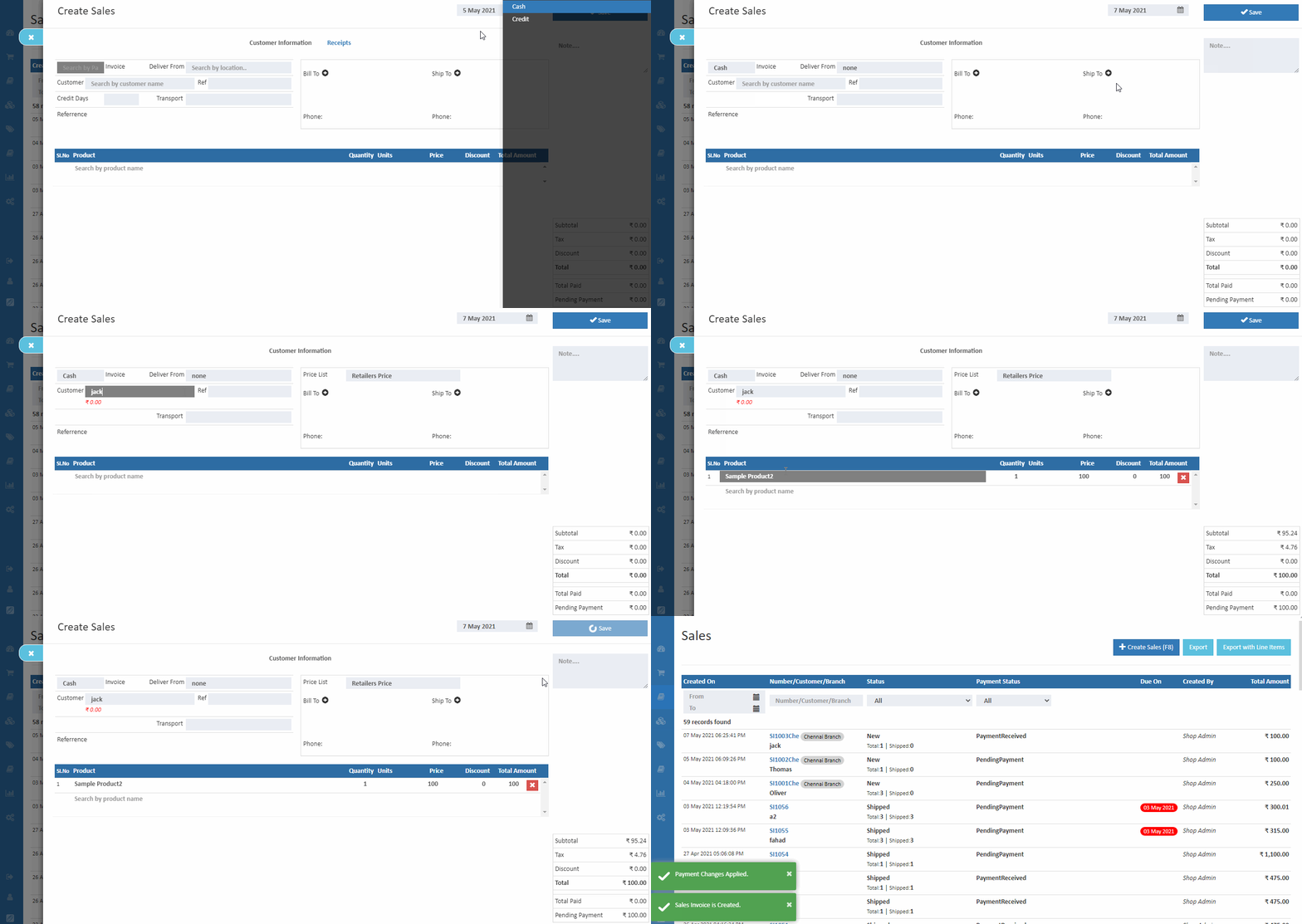
Allow Date Change in Orders and Vouchers
When a user wants to, record a postdated or future-dated voucher entry set Allow date change in orders and vouchers is enable
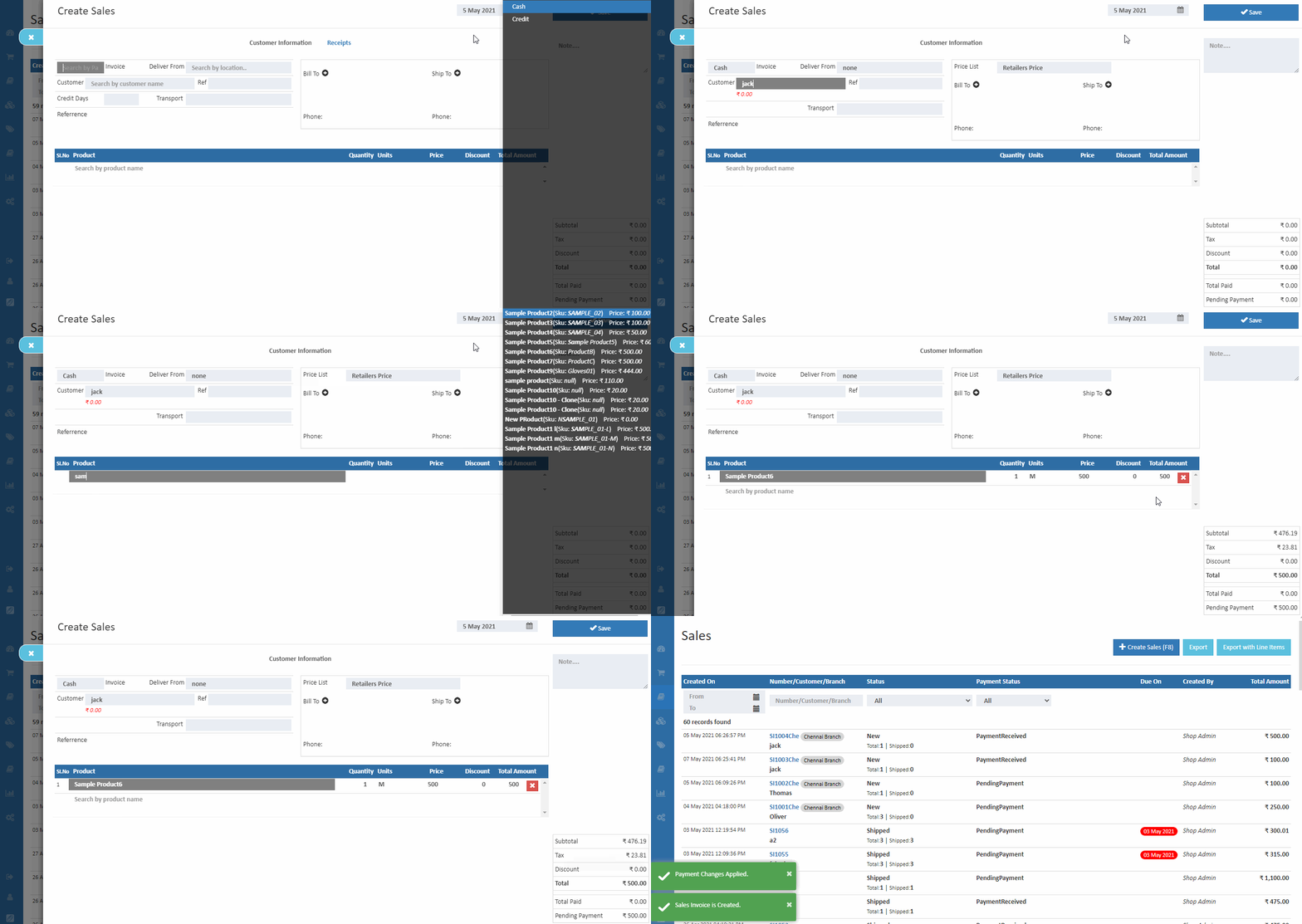
Allow Product Price Including Tax
This feature allows deciding if want to display the order total amount include or excluding taxes by selecting the Allow Product Price Including Tax option from O2VEND settings.
Allow Product Cost Including Tax
This feature allows deciding if want to display the order total amount include or excluding taxes by selecting the Allow Product cost Including Tax option from O2VEND settings.
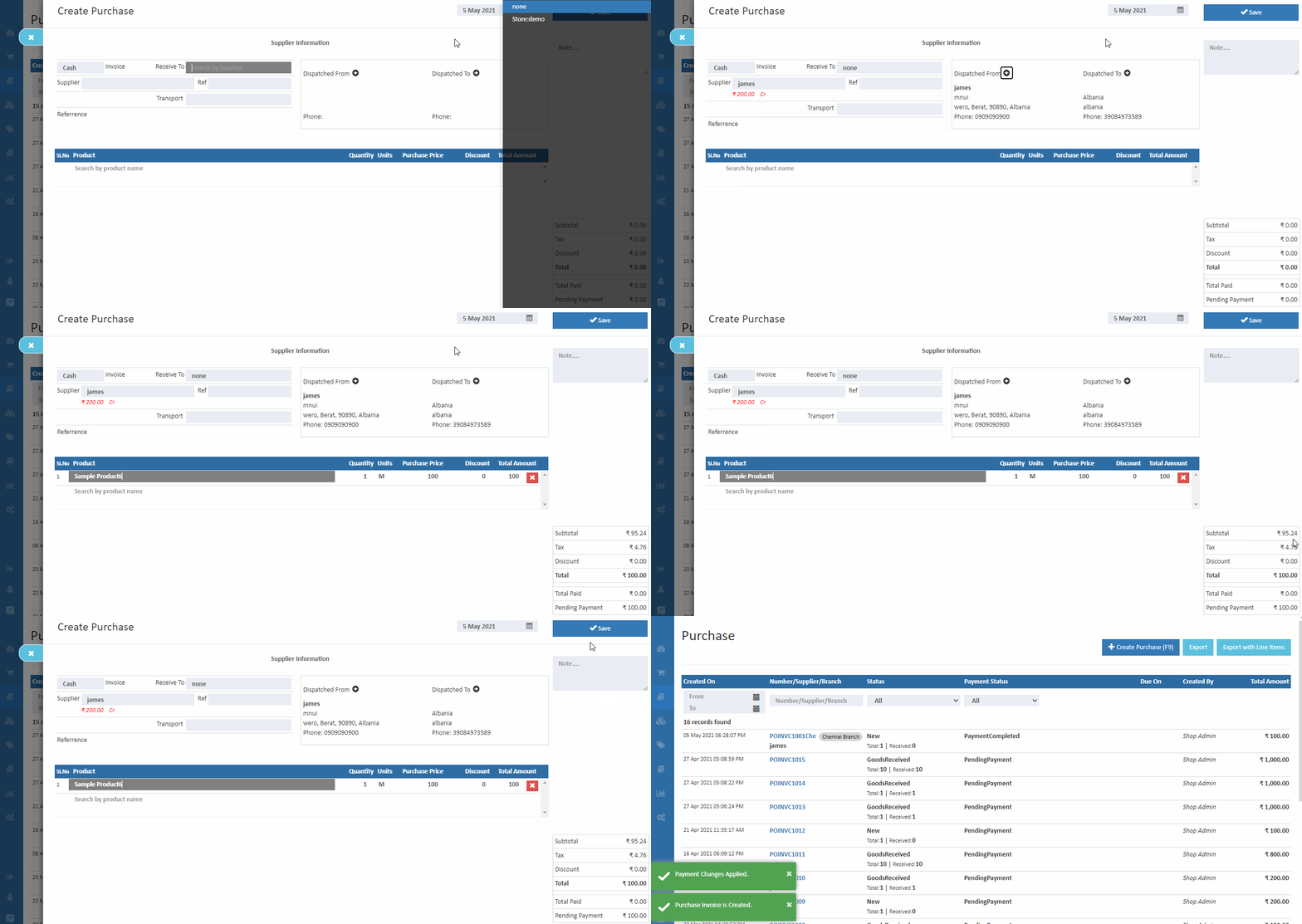
Show Customer Outstanding Invoices
This feature allows to when entering the customer name in orders and invoices at the time admin can see that customer outstanding invoices.
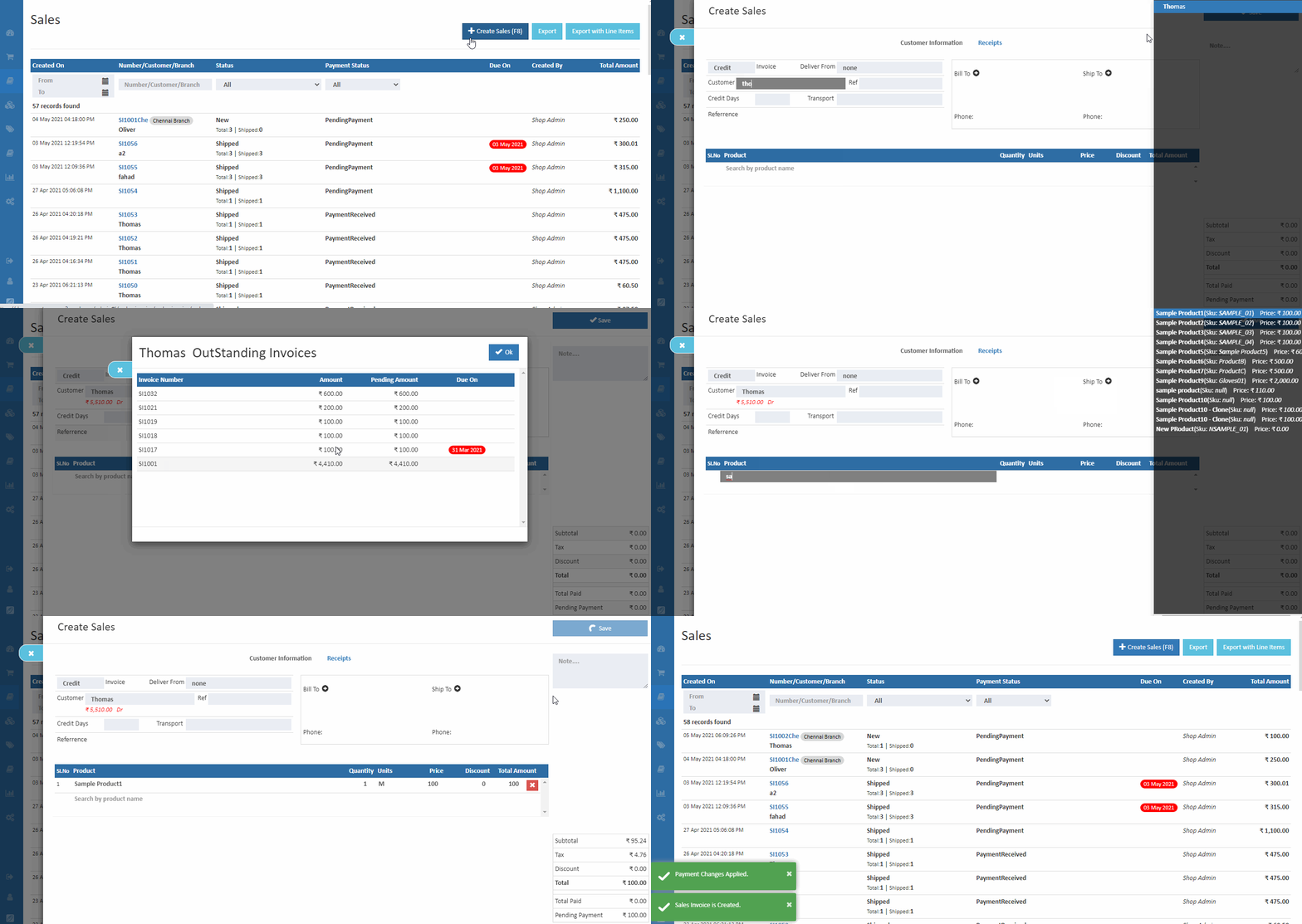
Allow New Items in Goods Entries
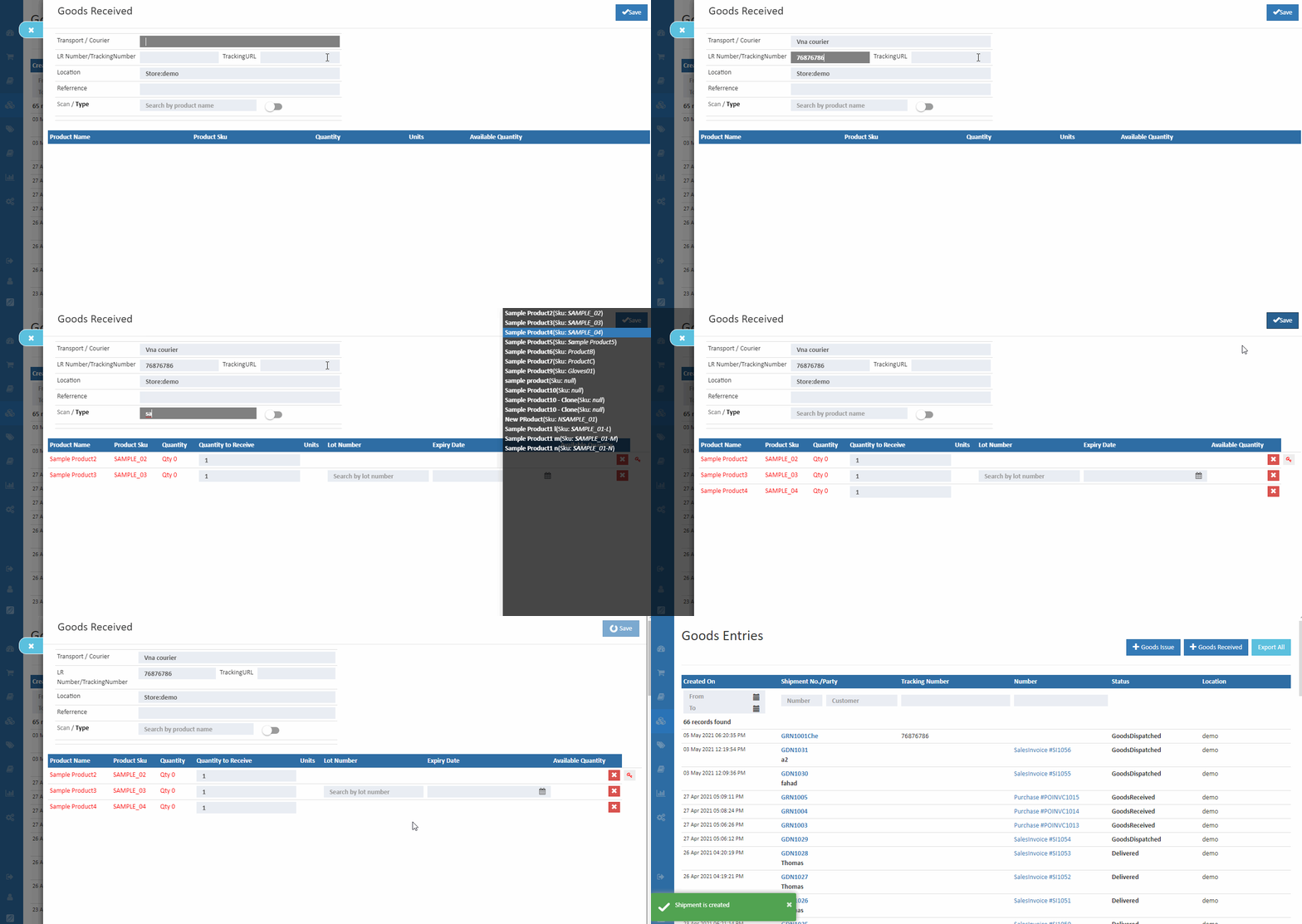
Set Allow New Items in Goods Entries is enable - it allows to add (use the scan or type product) the new stock items in Goods entries section.
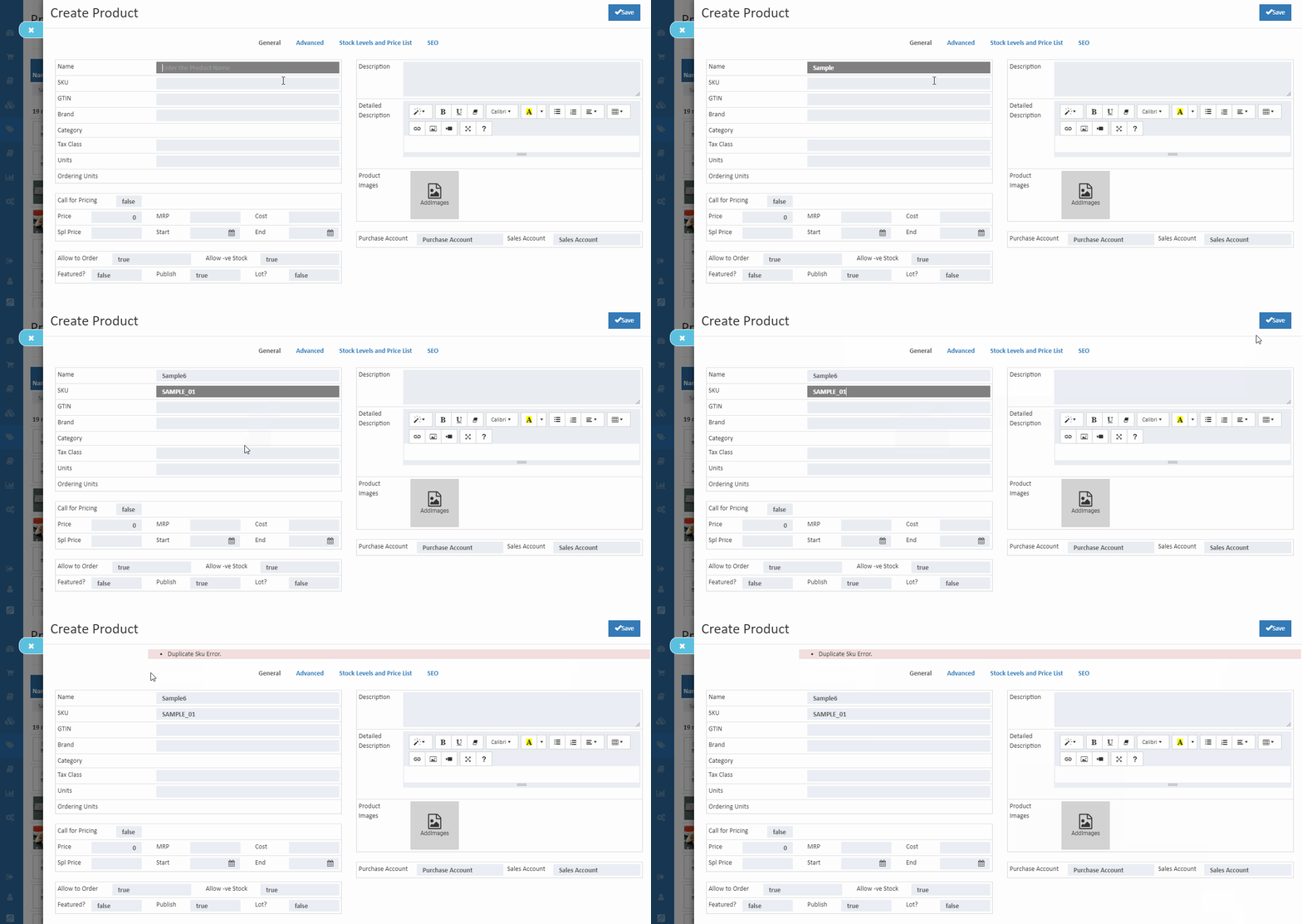
Enable Duplicate Sku Detection
This feature is useful for manage your product data in catalog section. Once duplicate SKUs are identified while saving the product, it will throw a Alert - Identified as Duplicate SKU.
Allocate Branch Automatically in Sales Order
This feature allows to automatic allocation of branch when customers selected pincode address is nearch the branch address pincode.
Update Product Price/Cost From Invoice Entries
Remove Discount From Product Price/Cost
Update Parent Product Prices as Variant Product Price
Allow to Send Email Notification for Web Order
Allow to Send Email Notification for Admin Order
Allow to Send Email Notification for Agent Order
Allow to Send Email Notification for POS Order
Print Template Name
- Offline for Point of sale
- Allow Web Notification
- Allow Date Change in orders and vouchers
- Allow Product Price Including Tax
- Allow Product Cost Including Tax
- Allow Changing Prices in POS
- Show Customer Outstanding Invoices
- Show Variations in Product Thumbnail(Electron Theme)
- Automatic Popup of Promotion Coupon in eCommerce
- Show QuickOrder in eCommerce
- Allow New Items in Goods Entries
- Show Out Of Stock Product in eCommerce
- Enable Duplicate Sku Detection
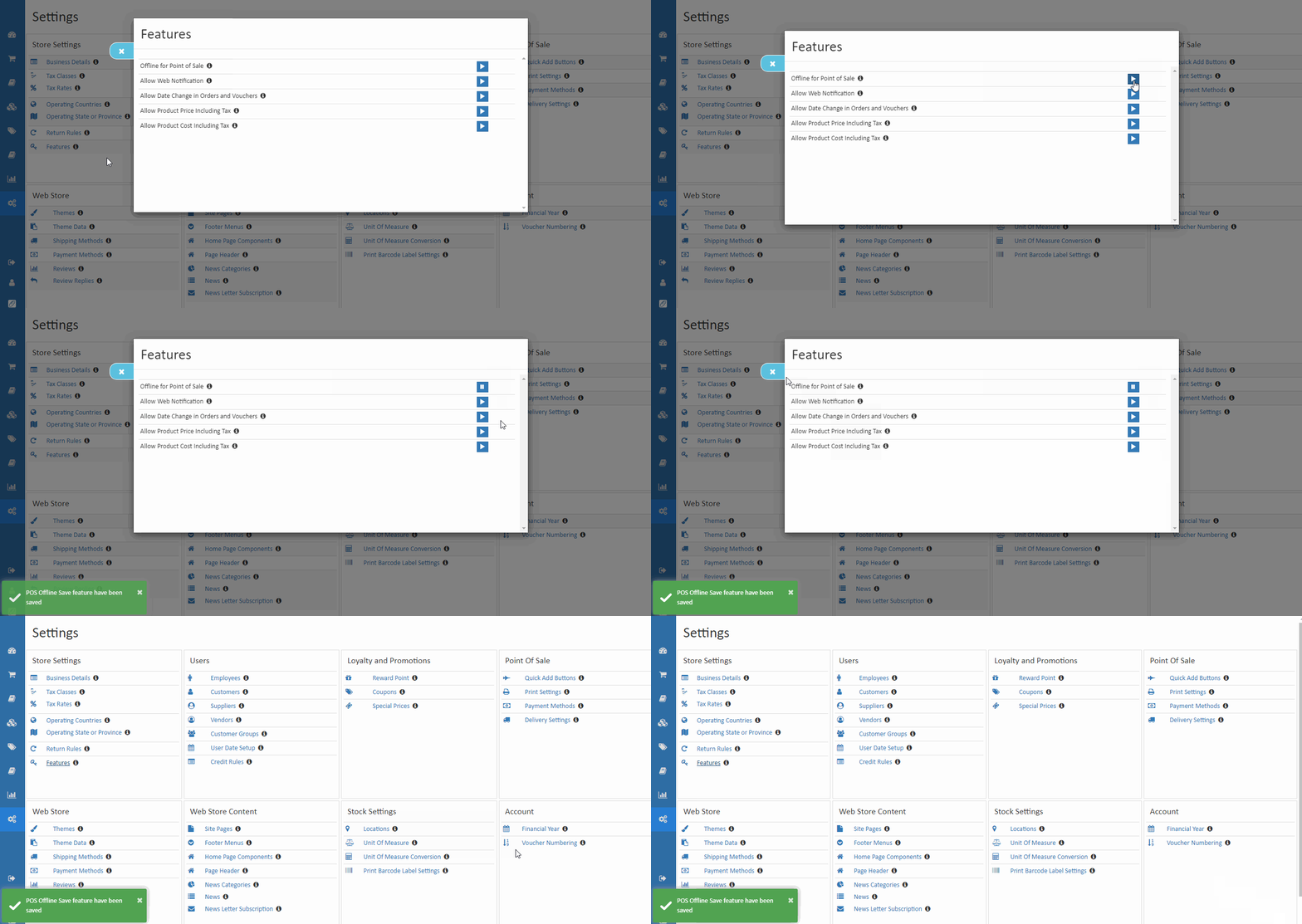
Offline For Point Of Sale
Pos Offline Save Feature
Our O2VEND POS handles both online and offline orders and transactions. POS Offline operation - if lose internet connection continue to function normally, once enabled the offline function all data is synchronized. When enabled offline save, it can supports Sales and Receipts in POS during network offline. Offline POS keeps the store running even if the Internet isn't.
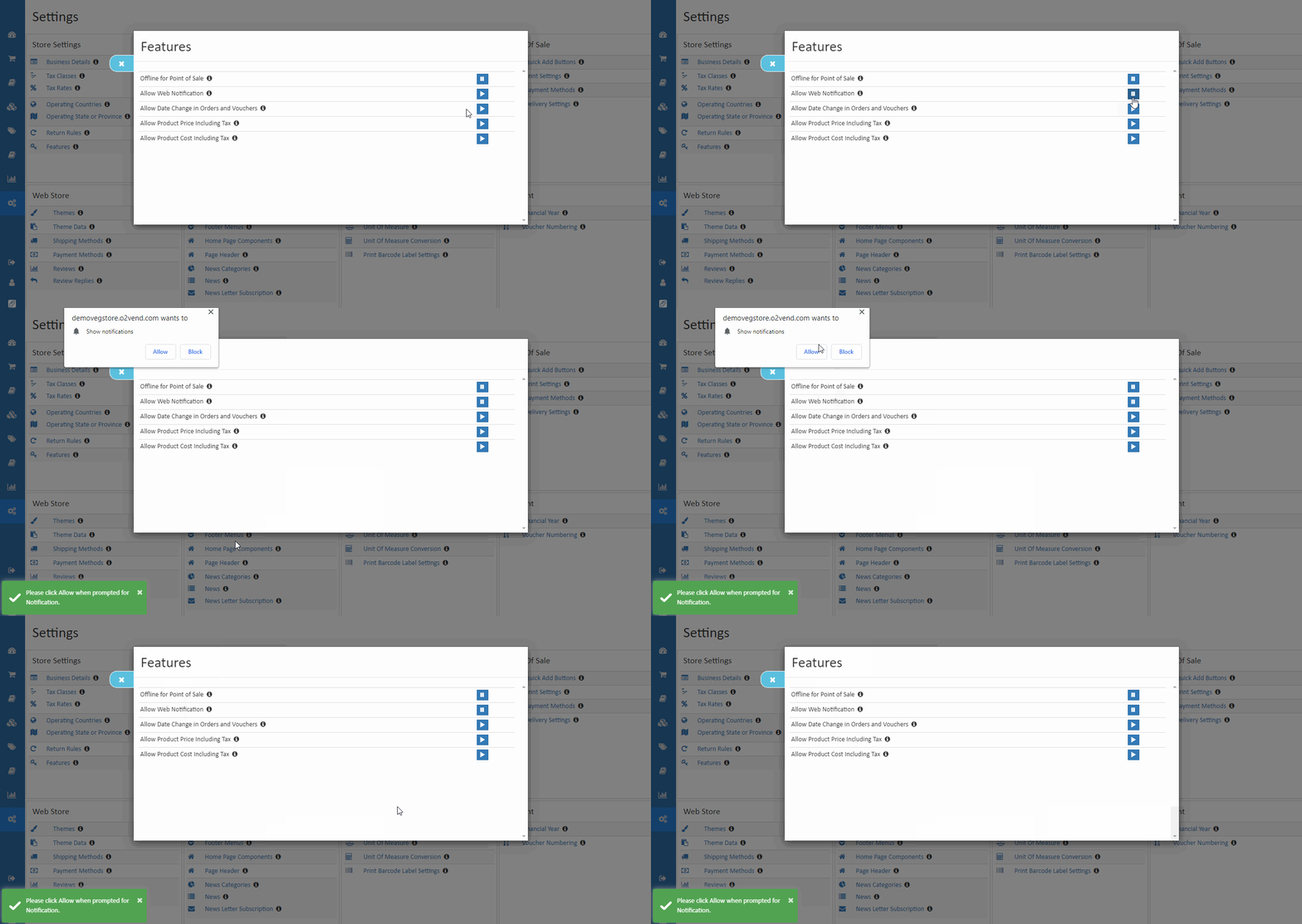
Push Notification
Using website push notifications for e-commerce business can bring benefits to business and help reach goals. That allows the eCommerce store owner to received automated push notifications on the browser. The push notification is only received when the order is coming from the eCommerce store.
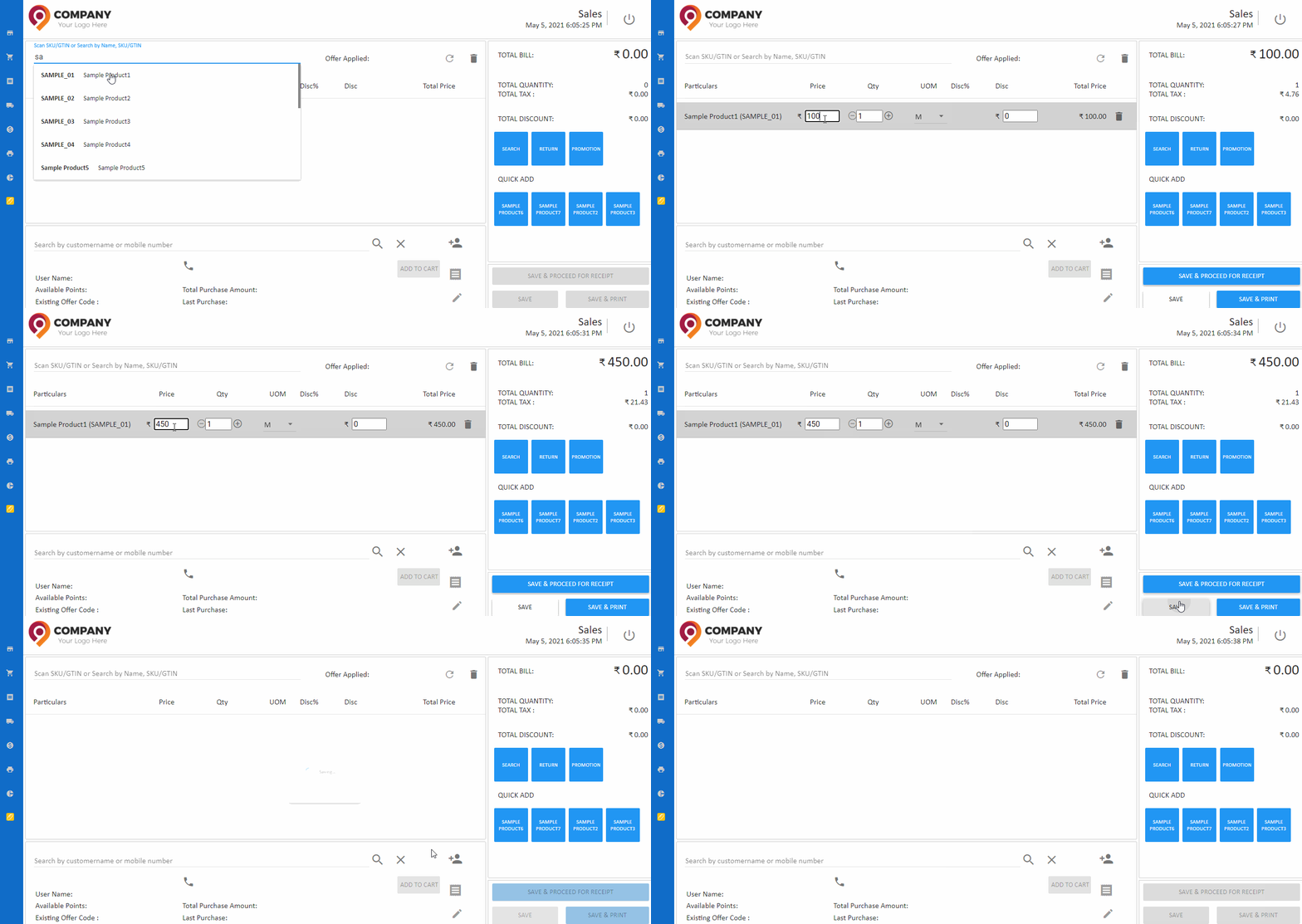
Allow Changing Prices in POS
This feature allows the to admin can edit or change the price at the point of sale.
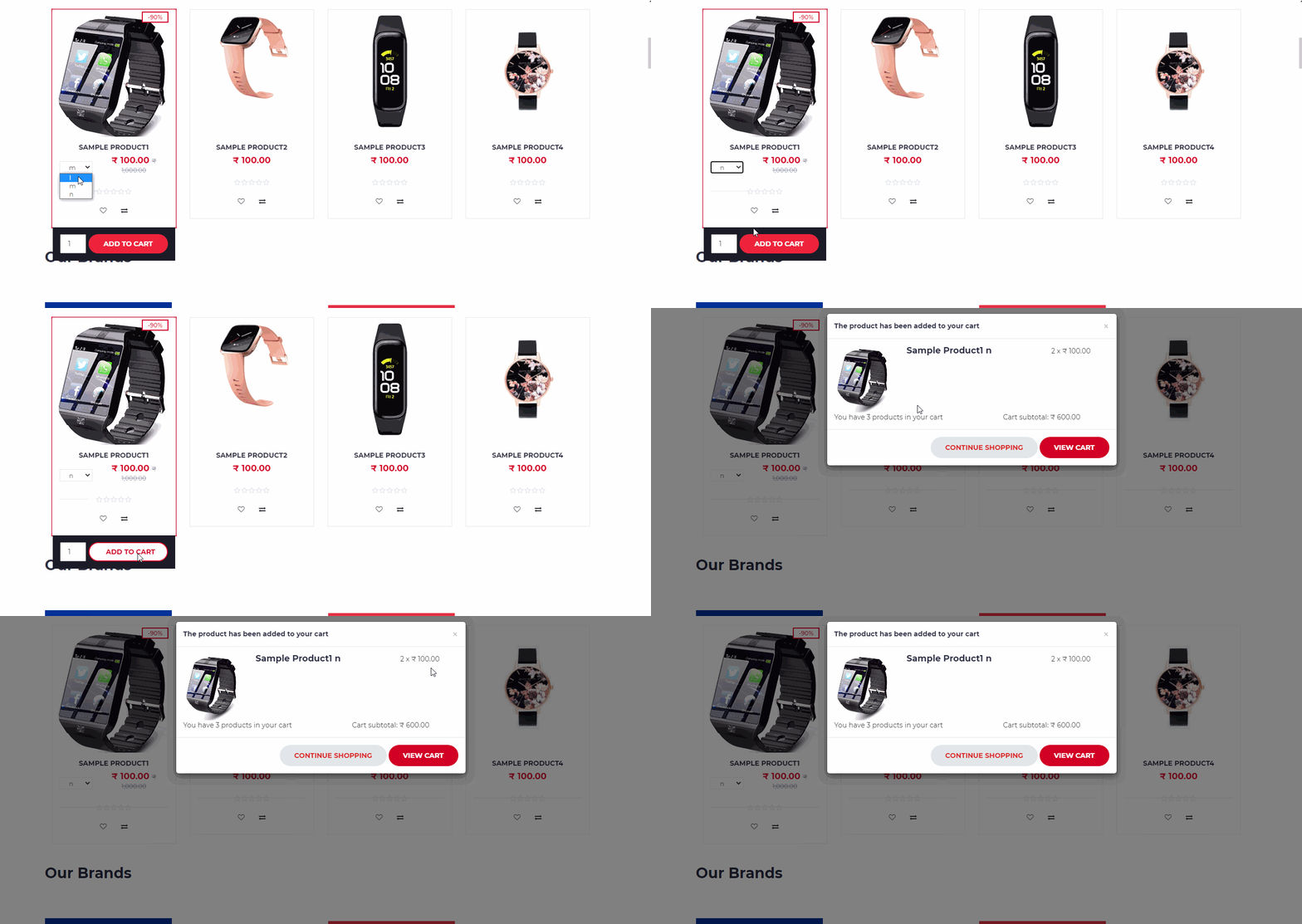
Show Variations in Product Thumbnail(Electron Theme)
This feature allows to variations are displayed outside of the product card in eCommerce. This feature is useful to the customers to add products easily to their cart.
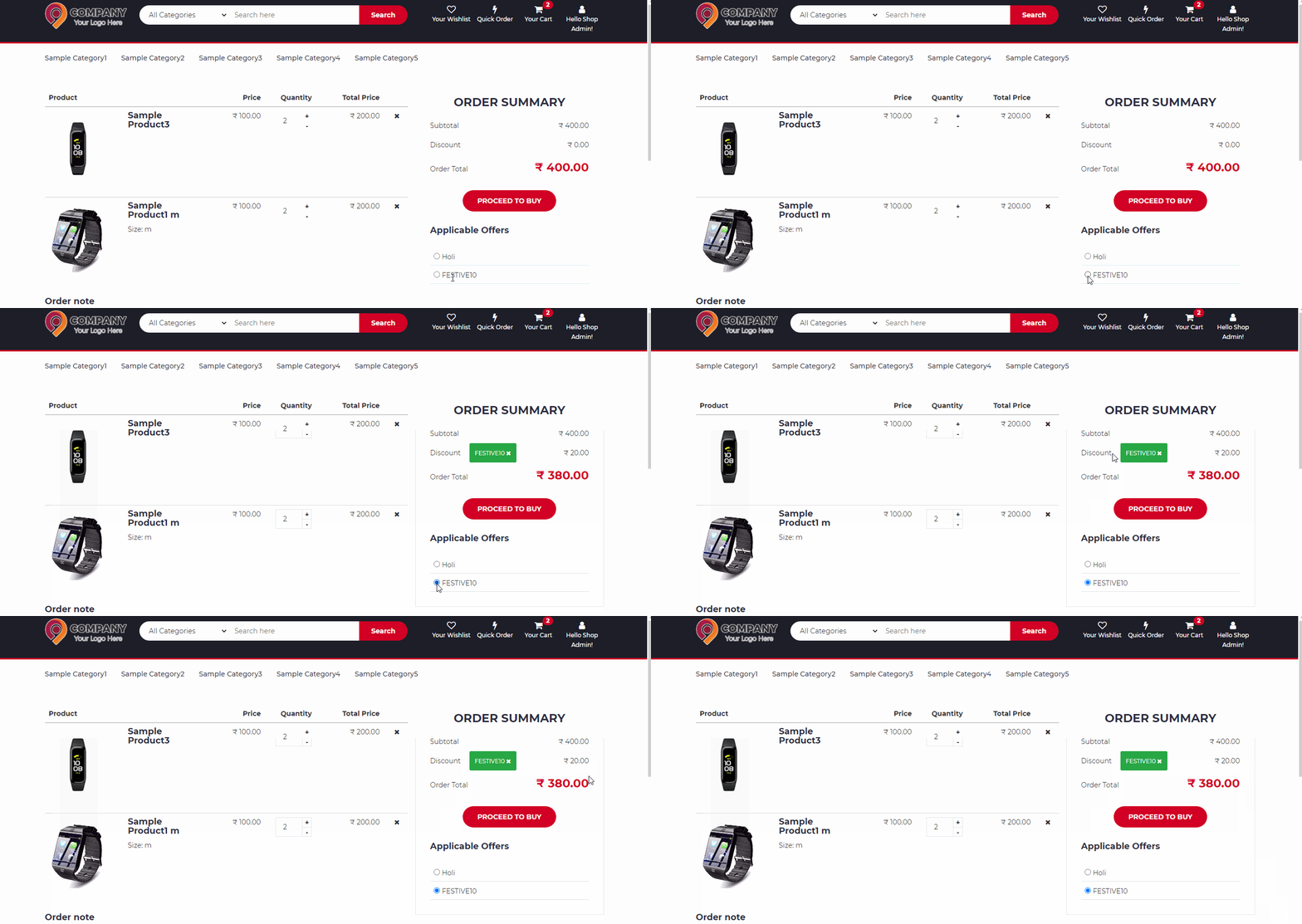
Automatic Popup of Promotion Coupon in eCommerce
This feature allows to customer can select their coupon to the popup model. It is useful to the customer can just click the coupon popup instead of typing the coupon name.
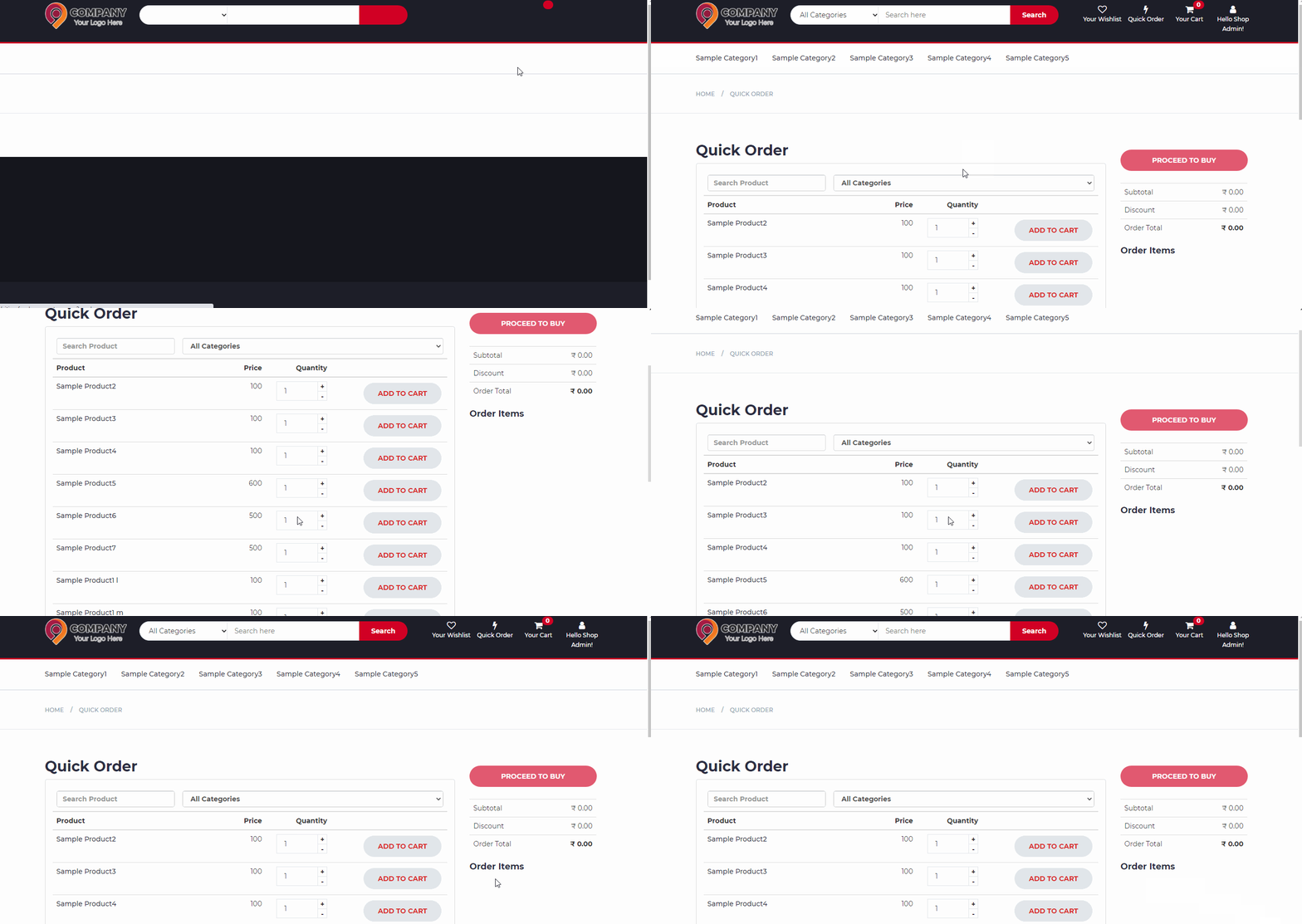
Show QuickOrder in eCommerce
This feature allows to customer can select their regular buying products using these quick order methods. When enabling these features quick order icon is displayed.
Allow New Items in Goods Entries
This feature allows the admin can enter new products in goods entries ( GDN and GRN ).
Show Out Of Stock Product in eCommerce
This feature allows out-of-stock displays in product cards in eCommerce. When the product has allowed negative stock is false, these features only apply to that products only.