Incoming Packages (GRN) in O2VEND ERP | Inbound Shipment Tracking & Stock Receipt
Manage inbound shipments and Goods Receive Notes (GRN) in O2VEND ERP. Track incoming packages, verify deliveries, inspect stock, and ensure accurate warehouse inventory updates.
Track and verify inbound shipments in O2VEND ERP. Create GRN from PO, PI, or packages, inspect stock, and maintain accurate, audit-ready warehouse inventory.
What is a Goods Receive Note (GRN)?
A Goods Receive Note (GRN) is a warehouse document used to record and verify incoming packages, supplier deliveries, and purchase order stock receipts in O2VEND. It is essential for warehouse inventory management, stock verification, and updating inward stock movement.
GRN Creation Sources in O2VEND ERP
O2VEND ERP allows GRN creation from multiple sources, ensuring accurate inward processing and inventory control.
| GRN Source | Purpose & Benefits |
|---|---|
| Purchase Order (PO) | Create GRN directly from approved POs to validate quantities and post stock efficiently |
| Purchase Invoice (PI) | Generate GRN during invoice entry to confirm received quantities before updating inventory |
| Receipt Challan (RC) | Record GRN from receipt challans to maintain shipment and document traceability |
| Incoming Packages | Create GRN after package inspection, supporting partial receipts and package-level verification |
Navigation: Access Incoming Packages
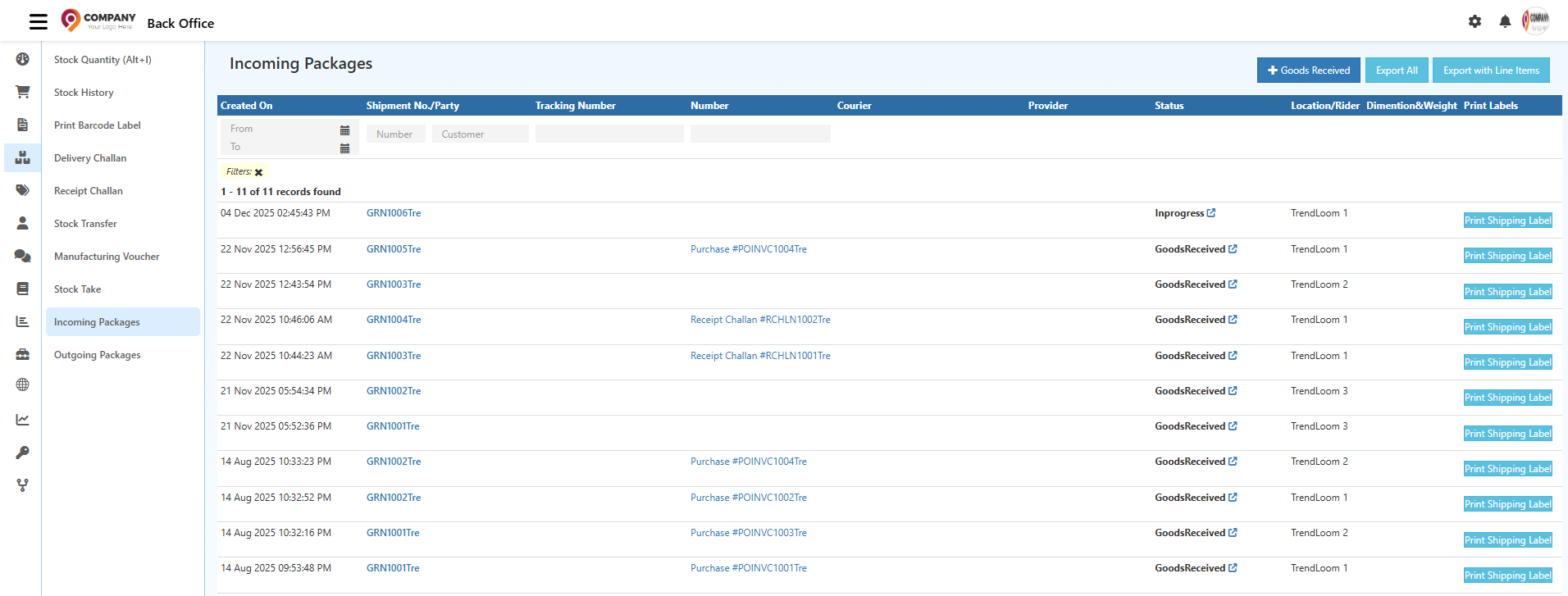
Back Office → Inventory → Incoming Packages
This provides quick access to inbound shipments, package inspection, and GRN creation for warehouse teams.
GRN Overview – Goods Receive Workflow
The GRN screen in O2VEND ERP provides a complete view of inbound stock receipt, capturing GRN reference, transport or courier details, tracking numbers, receiving location, package count, and product-wise quantities. It also supports inspection quantity, rejected quantity, and unit-level validation before stock is confirmed.
The tab-based layout — General, Packages, History, Status, Documents — allows warehouse teams to manage package details, track changes, upload documents, and control GRN status from a single interface.
Goods Receive (GRN) screen in O2VEND ERP – verify packages, inspect quantities, and confirm stock receipt with accuracy.
GRN Detailed Guides
- Incoming Packages – Columns & Functions
- Step-by-Step GRN Creation in O2VEND ERP
- General Tab — GRN Data Entry & Verification
- Add Package Panel
- Initiate GRN – Packages Tab
- GRN Packages Tab & Package Material Handling
- Benefits of Using Packages in O2VEND ERP GRN
- Related Inventory & GRN Topics in O2VEND