Journal Entry Management in O2VEND
A journal entry is used to record business transactions in your accounting books using debit and credit entries.
In O2VEND, journal entries help you manage adjustments, corrections, and non-standard transactions with accurate financial tracking.
What Is a Journal Entry?
A journal entry in accounting is a record that includes:
- Transaction date
- Accounts to be debited and credited
- Amount of the transaction
- A short description (narration)
- A unique reference number
Every journal entry must follow one rule: Total Debit = Total Credit
When to Use Journal Entry
You can use journal entries for:
- Adjusting or correcting entries
- Recording non-cash transactions
- Transferring balances between accounts
- Handling special accounting cases
How to Create a Journal Entry in O2VEND
Follow these steps:
Open Back Office
Go to Vouchers
Click on Journal
Click Create Journal (top-right corner)
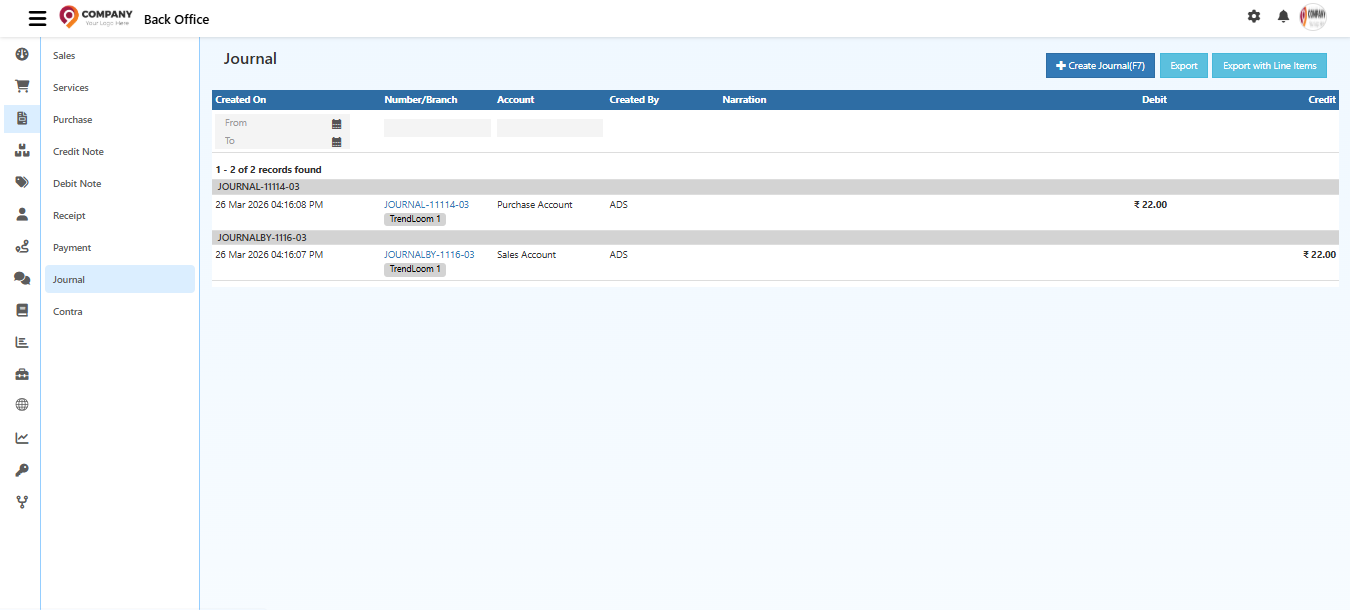
Select:
- Creditor account
- Debitor account
Enter details in the Narration field (optional but recommended)
Enter the amount and press Enter to add it
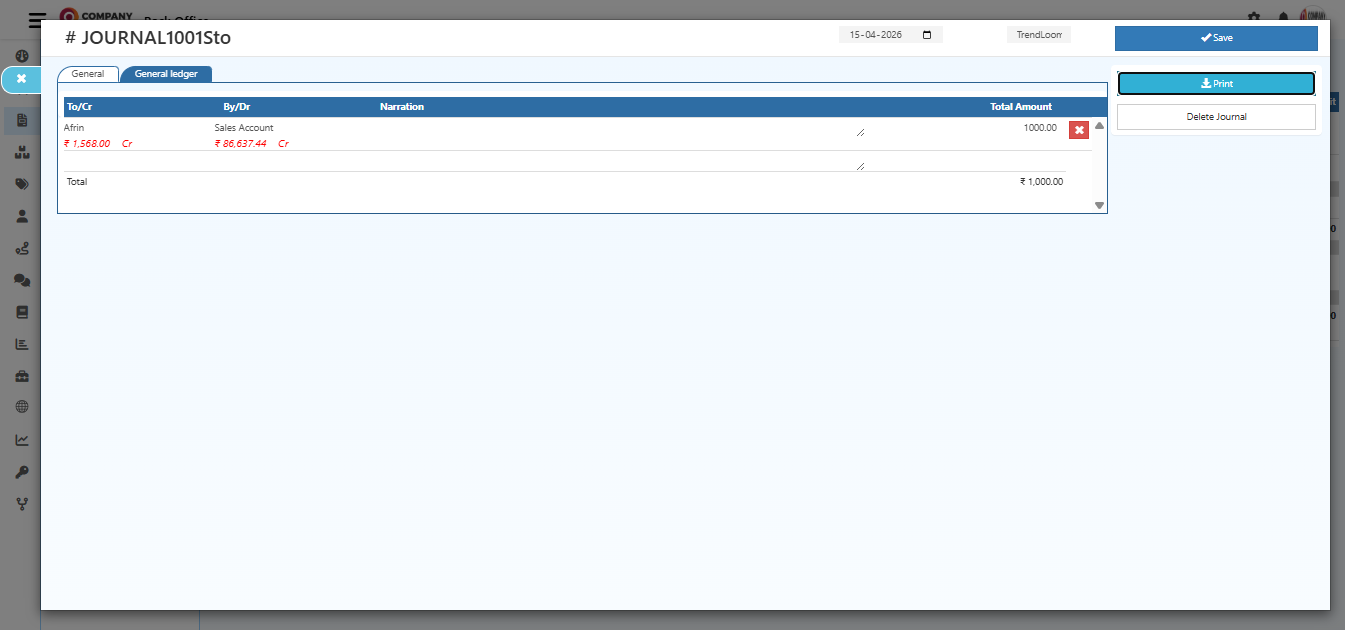
Add multiple debit and credit rows if required
Click Save
Viewing Journal Entries
To view existing journal entries:
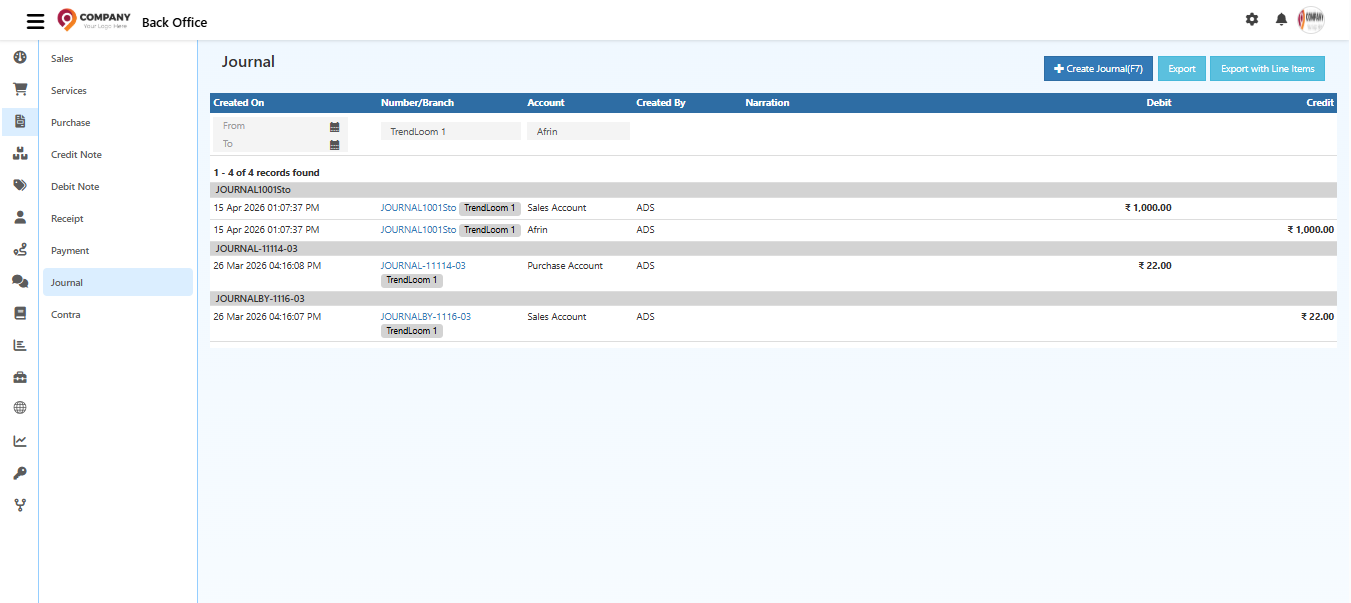
- Navigate to the Journal section
- Browse the list of journal entries
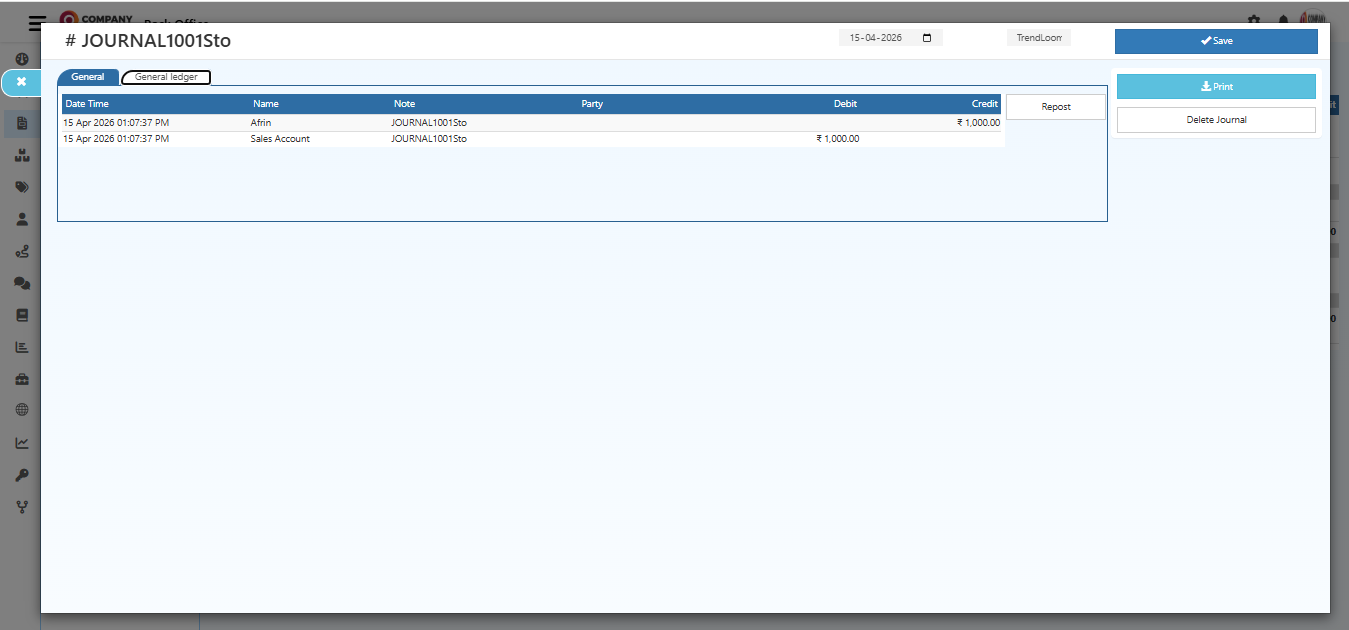
- Click on an entry to view details
General Ledger
Journal entries are reflected in the general ledger for comprehensive financial reporting.
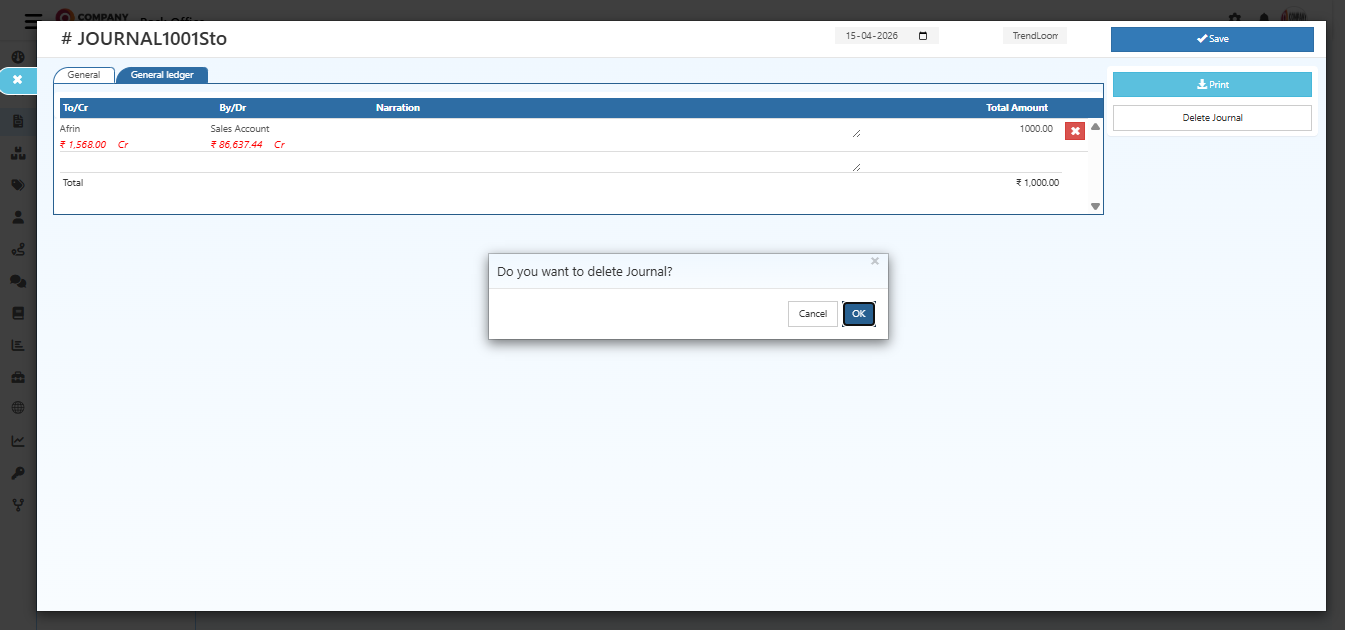
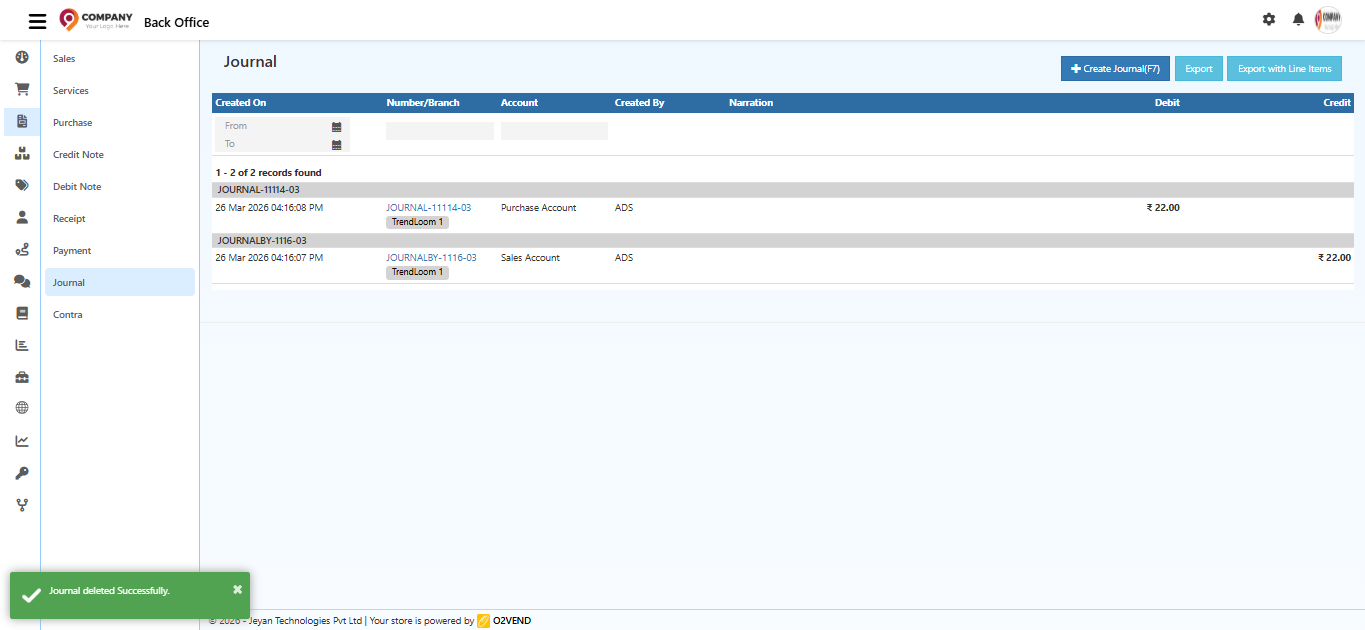
Deleting Journal Entries
To delete a journal entry:
Select the entry from the list
Click the delete option
Confirm the deletion
Best Practices
- Always ensure debit and credit amounts match
- Use clear narration for better tracking
- Double-check accounts before saving
- Avoid duplicate or incorrect entries
Related Topics
A journal entry in O2VEND helps you record financial transactions accurately using debit and credit rules.
By following the correct steps, you can maintain balanced accounts, clear records, and reliable financial data.