O2VEND Sales Agent App - Agent app for remote sales orders, Cash collection and invoices
In this section, learn how to use O2VEND app. Users can easily install the app using chrome browser in their mobile and your agents can use the application on mobile. The O2VEND app is available only for admin, sales agents and employees.
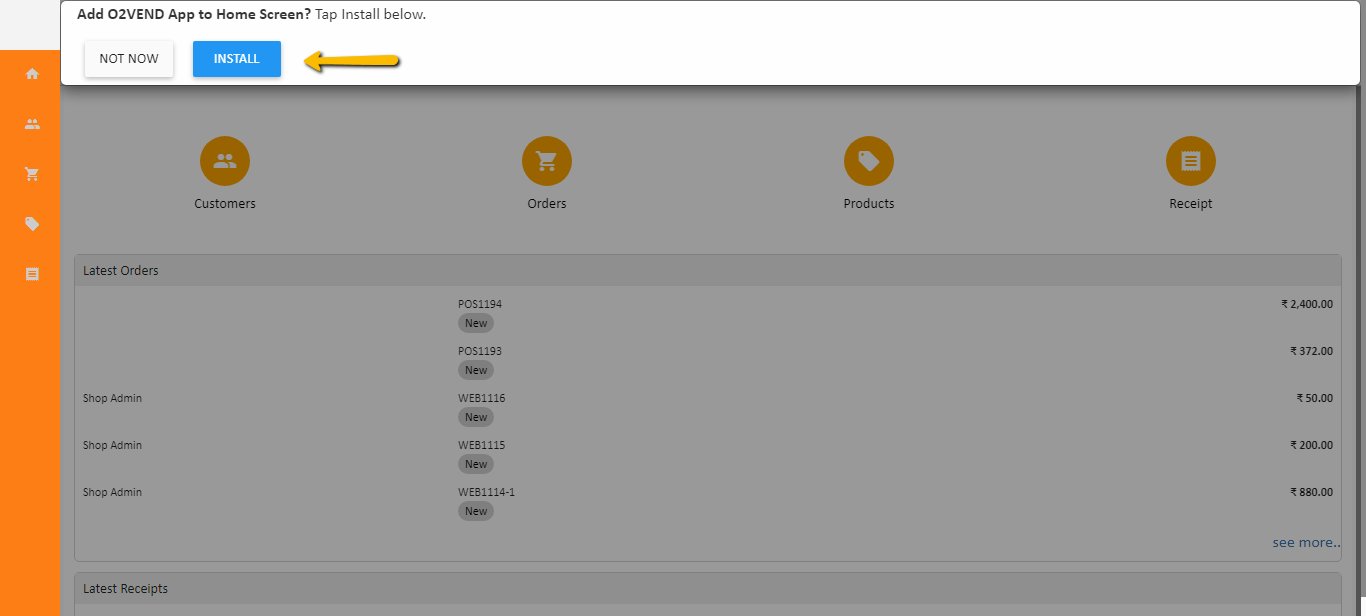
O2VEND app have five sections. There are,
- Home
- Customers
- Orders
- Products
- Receipts
How to install O2VEND App on mobile
For Installation of O2VEND app please follow the below steps.
- Open Chrome in your mobile phone.
- Go to your app's website. For example, https://
.o2vend.com/app. - Enter user name and password.
- After login, Tap Add to the home screen and click Install
- Now, O2VEND app is installed in mobile.